Fleet
Edit a car
Change details, features and listing status, or delete a car.
Available onWebsiteiPhoneAndroid
In Fleet, click Edit on the car's row. Each tab saves on its own.
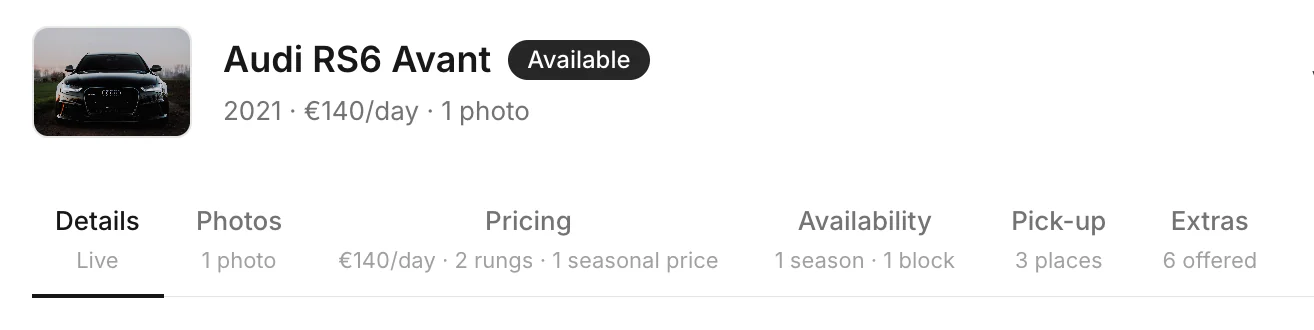
| Tab | What's there |
|---|---|
| Details | The car, its specs and features, the daily price, listing status, description and registration. Delete this car is at the bottom. |
| Photos | Car photos |
| Pricing | Long-rental pricing and seasonal prices |
| Availability | Seasonal minimums and block-out dates |
| Pick-up | Where renters collect this car. Pick-up places |
| Extras | Which extras this car offers |
Listing status
| Dashboard | Apps | Renters |
|---|---|---|
| Live | Available | can book it |
| In the garage | Maintenance | can't book it. Its bookings stay. |
| Hidden | Hidden | don't see it. A private draft. |
Delete a car
On the dashboard: Details tab › Delete this car. It removes the car, its photos and its bookings, with no undo. A car with a paid booking that isn't over can't be deleted. Set it to Hidden instead.
Good to know
- Features and the description are changed on the dashboard.
- Owners and managers can edit cars. Staff can't.
Still need help? Contact Rento support from your company dashboard.