Fleet
Add car photos
Upload up to 12 photos and choose the cover.
Available onWebsiteiPhoneAndroid
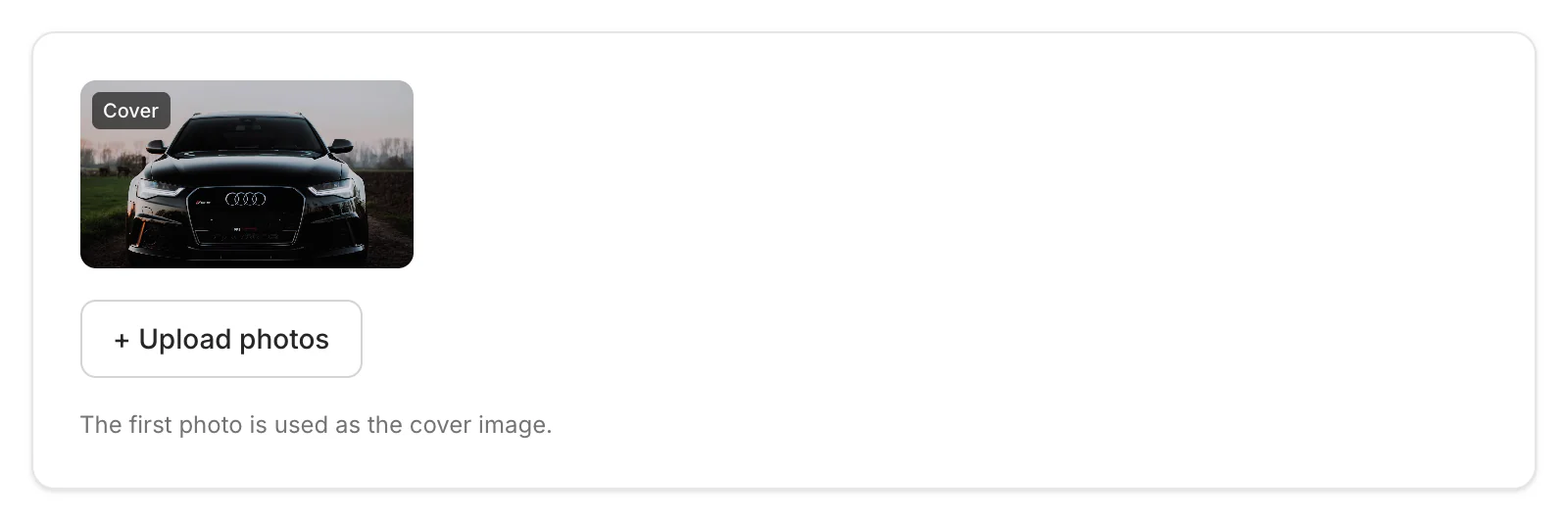
Cars with photos are booked far more often. Add up to 12. The first one is the cover.
Upload
Click + Upload photos and choose them. They're saved as they upload.
Choose the cover
Click Make cover on a photo, or move photos earlier or later.
Good to know
- On the dashboard: JPG, PNG, WebP or AVIF, up to 40 MB each. Large photos are made smaller automatically.
- Removing a photo deletes it for good.
Still need help? Contact Rento support from your company dashboard.