Fleet
Set minimum rental days
Ask for longer rentals in busy seasons.
Available onWebsiteiPhoneAndroid
A seasonal minimum asks for a longer rental over a busy season. For example, at least 5 days in high summer. Outside the window, any length is fine.
Open Availability
In Fleet, click Edit on the car, then the Availability tab.
Add a window
Click Add a window. Type a Name, pick the Dates it covers and the days At least. Choose what happens to a rental that only clips it. Click Save minimums.
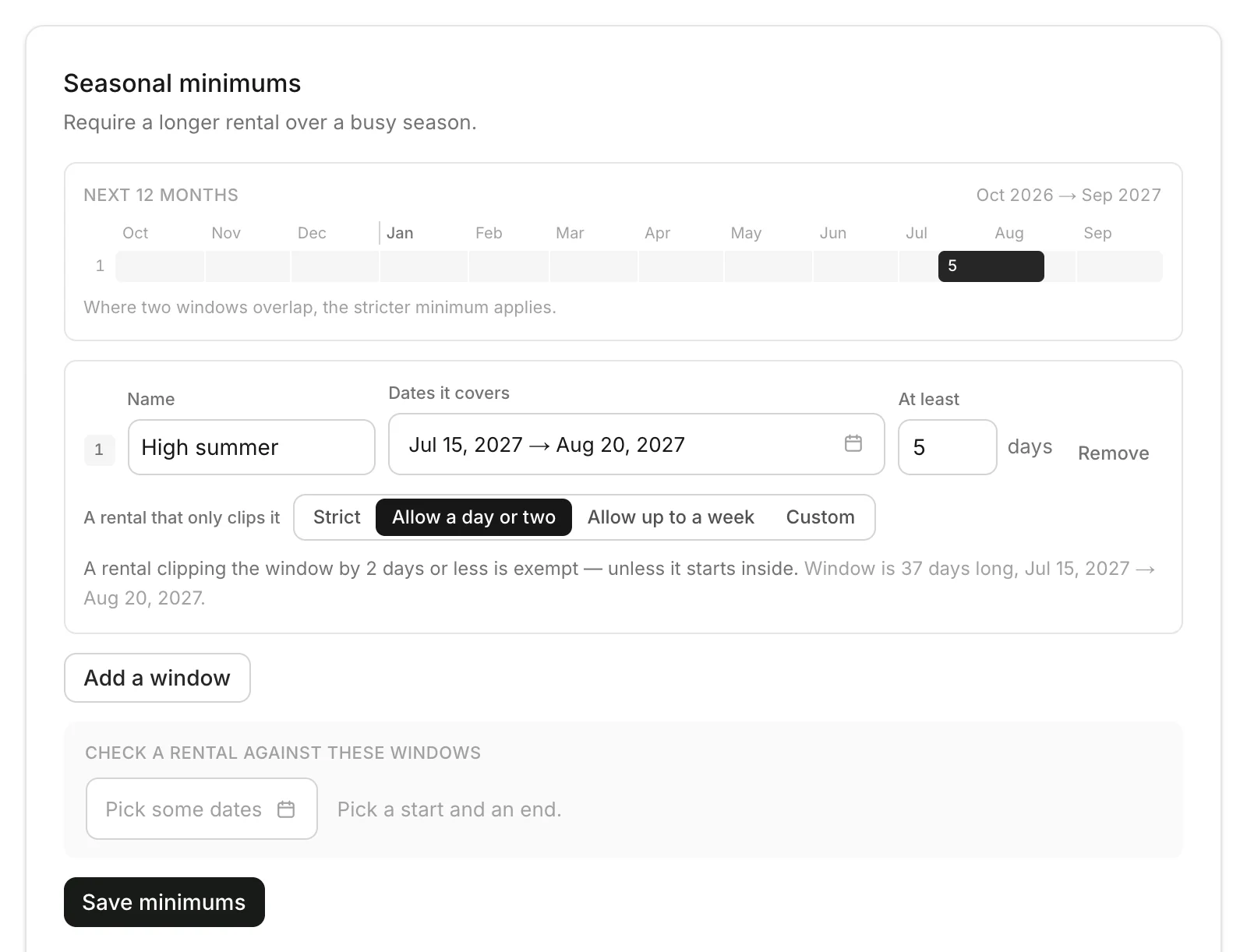
A rental that only clips it
A rental that starts before the window and runs into it:
| Choice | Needs the minimum? |
|---|---|
| Strict | Always |
| A day or two | Not if 2 days or fewer fall in the window |
| Up to a week | Not if a week or less falls in the window |
| Custom (dashboard) | Not if your number of days or fewer fall in the window |
A rental that starts inside the window always needs the minimum.
Good to know
- A minimum is 2 to 90 days.
- Where two windows overlap, the stricter minimum applies.
- Check a rental against these windows on the dashboard to try some dates.
- New cars start with your rental rules.
Still need help? Contact Rento support from your company dashboard.