Fleet
Add the registration
Plate, VIN and expiry date, with reminder emails.
Available onWebsiteiPhoneAndroid
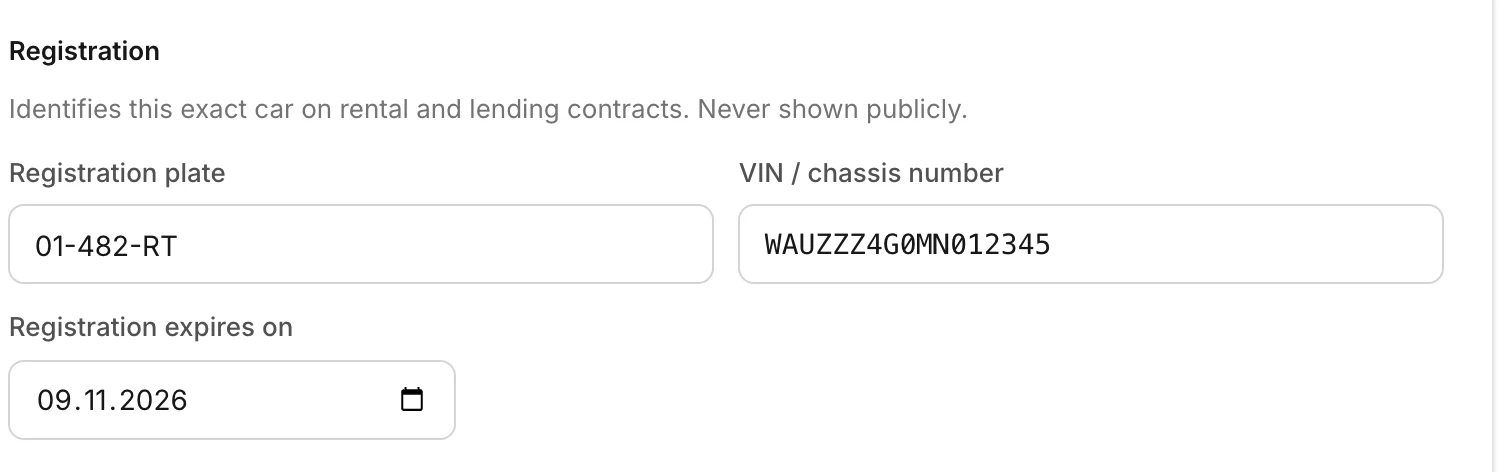
The registration identifies the exact car on your contracts and on GPS tracking. It's never shown publicly.
A car that isn't registered yet can be saved with just its VIN. Add the plate and the expiry date once it's registered. The expiry date needs the plate.
In Fleet, click Edit on the car. On the Details tab, fill in the Registration plate, VIN / chassis number and Registration expires on. Click Save details.
Reminders
Rento emails your desk 30 days, 7 days and 1 day before the registration expires, and again on the day. A car may not be driven once it has expired.
Still need help? Contact Rento support from your company dashboard.