Fleet
Set rental rules for new cars
Default long-rental discounts and minimum days for every new car.
Available onWebsiteiPhoneAndroid
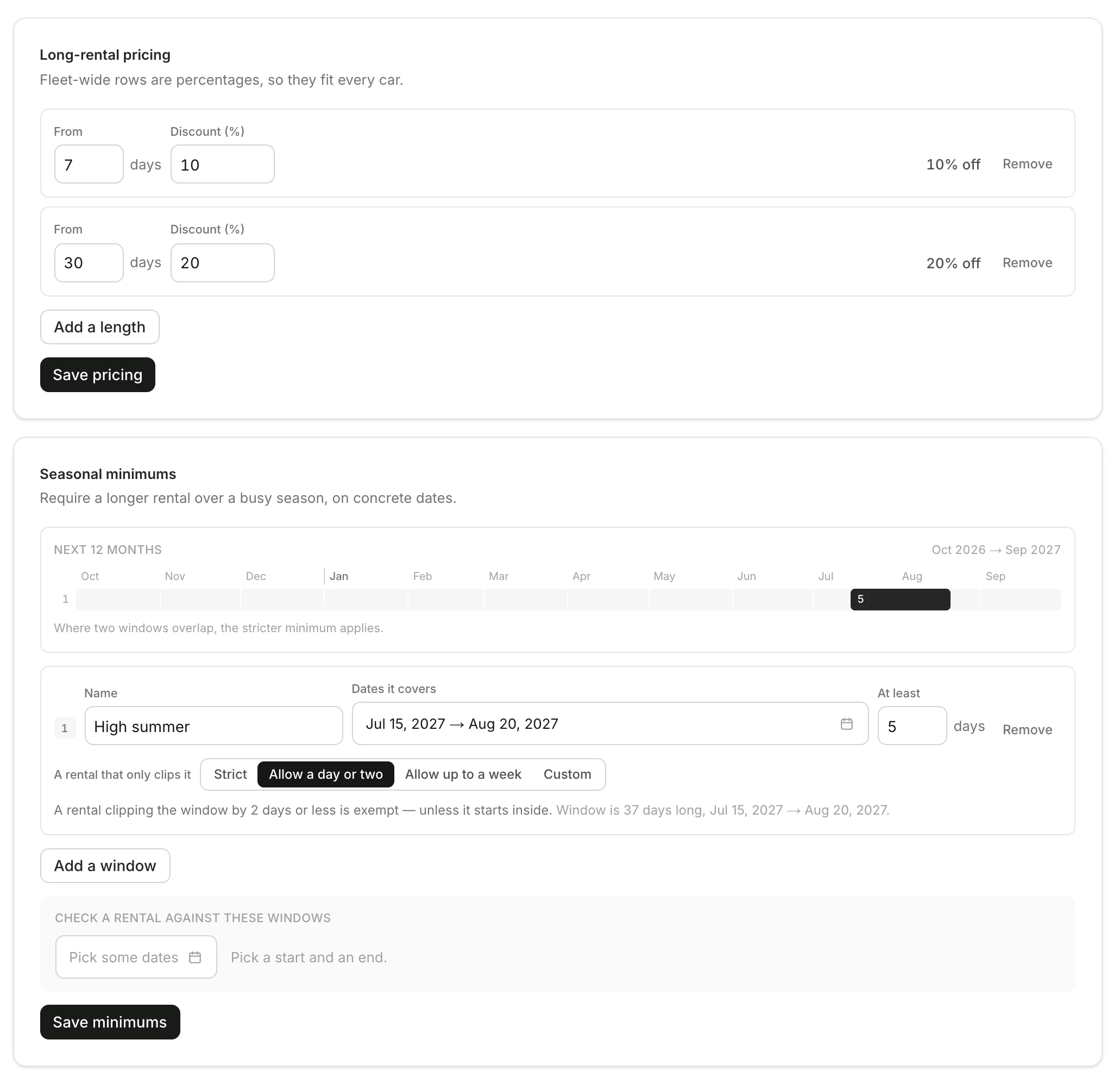
Rental rules are what every new car starts with: long-rental discounts and seasonal minimums. Changing them doesn't touch the cars you already have.
In Settings, open the Rental rules tab. Set the lengths and windows, then click Save pricing or Save minimums.
Good to know
- Here, discounts are percentages, so they fit every car. One car can also have a fixed daily rate. Set prices and long-rental discounts
- To change a car you already have, edit that car. Set minimum rental days
- When you add a car, you can still change them for that car.
Still need help? Contact Rento support from your company dashboard.