Contracts and handover
Ask for a review
Show the rating QR code after a rental.
Available onWebsiteiPhoneAndroid
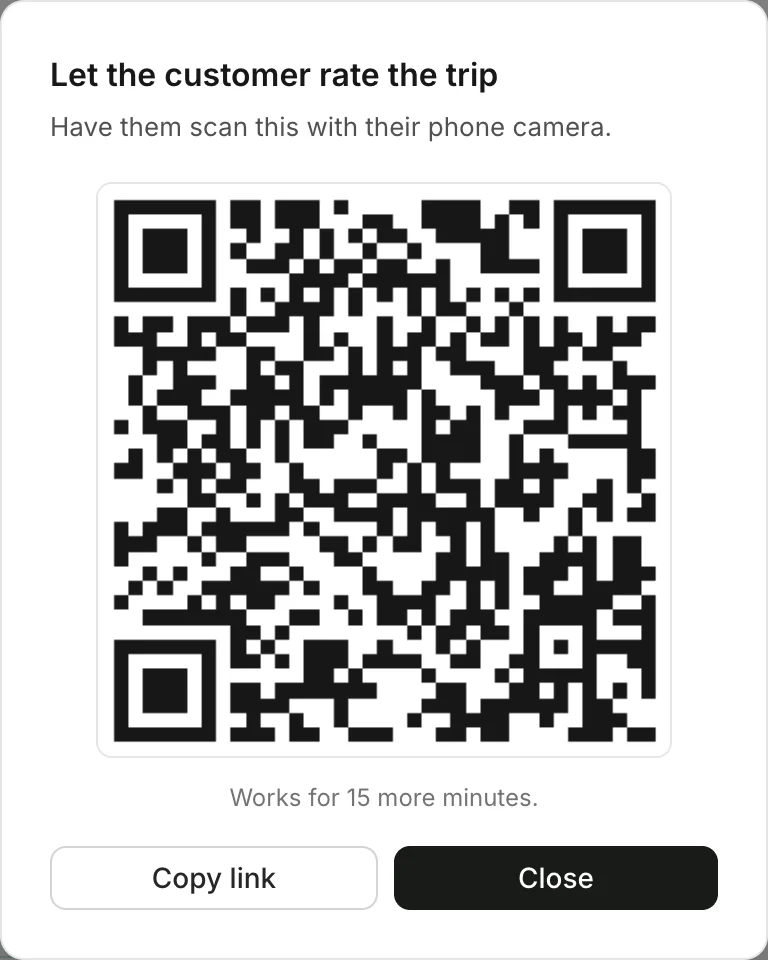
When the car is back, let the customer rate the trip on their own phone, right at the counter.
The code opens when you mark the car Returned. Later, open the booking and click Collect a review. The customer scans the code with their phone camera and rates the trip.
Good to know
- The code works once, for 15 minutes. Make a new one from the booking any time.
- Have a tap sticker? The customer can tap their phone on it instead of scanning. Set up tap stickers
- No rating at the counter? Rento emails the customer a couple of hours later to ask.
- What the customer sees: Rate your trip
Still need help? Contact Rento support from your company dashboard.