Contracts and handover
Sign at the counter
You and the renter sign on your device.
Available onWebsiteiPhoneAndroid
When the renter is with you, you can both sign the contract on your computer or phone instead of from the emails. The contract has to be sent first. Send a rental agreement
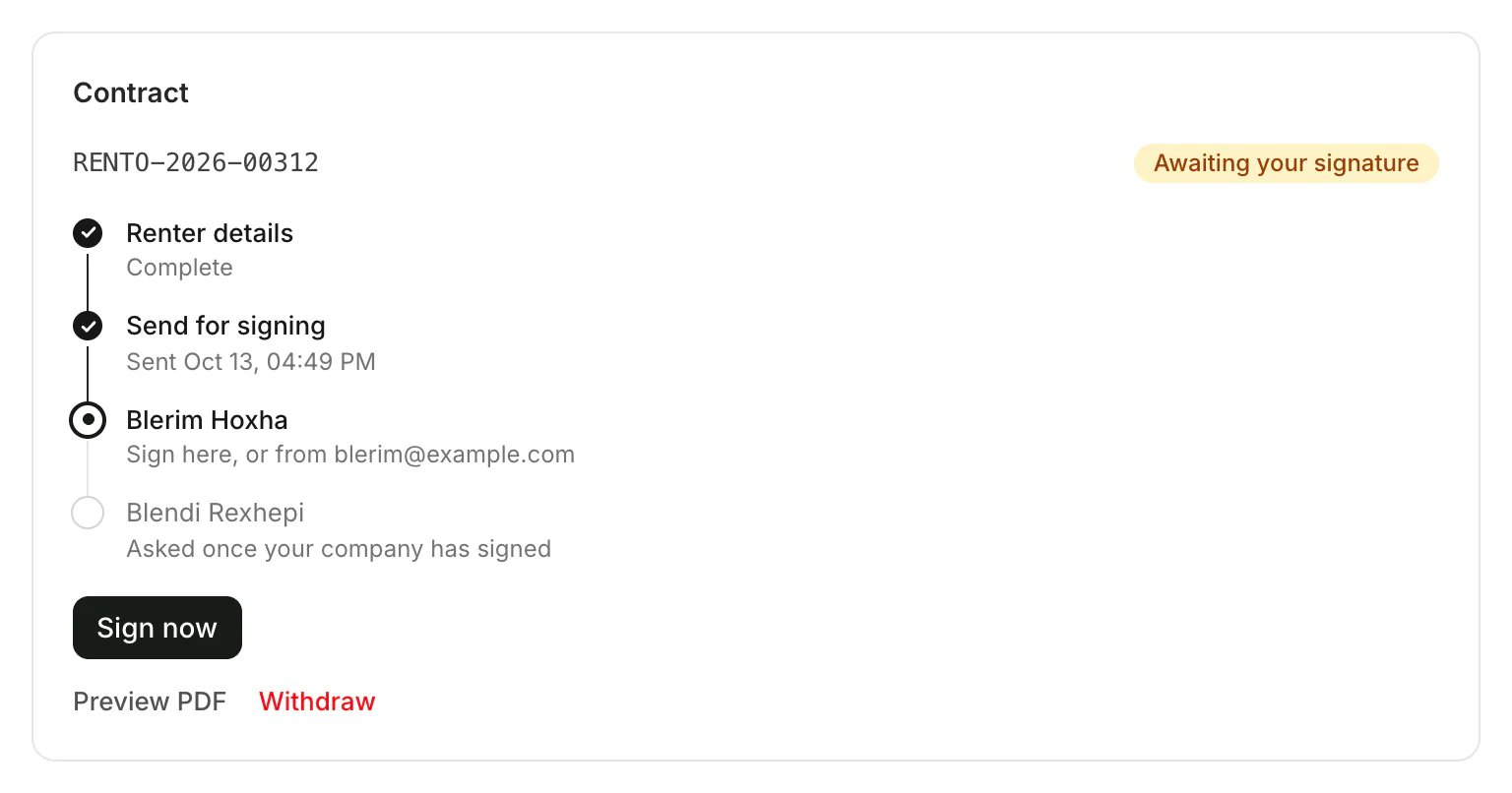
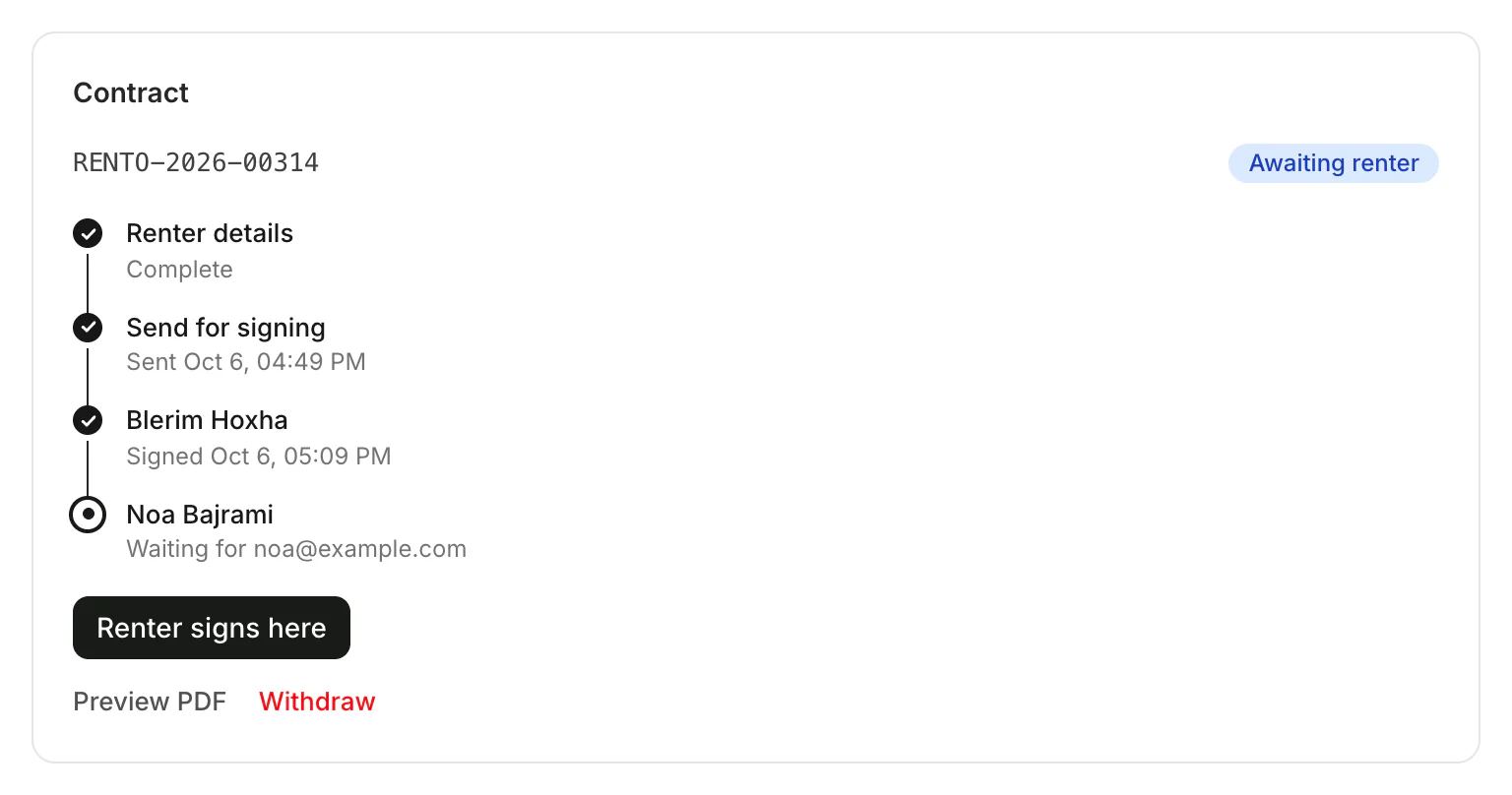
Once both have signed, everyone gets a copy by email.
Good to know
- With a saved signature, your side is already signed, so only Renter signs here is left. Sign your contracts once
- The renter can also sign on their own phone, from the email or in the Rento app. How renters sign
Still need help? Contact Rento support from your company dashboard.