Check a renter’s ID
See if a renter is verified, and their ID card and licence from payment until the car is back.
Available onWebsiteiPhoneAndroid
Renters can verify their ID and driving licence with Rento before the trip. The booking shows what the check found, next to the renter's name. From the moment the booking is paid until the car is returned, you can also open the photos of their ID card and licence.
Open the booking and look under Renter.

What the badge means
| Dashboard | Apps | Means |
|---|---|---|
| Verified ID | Verified | Rento has checked their ID and driving licence. |
| Verification in progress | Verifying | They've sent their photos and Rento is checking them. |
| Verification expired | Verification expired | They were checked, but it has run out. |
| Not verified | Not verified | Not checked. Check their ID and licence at the counter. |
A verified renter also shows their licence categories, when the licence runs out, how many years they've had it, and their age band.
Warnings
- The name doesn't match: the name on their ID isn't the one on their account. Check it before you hand over the keys.
- The licence runs out early: their licence expires before the car is due back.
See their ID card and licence
The photos the renter gave Rento when they verified. You can open them from the moment the booking is paid until the car is returned.

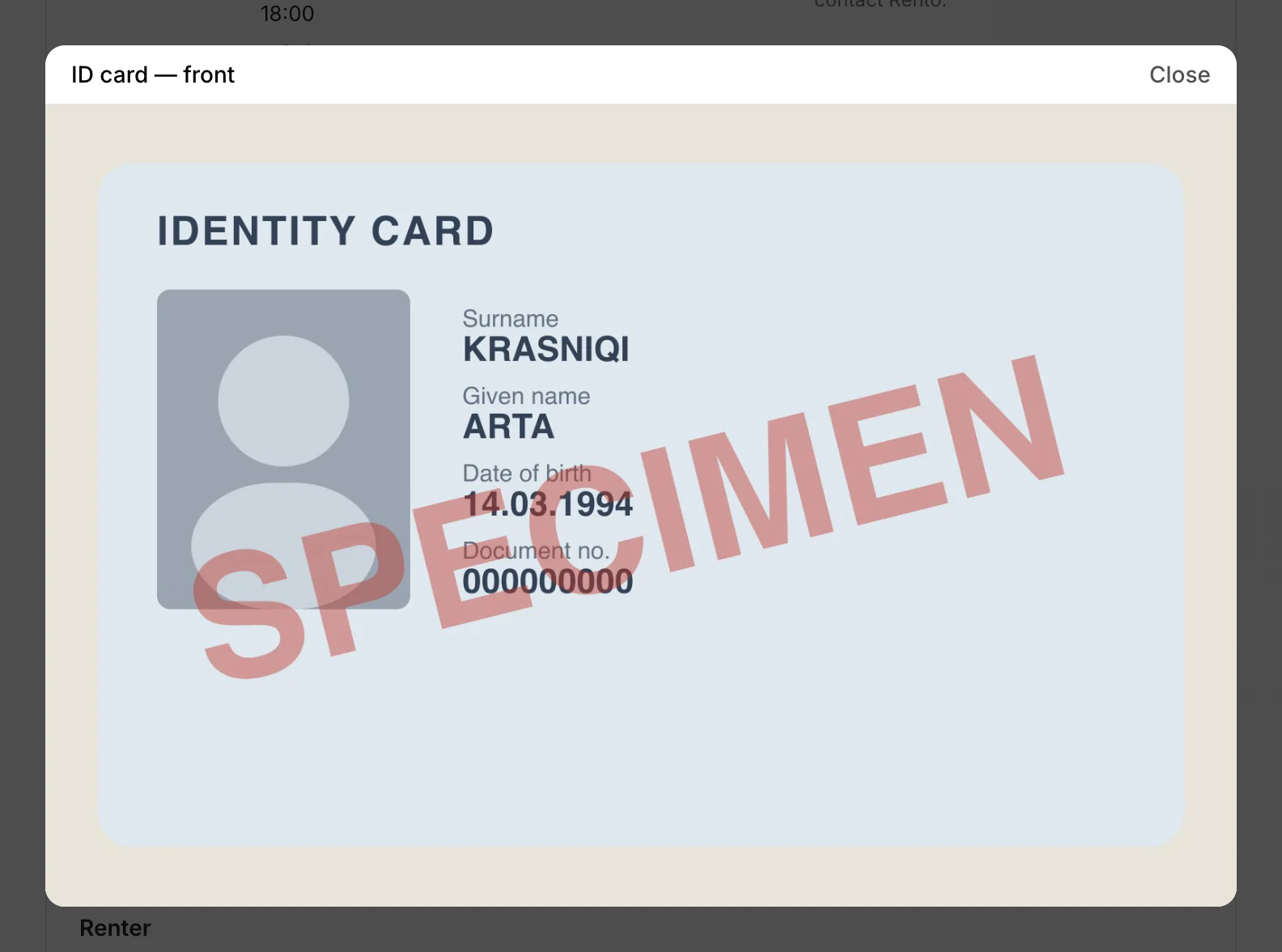
Rento records every time someone opens a photo: who, when and for which booking. Open them only to check the renter.
- Before the booking is paid you'll see a note instead: the photos appear once it's paid.
- Once the car is returned they close again. After an accident or damage, contact Rento: we can release the renter's details for that rental.
- Never shown: the renter's selfie.
- Passport: a renter who verified with a passport has one photo of it, and no back.
- No photos at all: the renter isn't verified, or booked as a guest. Check their ID and licence at the counter.
Good to know
- Fill the contract from it: a verified renter's ID and licence numbers can fill the contract for you. Send a rental agreement
- How renters verify: Verify your ID
Still need help? Contact Rento support from your company dashboard.