Verify your ID and licence
Photograph your ID, licence and a selfie once, then rent anywhere on Rento.
Available onWebsiteiPhoneAndroid
Verify once, and every rental company on Rento can see you're verified. Some cars only rent to verified renters.
Before you start
- Have your ID card (or passport) and your driving licence with you.
- You need a phone with a camera. It takes about two minutes.
Steps
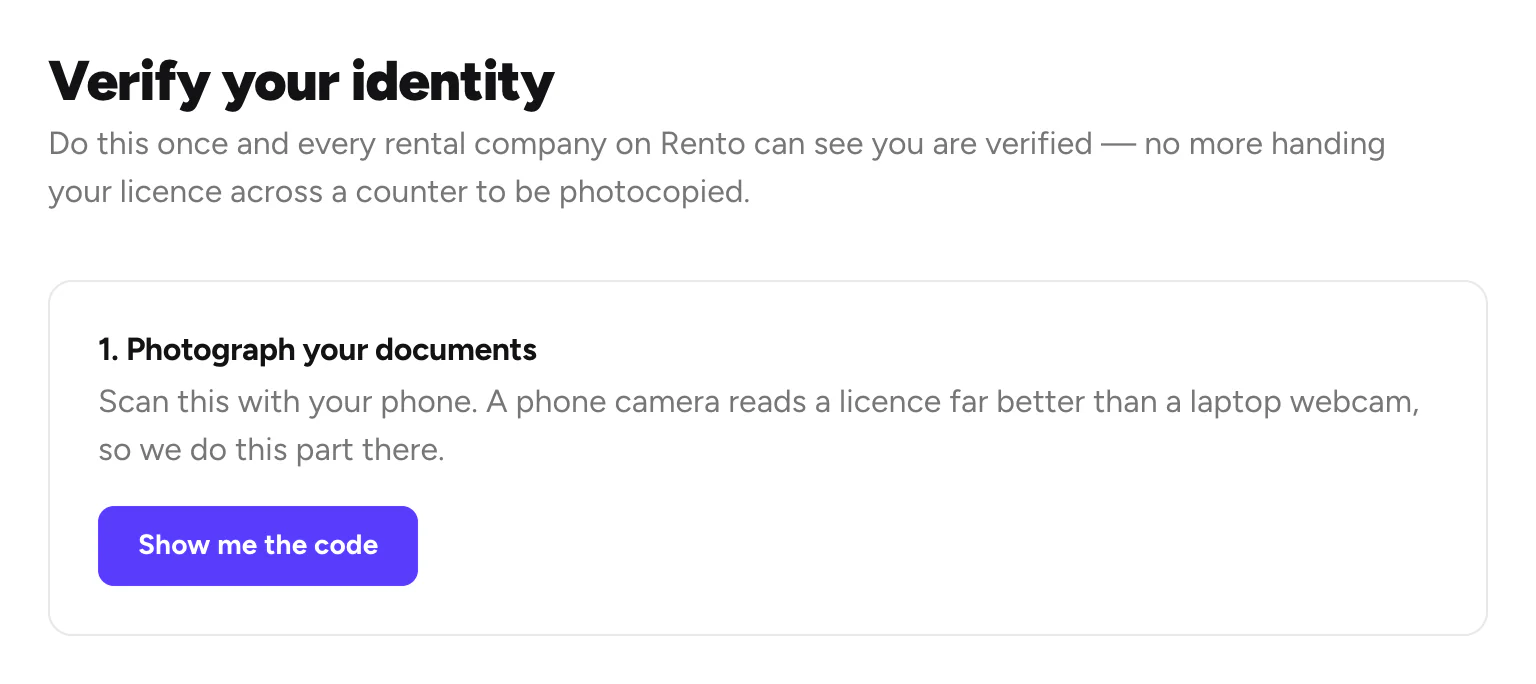
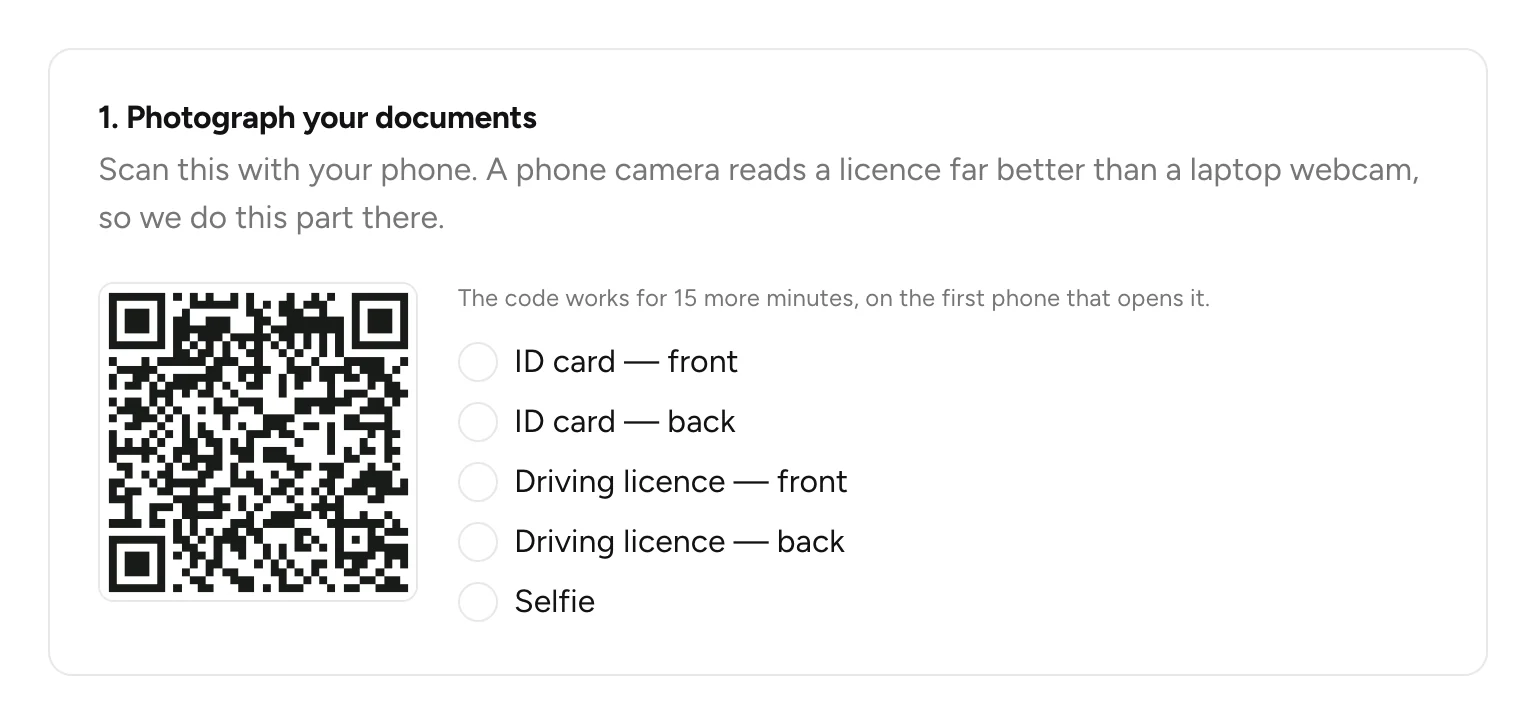
Scan the code with your phone
Click Show me the code and scan it with your phone's camera. The code works for 15 minutes.
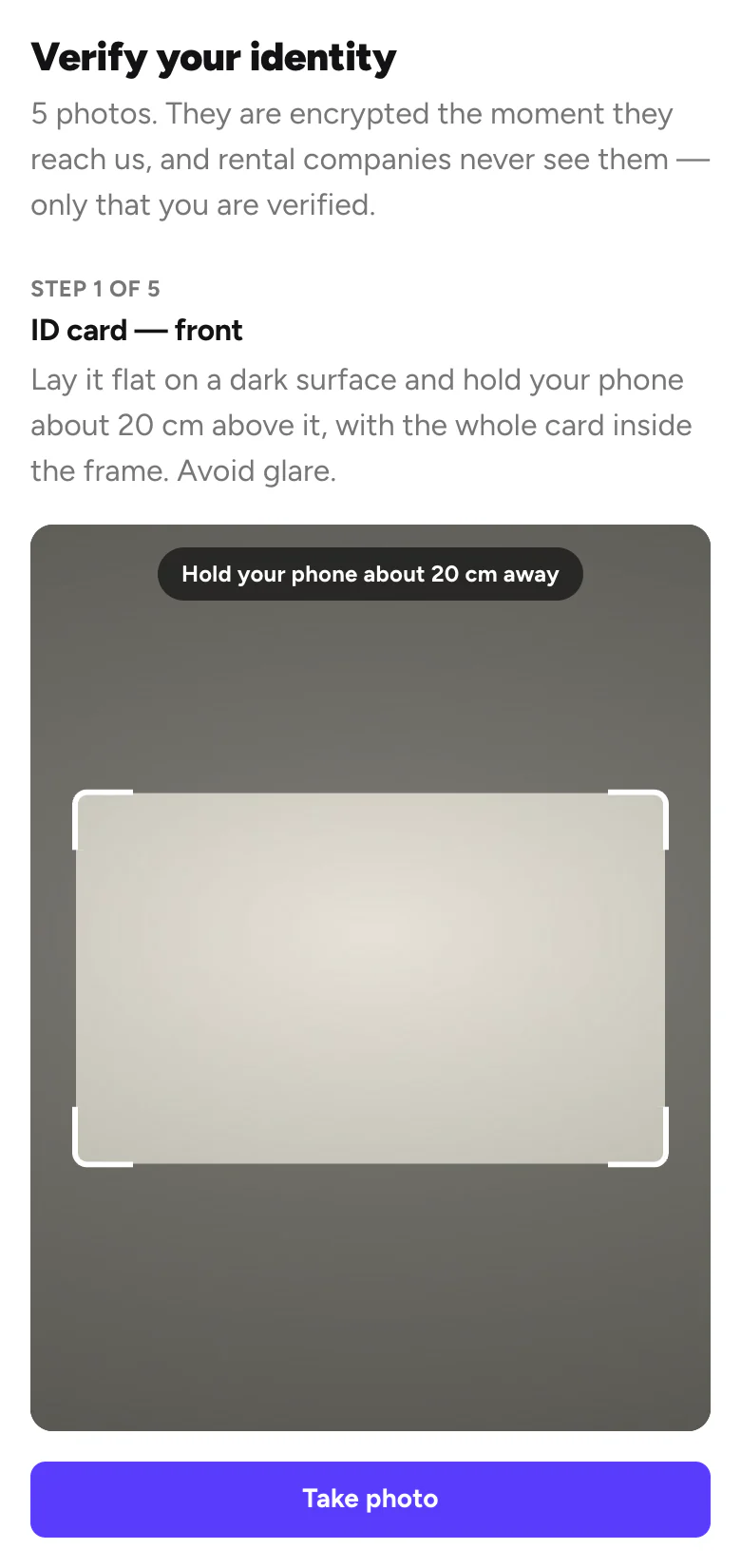
Take the photos on your phone
Photograph the front and back of your ID card, the front and back of your licence, and a selfie. Fit each one inside the frame and tap Take photo.
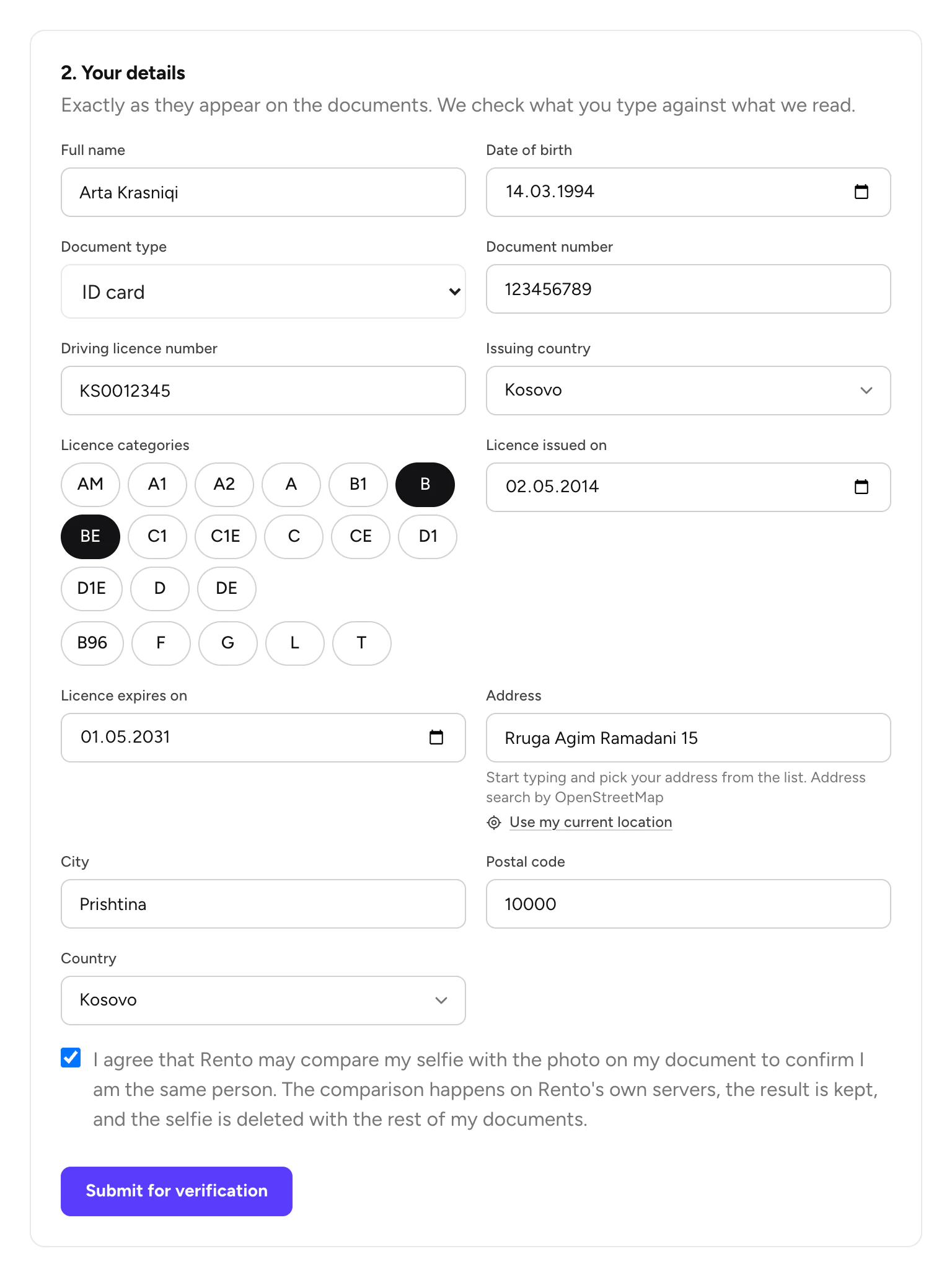
Add your details
Back on the computer, fill in 2. Your details exactly as on your documents. Tick the box to agree to the selfie check, then click Submit for verification.
Wait for the check
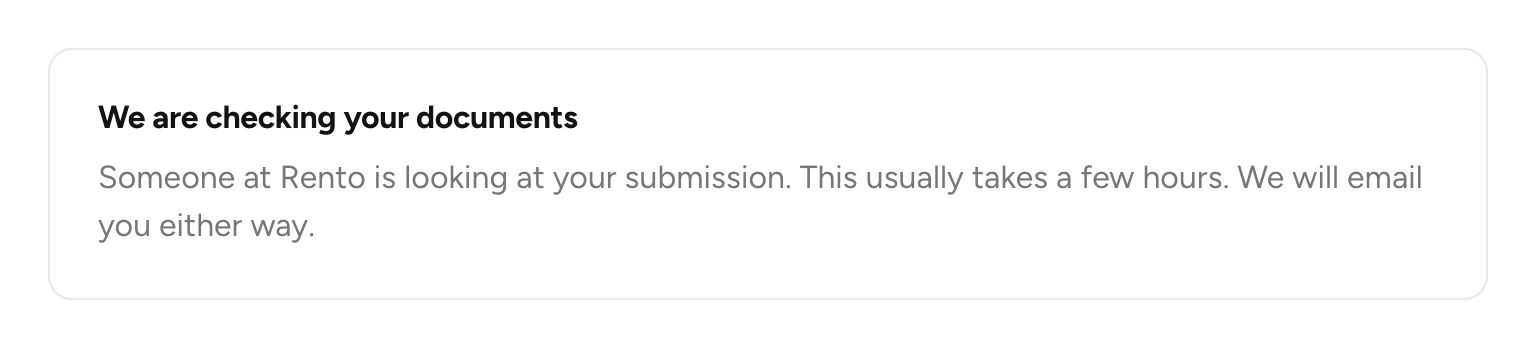
You'll see We are checking your documents. It usually takes a few hours. We email you either way.
Good to know
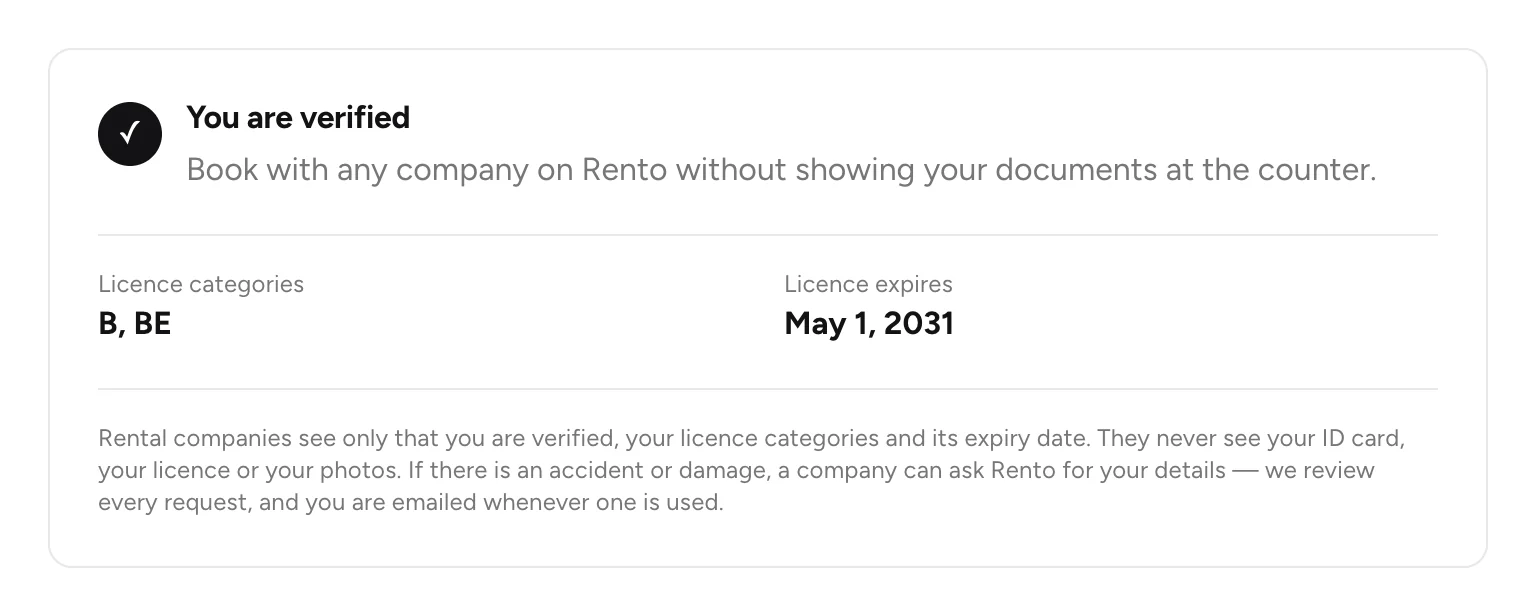
- Companies see only that you're verified, your licence categories, when your licence expires, and an age bracket. They never see your documents, your selfie, your date of birth or your address.
- Your photos are deleted after the check.
- You have 5 attempts. If one doesn't pass, you'll see why. Used them all? Email info@rento-ks.com.
- To delete your verification, use the app: Account › Verified renter › Delete my verification.
Still need help? Contact Rento support from your account on rento-ks.com.