Before you drive
Sign the rental agreement
Sign the contract online before you pick up the car.
Available onWebsiteiPhoneAndroid
After you pay, the company sends you the rental agreement. The company signs first, then it's your turn.
Steps
Find it in Trips
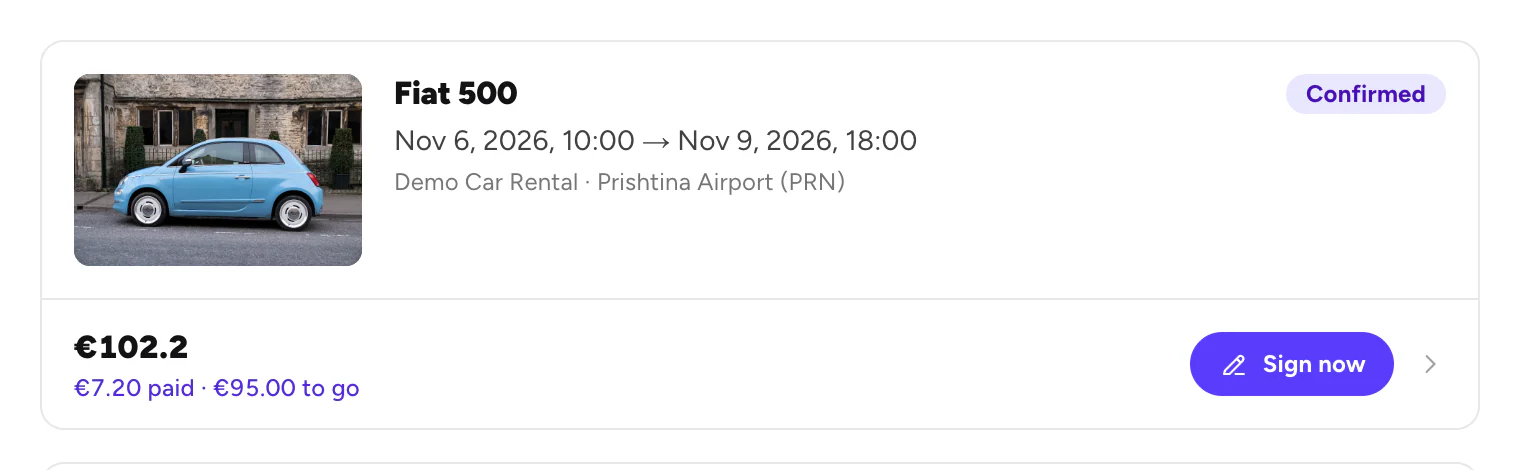
Open Trips. Your trip shows Sign now when the agreement is ready. You also get an email.
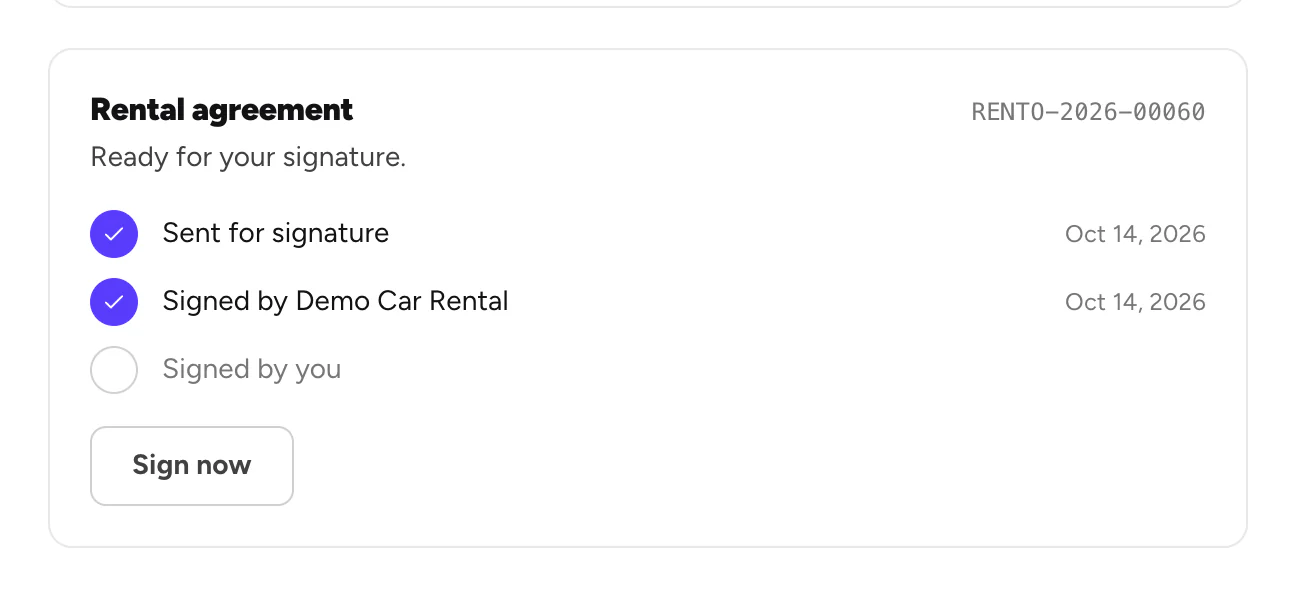
Sign
The signing page opens. Read the agreement, add your signature and finish.
Good to know
- Verify your ID first if asked. If your trip shows Verify now, do that before you sign. Verify your ID and licence
- Something wrong in the agreement? Message the company before you sign. Chat with a company
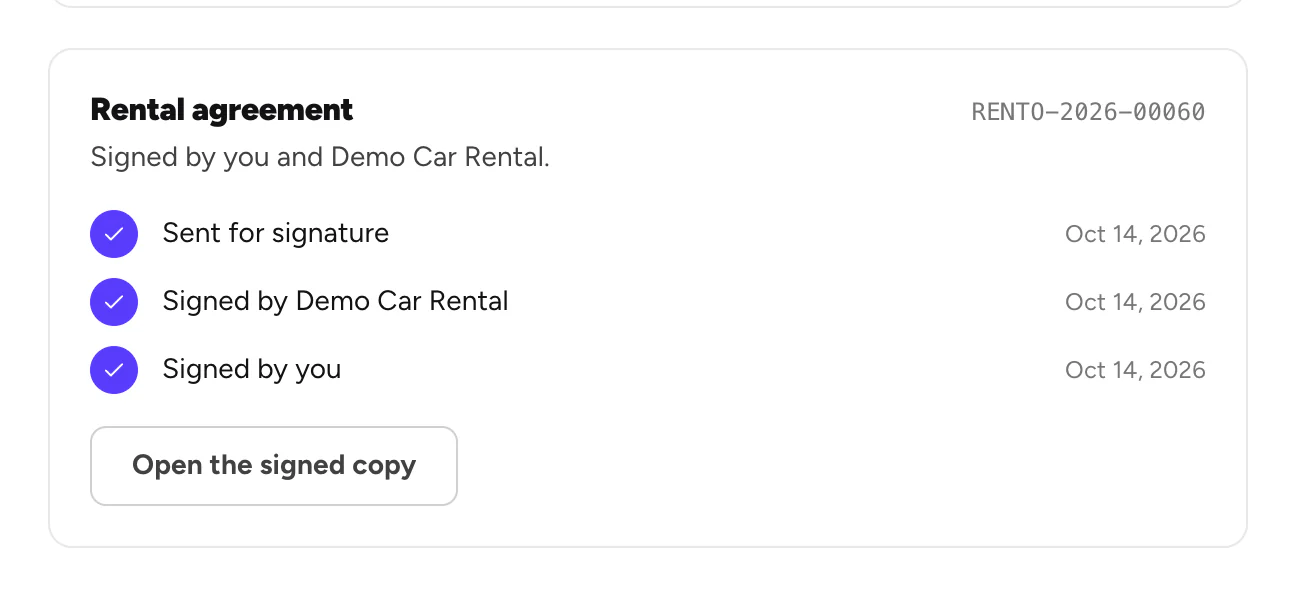
- You get a copy by email once you've signed.
- No time before pick-up? You can sign at the counter on the company's device. We email you a one-time code for it.
Still need help? Contact Rento support from your account on rento-ks.com.