Messages
Chat with a company
Message a company, send photos and PDFs, and see when they read it.
Available onWebsiteiPhoneAndroid
Message the company about your trip: times, directions, anything.
Steps
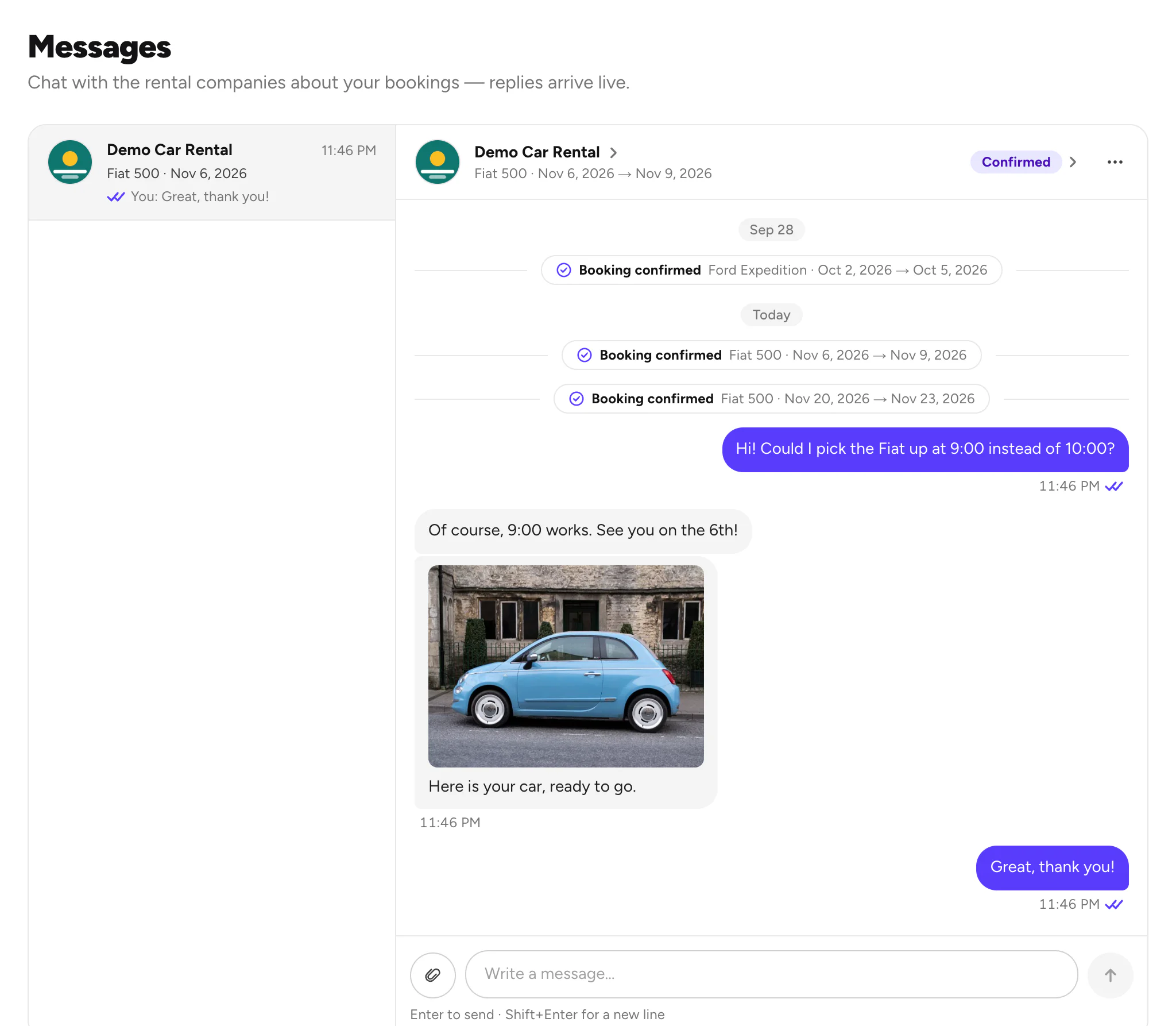

Send photos or PDFs
Click the paperclip and choose your files: up to 5, 10 MB each.
Good to know
- One chat per company. All your bookings with a company share it, and booking updates like Booking confirmed show there too.
- Ticks: one tick means sent, two grey ticks delivered, two purple ticks seen.
- A message didn't send? It says Not sent. Choose Retry, or Delete.
- Asking before you book? Start the chat from the car page. Ask a company before you book
- Something wrong? Report the chat or block the company from its ⋯ menu. Report or block
Still need help? Contact Rento support from your account on rento-ks.com.