Your trips
Rate your trip
Leave a review after your rental.
Available onWebsiteiPhoneAndroid
Once the company marks the car as returned, you can rate the trip. We also email you a couple of hours later to ask.
Steps
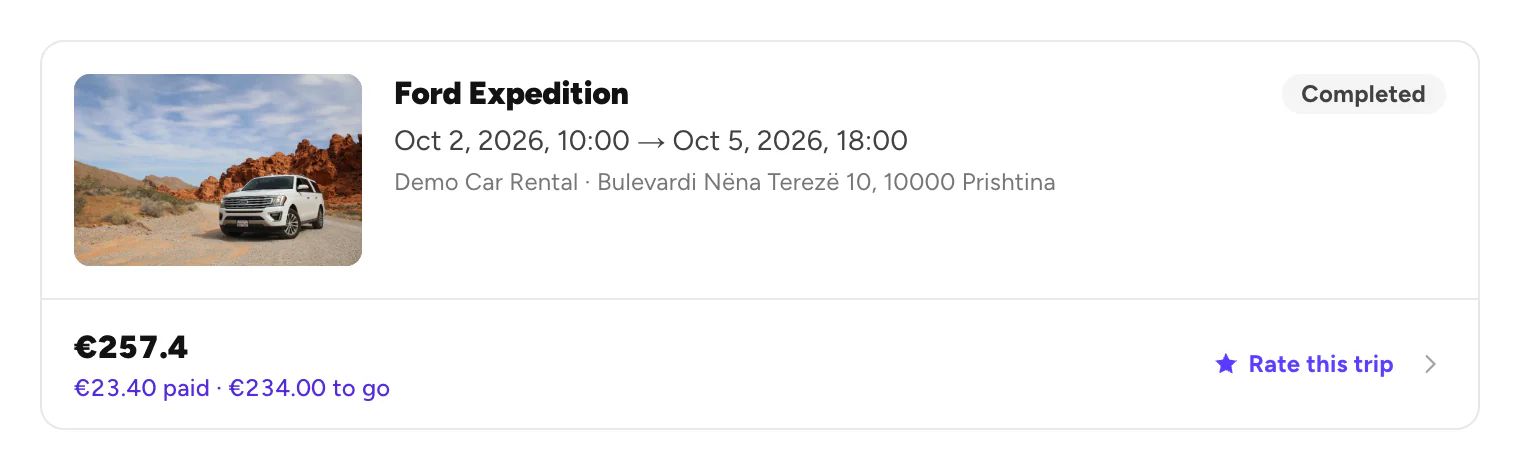
Rate it
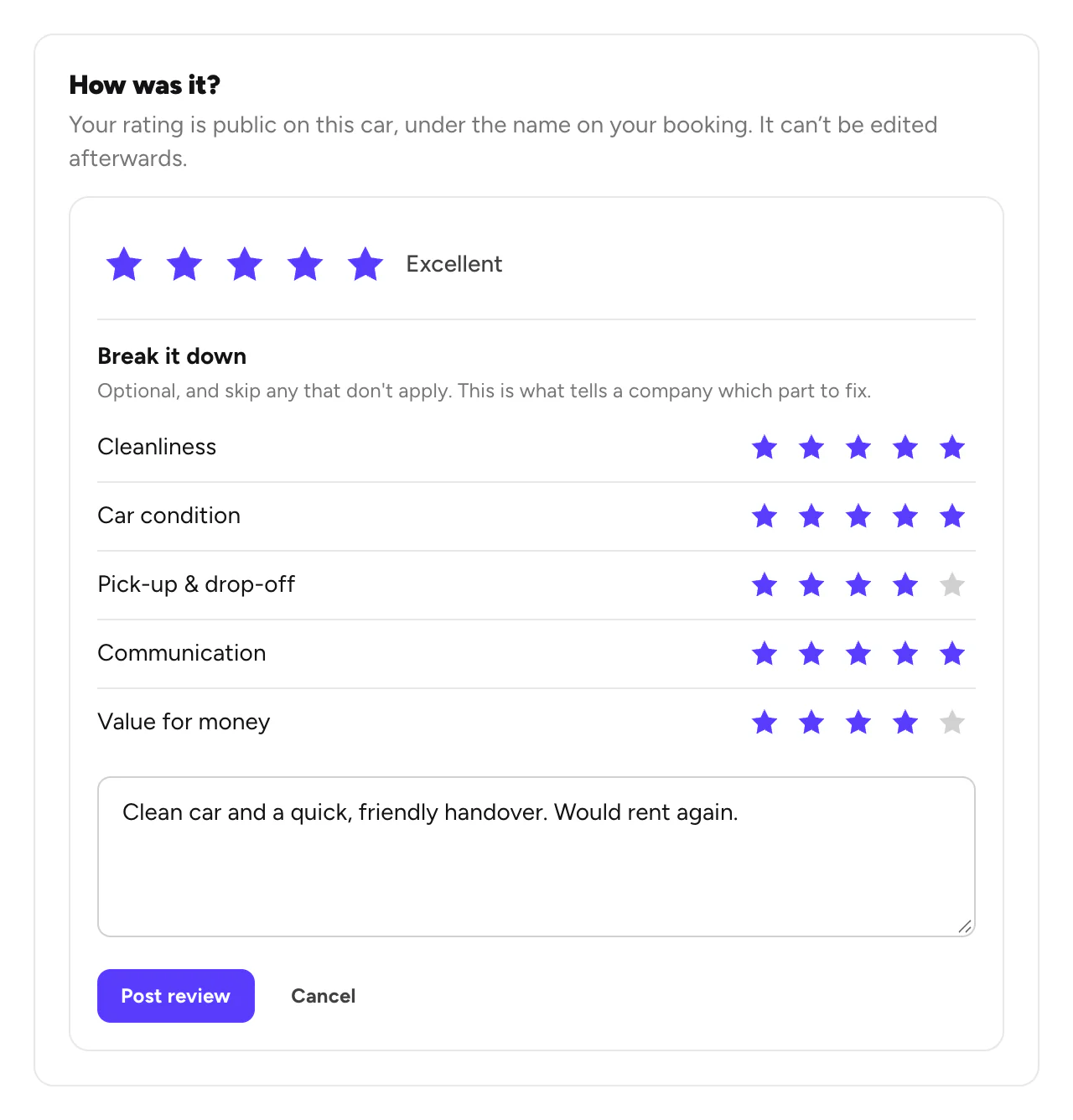
Pick the stars. Under Break it down, rate the parts you like (optional). Add a comment if you want, then click Post review.
Good to know
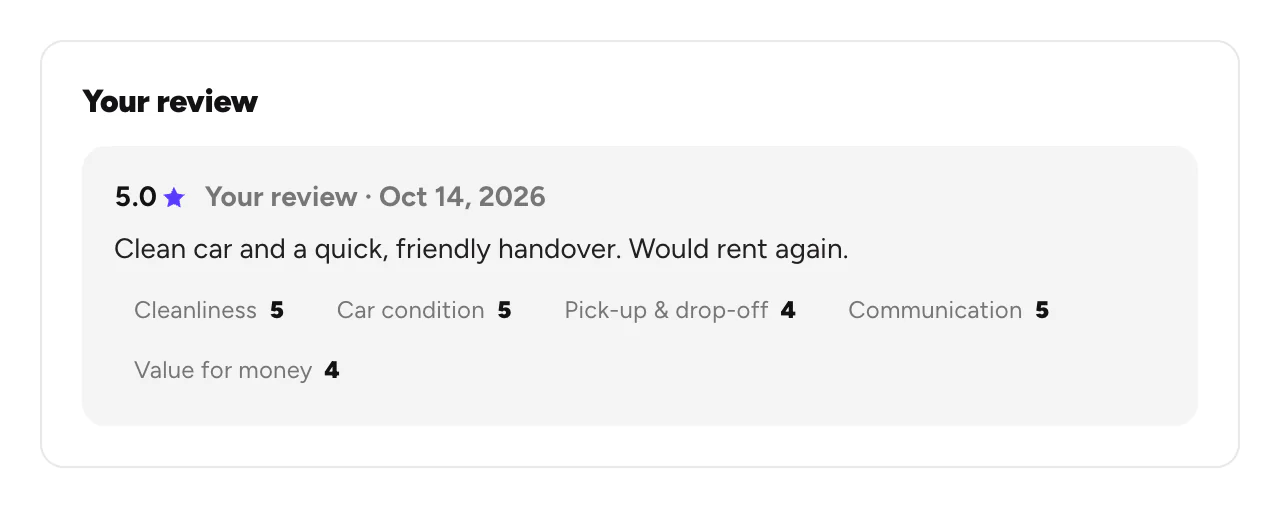
- Your review is public on the car, under the name on your booking.
- You can't edit it after posting, so check it first.
- One review per trip.
- Rating at the counter: the company can show you a QR code to rate right away.
Still need help? Contact Rento support from your account on rento-ks.com.