Your trips
Cancel or change a booking
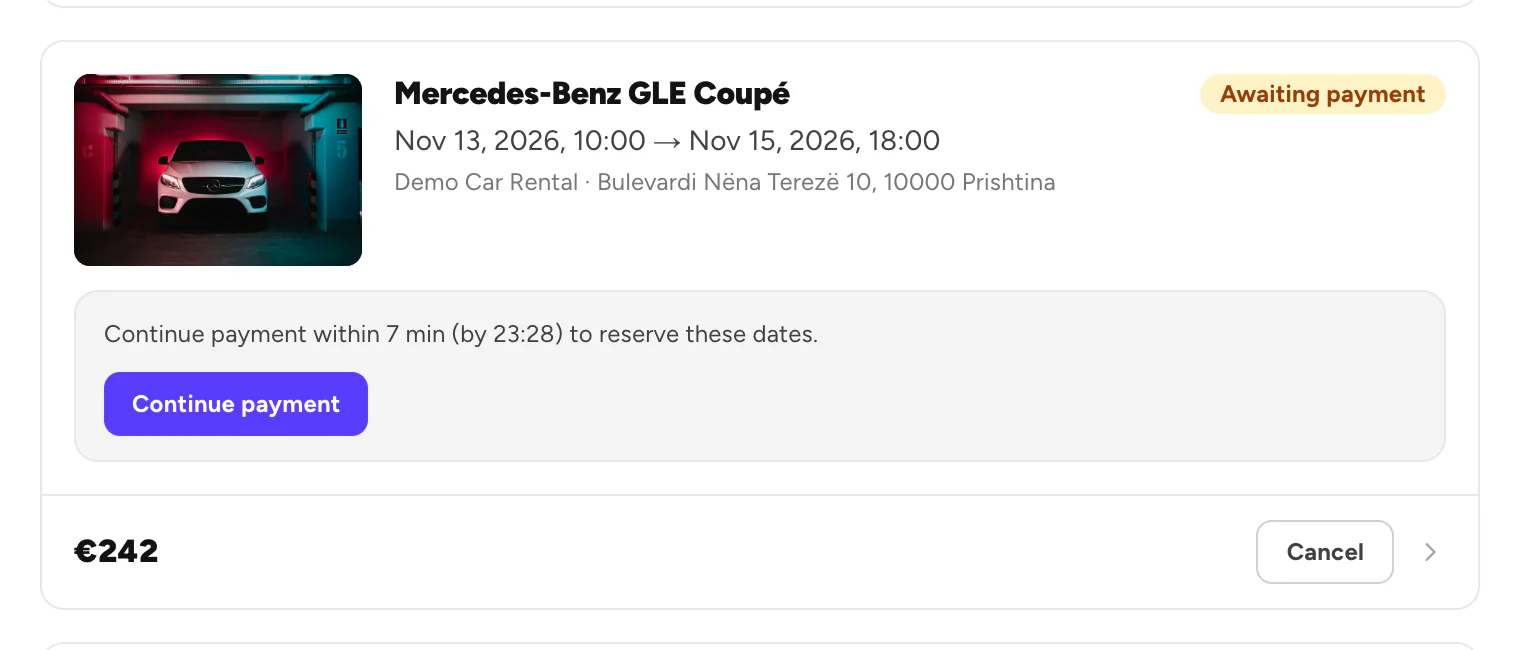
Cancel an unpaid booking, or ask Rento to change a paid one.
Available onWebsiteiPhoneAndroid
A booking you haven't paid for
You can cancel it yourself. The dates are released straight away.
In Trips, click Cancel on the booking, then confirm.
If a payment you made still reaches us after you cancel, we refund it in full.
A booking you've paid for
A paid booking can't be cancelled or changed in the app or on the website. To cancel it or change the dates, contact Rento support. We sort it out with the company and tell you what you get back.

Good to know
- Want other dates? For an unpaid booking, cancel it and book the new dates. For a paid one, contact Rento support.
- The company can't cancel your paid booking either. Only Rento can.
Still need help? Contact Rento support from your account on rento-ks.com.