Help and safety
Contact Rento support
Open a support ticket and follow the replies.
Available onWebsiteiPhoneAndroid
Ask Rento about a booking, a payment or your account. Replies come in your support tickets and by email.
Open a ticket
Open Support
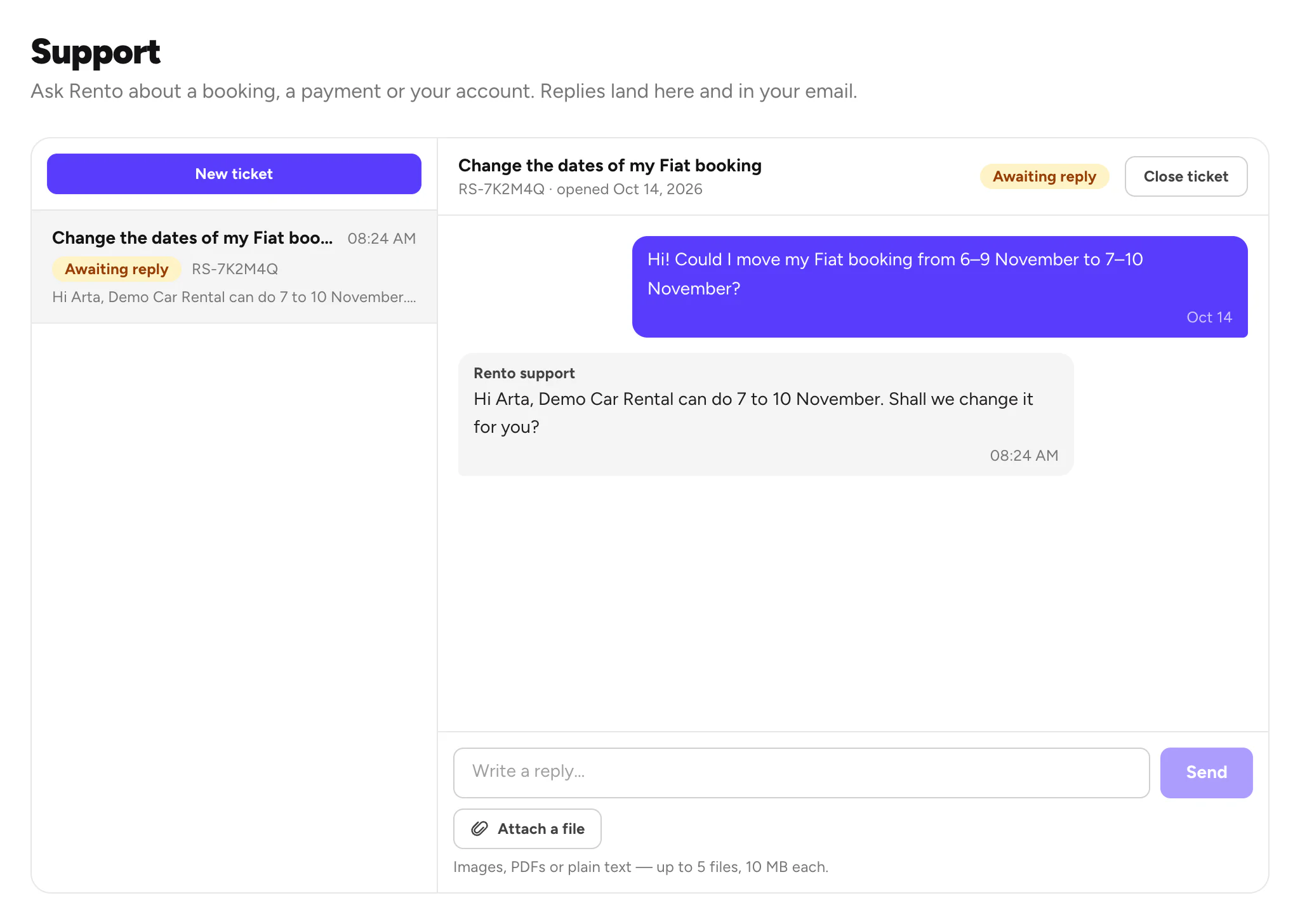
Open your account menu at the top right and choose Support. Your tickets are on the left.
Write to us
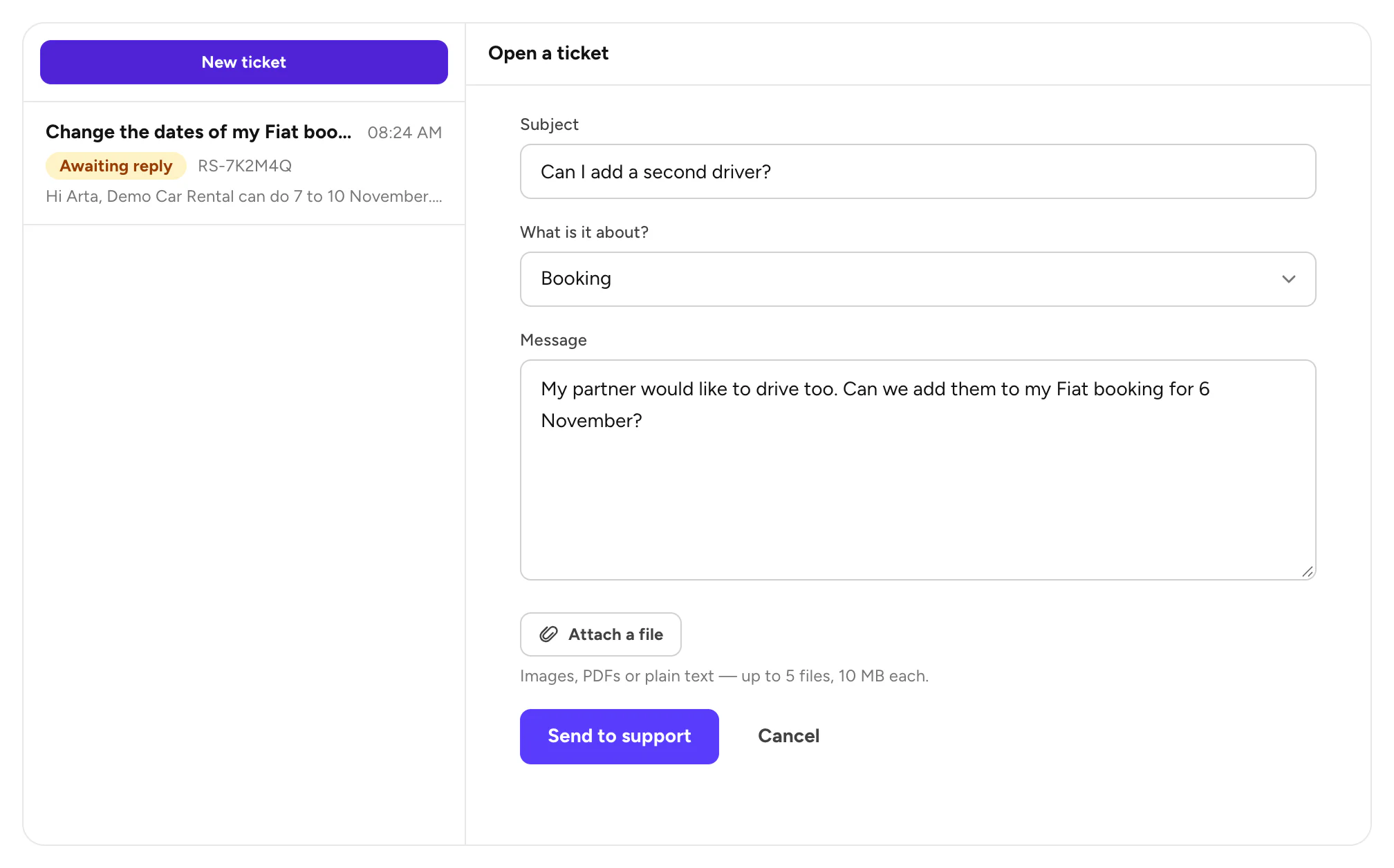
Click New ticket. Add a Subject, choose What is it about? and write your Message. Add screenshots or PDFs with Attach a file, then click Send to support.
What the status means
| Status | What it means |
|---|---|
| Open | We have your message and will answer. |
| Awaiting reply | We answered. It's your turn. |
| Resolved | We think it's sorted. Write again to reopen it. |
| Closed | Done. Reopen it, or open a new ticket. |
Good to know
- Add screenshots or PDFs: up to 5 files, 10 MB each.
- Done? Close the ticket with Close ticket.
- No account? Email info@rento-ks.com.
- Reports you send show up here too. Report or block
Still need help? Contact Rento support from your account on rento-ks.com.