Help and safety
Report or block
Report a message, review or company, or block a company.
Available onWebsiteiPhoneAndroid
Report a chat
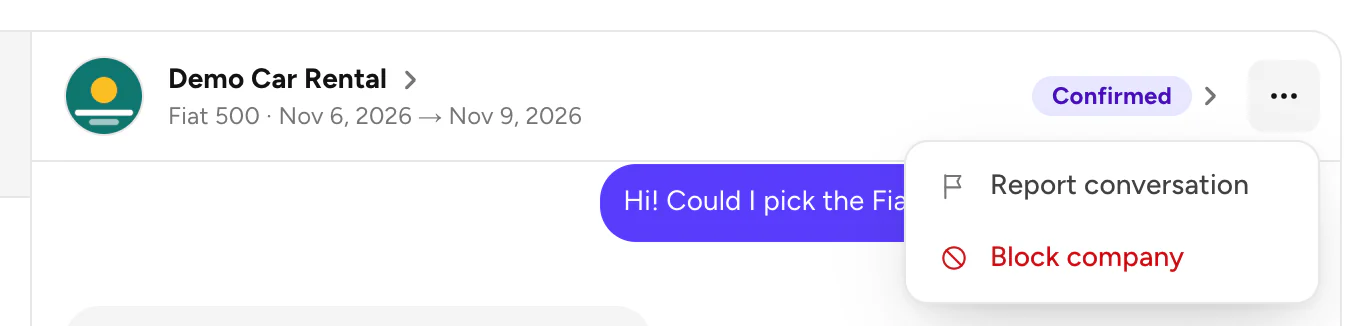
Open the chat's menu
In Messages, open the chat and click ⋯ at the top right. Choose Report conversation.
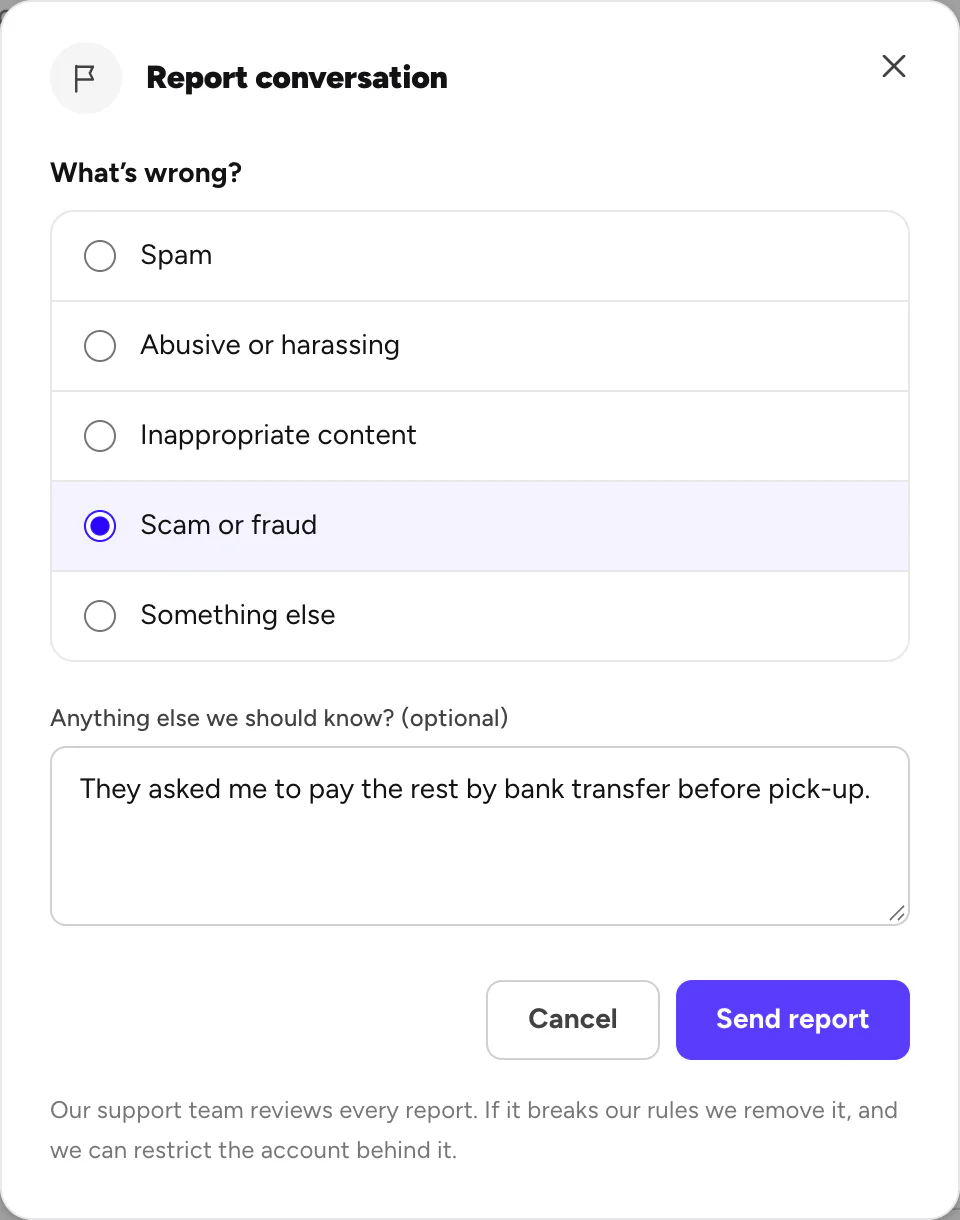
You'll see Thanks for telling us, with a reference number. Our support team checks every report, and may write to you in Support.
Report something else
| What | Where |
|---|---|
| One message | Website: point at the company's message and click the flag. Apps: press and hold the message. |
| A review | The flag (website) or the menu (apps) next to the review on the car page. |
| A company | Website: Report company at the bottom of its page. Apps: the menu at the top of its page. |
Block a company
Open the chat's menu and choose Block company, then confirm. The company can't message you, and you can't message them. Your bookings aren't affected.
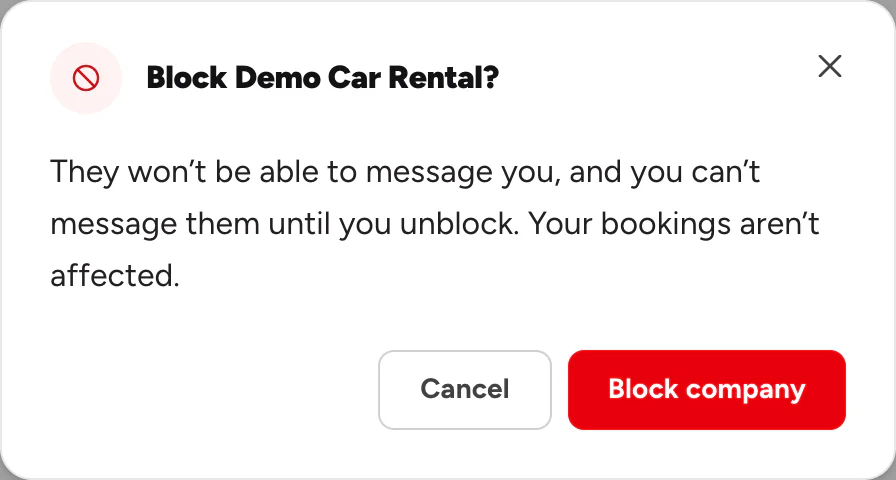
To undo it, choose Unblock company in the same menu.
Good to know
- You need to be signed in to report.
- Asked to pay another way? You pay part online through Rento and the rest to the company at pick-up. If anyone asks for money any other way, report it. What you pay
- In an emergency, call the police first. Rento support isn't an emergency service.
Still need help? Contact Rento support from your account on rento-ks.com.