Your account
Delete your account
What is deleted, what companies keep, and how to do it.
Available oniPhoneAndroid
Delete your account in the Rento app. It's deleted straight away and can't be restored.
Steps
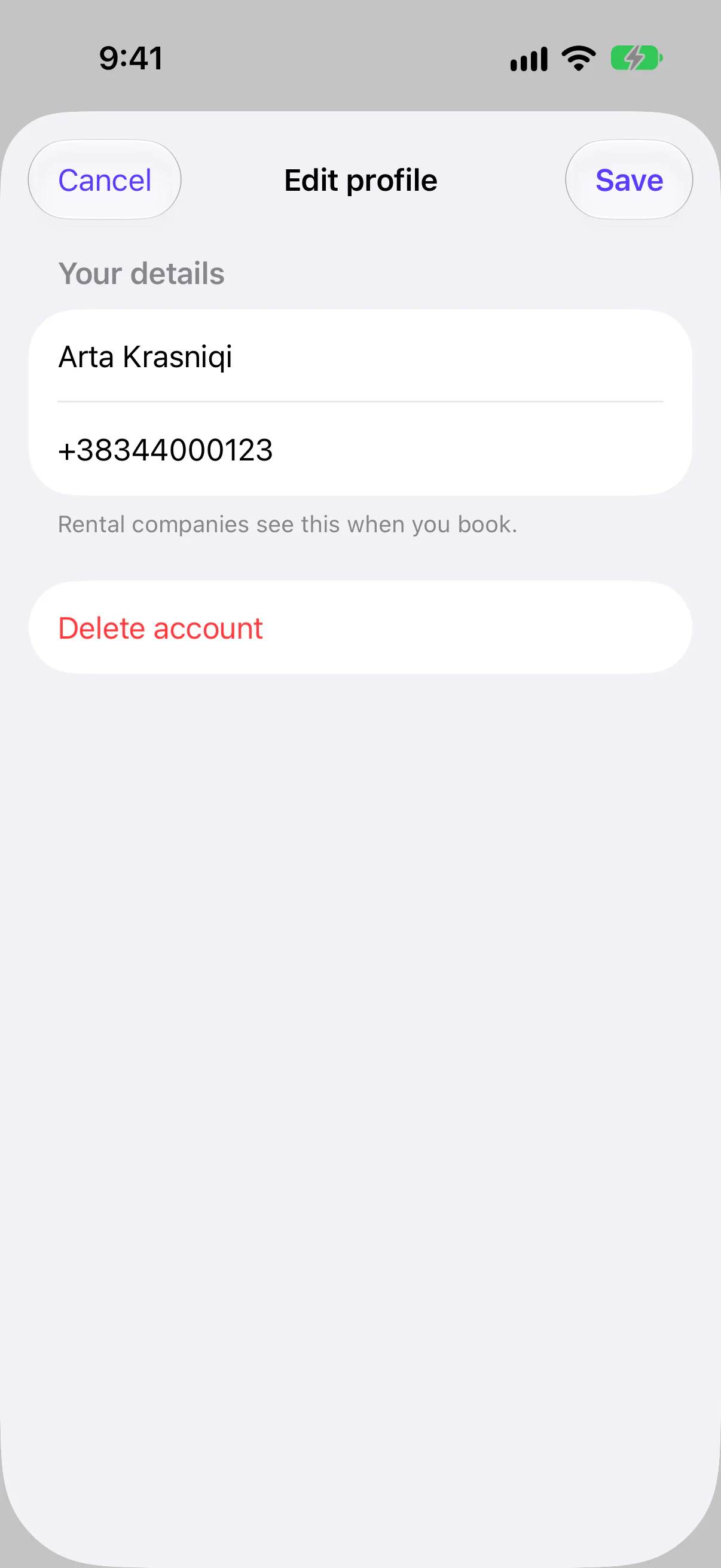
Read what happens
The screen lists what is deleted and what rental companies keep. Tap Delete account, then confirm.
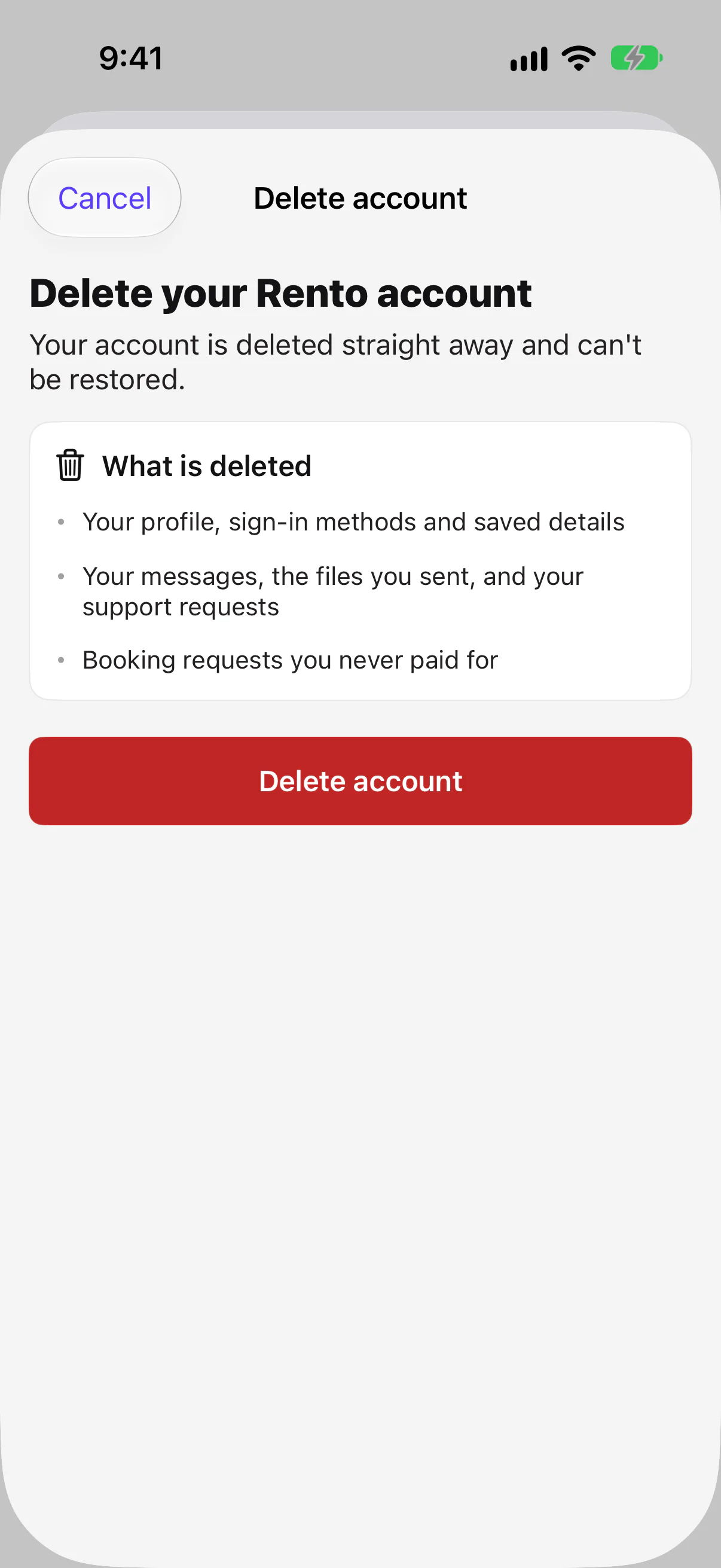
What is deleted, and what companies keep
| Deleted | Kept by the rental company |
|---|---|
| Your profile, sign-in methods and saved details | Your paid rentals, under the name they were booked in, with no email, phone or account |
| Your ID verification, with your ID photos and selfie | The company's own messages about those rentals |
| Your messages, the files you sent, and your support requests | The star ratings you gave |
| Booking requests you never paid for | |
| Your name and comments on your reviews |
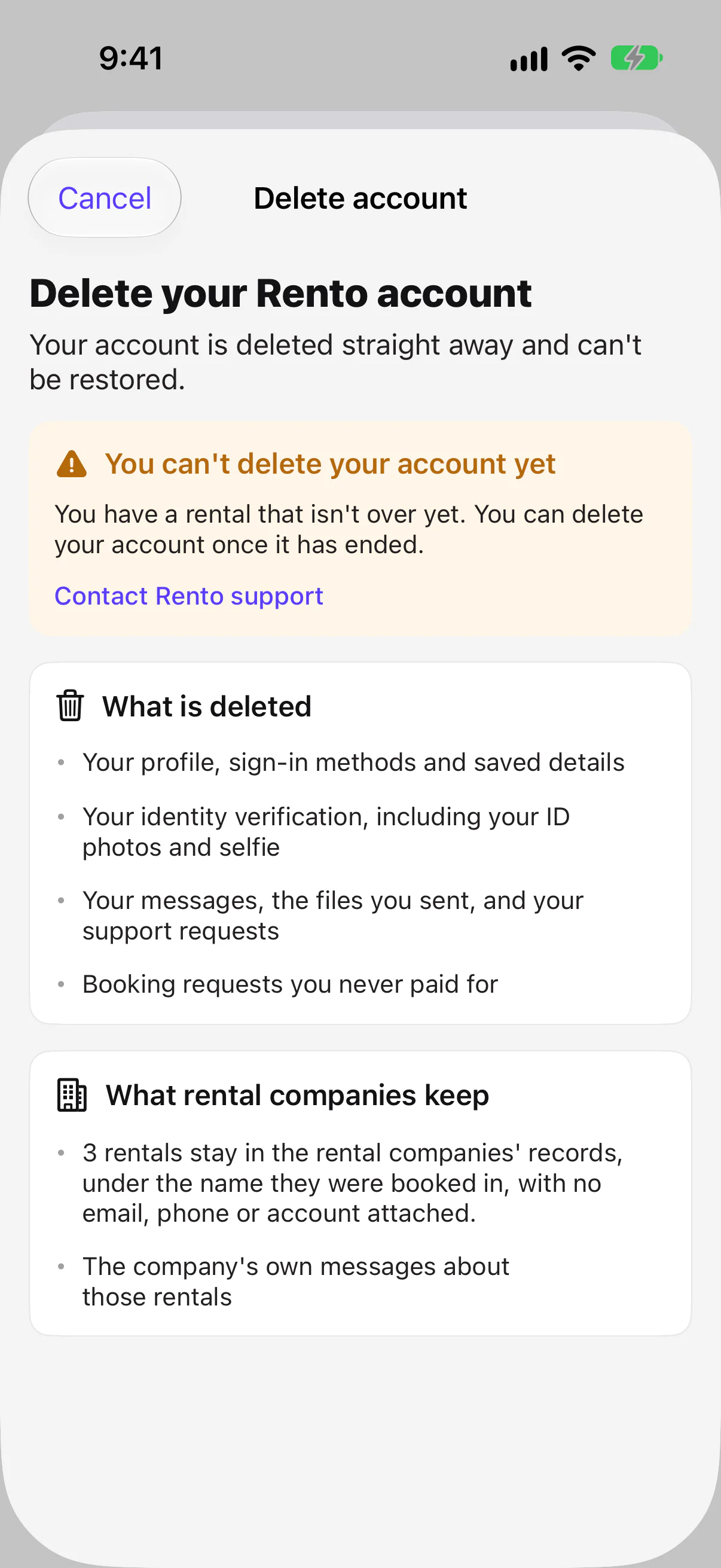
Can't delete it yet?
You'll see You can't delete your account yet while a rental isn't over, while a payment is still going through, or if you're the only owner of a company on Rento.
Good to know
- No app? Contact Rento support. Deleting it isn't on the website yet.
- Signed in with Apple on Android? Apple has to confirm, so delete it in the iPhone app or contact Rento support.
Still need help? Contact Rento support from your account on rento-ks.com.