Your account
Your account settings
Your name, email and phone number.
Available onWebsiteiPhoneAndroid
Open your account menu at the top right and choose Settings. You see your email and phone number, and whether we've confirmed them.
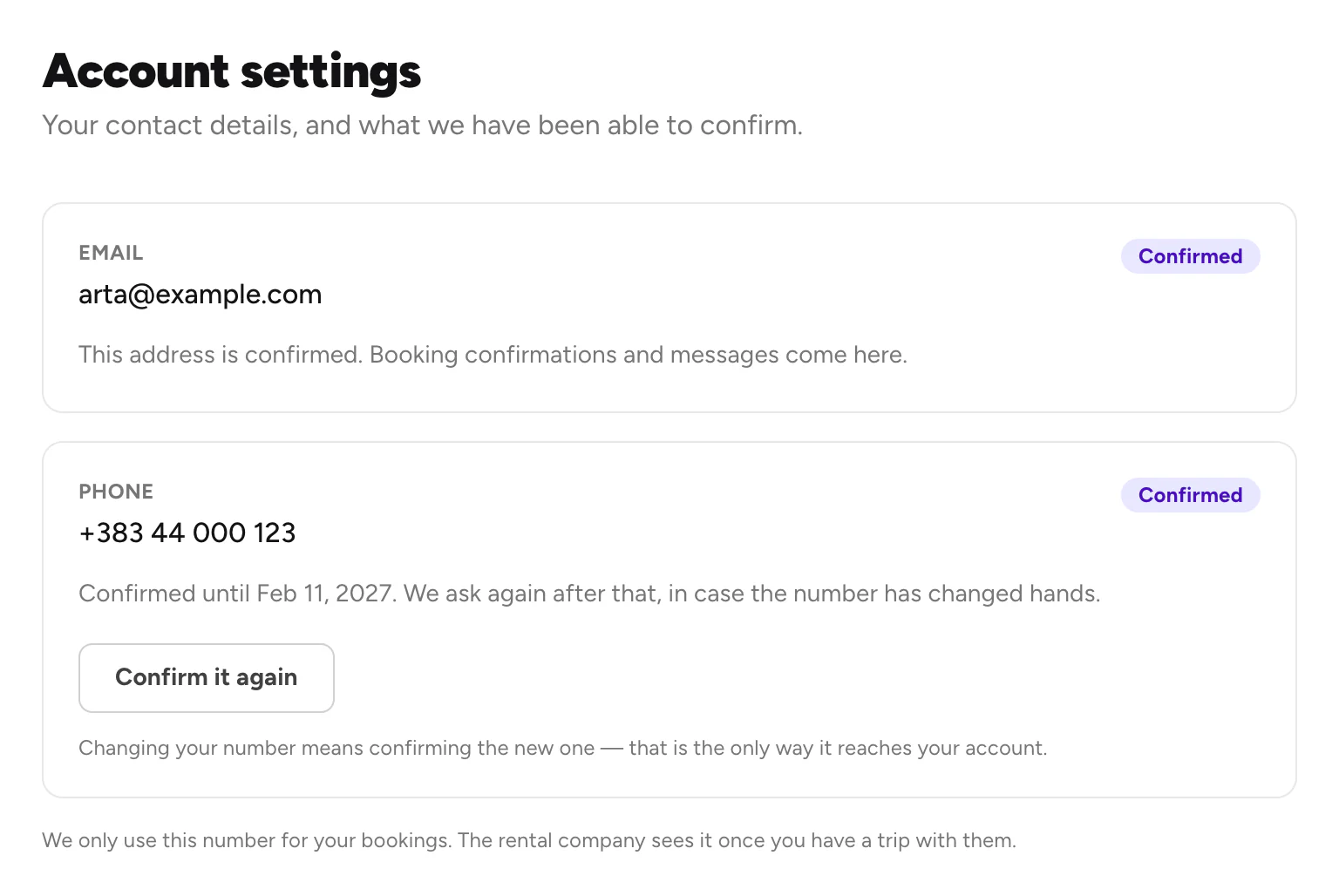
- Email not confirmed? Click Send the confirmation link again and open the link in the email.
- Phone: click Confirm it again to confirm your number, or a new one.
Good to know
- Changing your number means confirming the new one. Confirm your phone number
- Rental companies see your name and phone once you have a trip with them.
- Need to change your email? Contact Rento support
- Offers and news in the app turns Rento's offer notifications on or off. Notifications
- To sign out, use Sign out in your account menu (website) or in Account (apps).
Still need help? Contact Rento support from your account on rento-ks.com.