Getting started
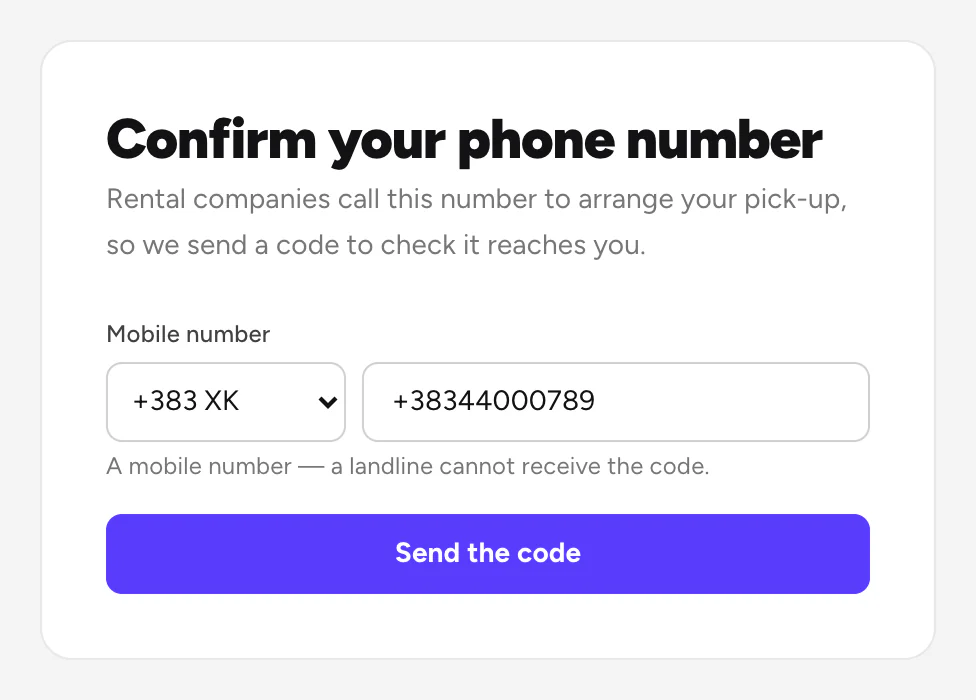
Confirm your phone number
Enter the code we send you. We ask again every 120 days.
Available onWebsiteiPhoneAndroid
Rental companies call this number to arrange your pick-up, so we check that it reaches you. Rento asks right after you log in.
Steps
Enter the code
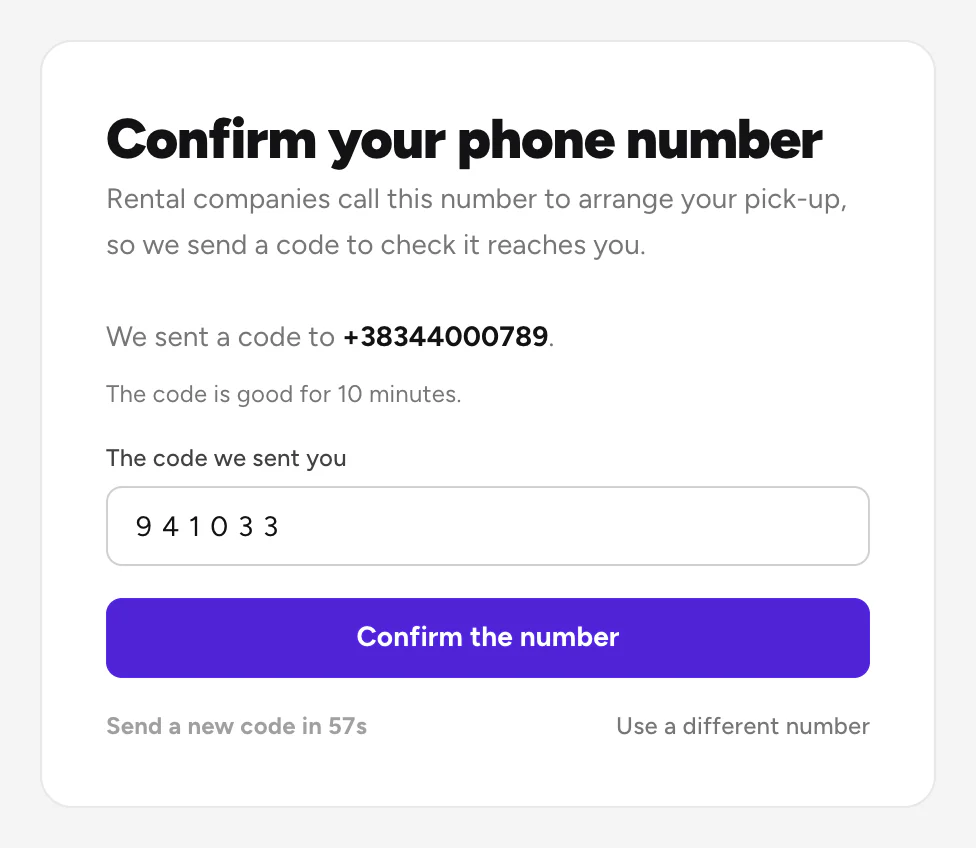
We send a code by WhatsApp or text message. Type it under The code we sent you and click Confirm the number.
Good to know
- The code works for 10 minutes. No code? Wait a minute, then choose Send a new code.
- Use a mobile number. A landline can't get the code.
- We ask again every 120 days, to make sure the number still reaches you.
- Changed your number? Choose Use a different number on this screen. In the app, you can also do it from Account.
Still need help? Contact Rento support from your account on rento-ks.com.