Getting started
Create an account or log in
Sign up with your email, Google or Apple, and log in on any device.
Available onWebsiteiPhoneAndroid
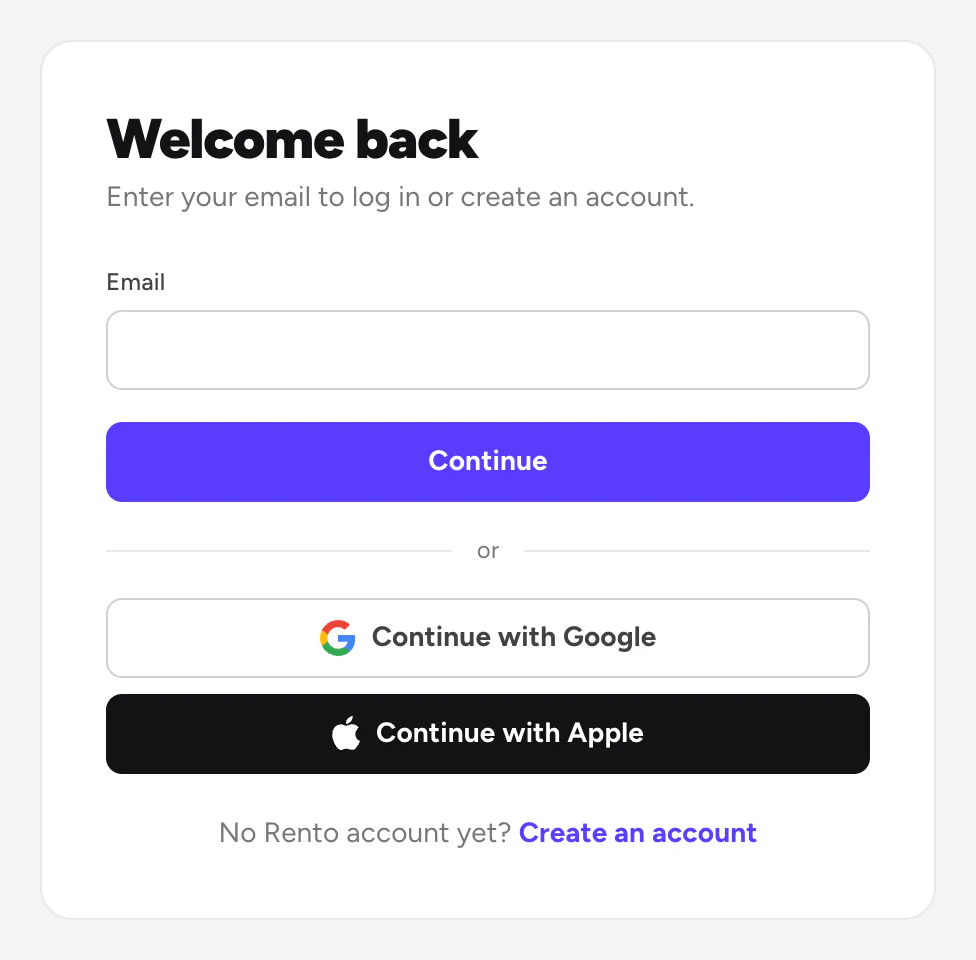
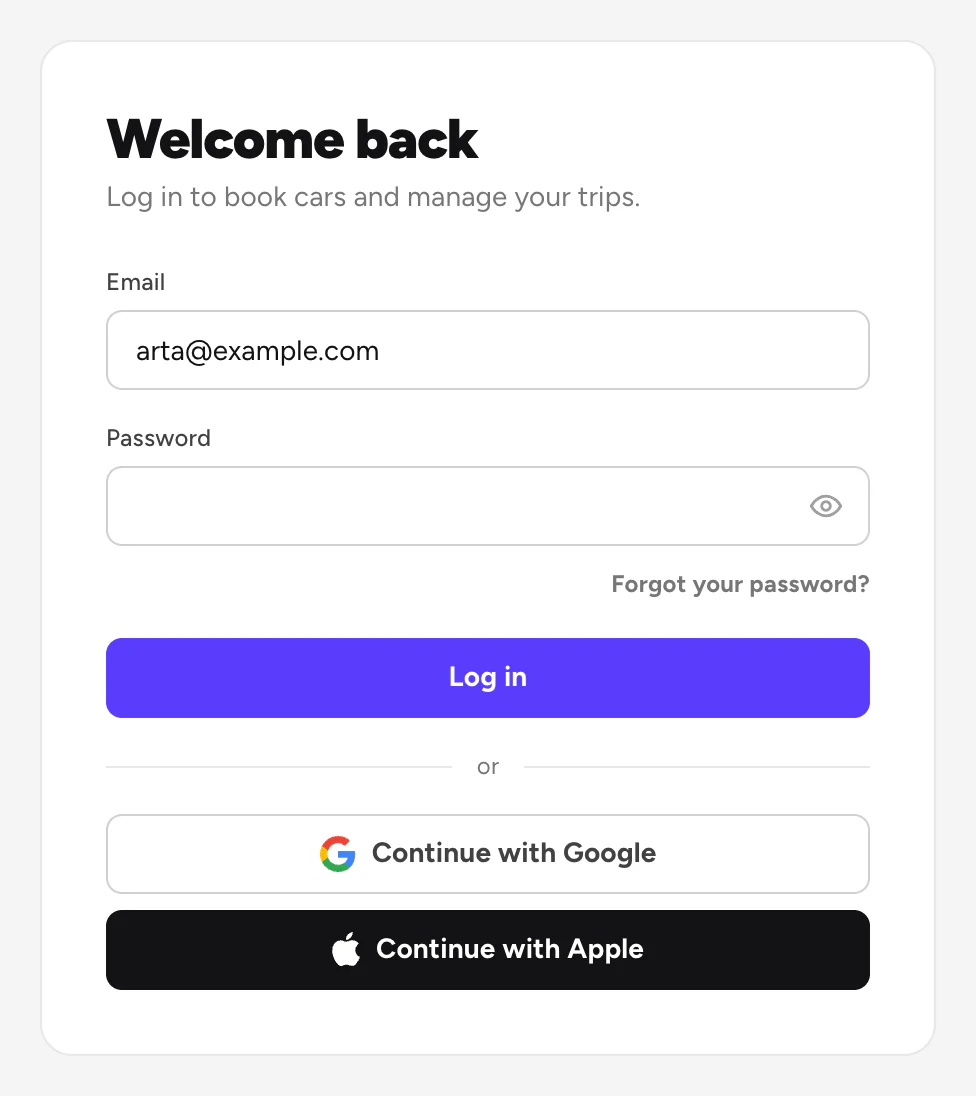
Start with your email. Rento then shows the right next step: your password, the way you signed up before, or a new account.
Steps
Enter your email
Click Log in at the top, type your email and click Continue. Or use Continue with Google or Continue with Apple.
New here? Create an account
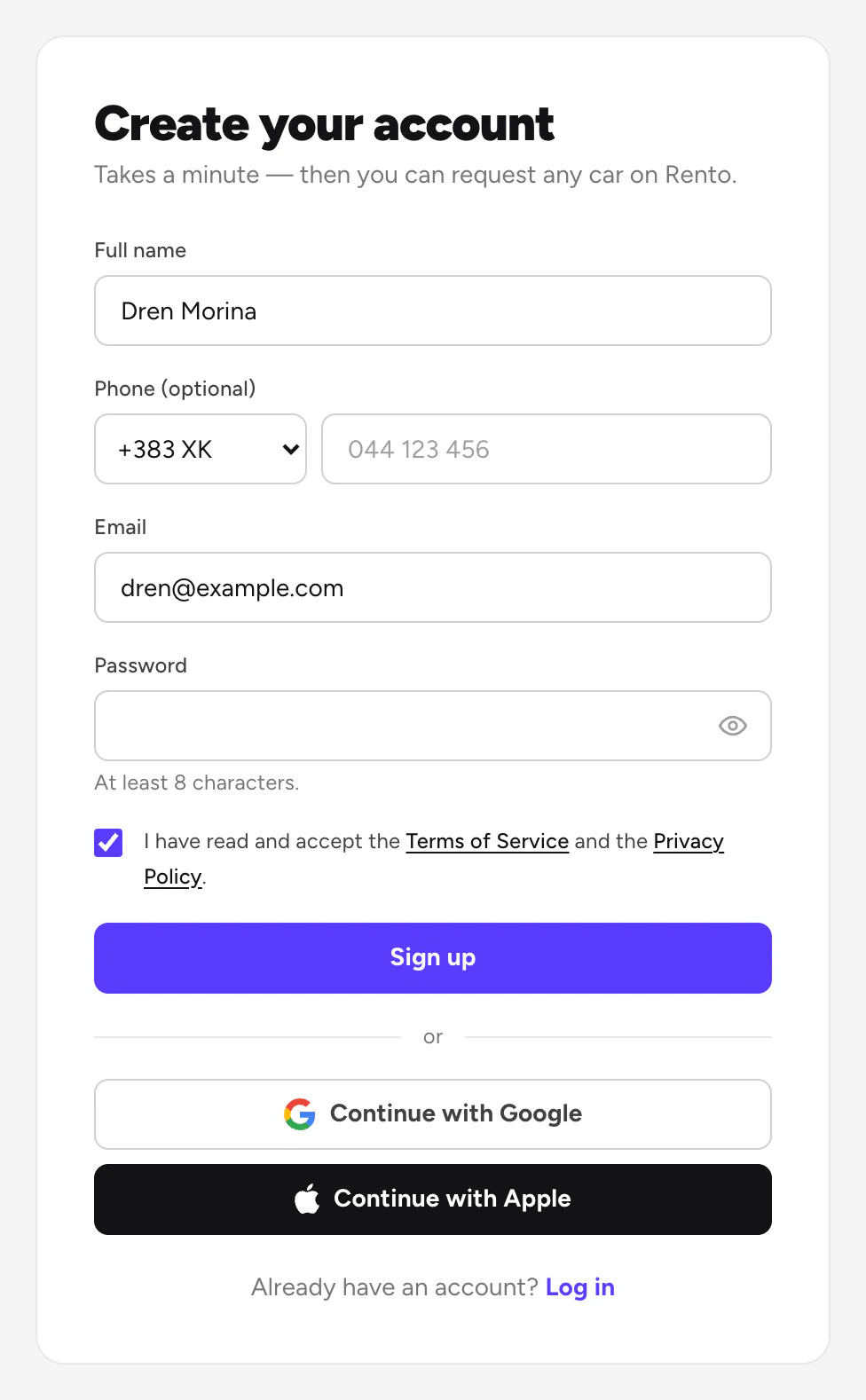
Click Create an account. Fill in your name, email and a password of at least 8 characters, tick the box to accept the terms, then click Sign up.
Good to know
- One account everywhere. Log in with the same email on the website and in the apps.
- Next, confirm your phone. Confirm your phone number
- No account? You can still book. Book without an account
- Signed up with Apple? The Android app has no Apple button. Choose Set a password by email instead, then log in with your email.
- Forgot your password? Reset your password
Still need help? Contact Rento support from your account on rento-ks.com.