Getting started
Reset your password
Get a reset link by email and choose a new password.
Available onWebsiteiPhoneAndroid
Steps
Ask for a link
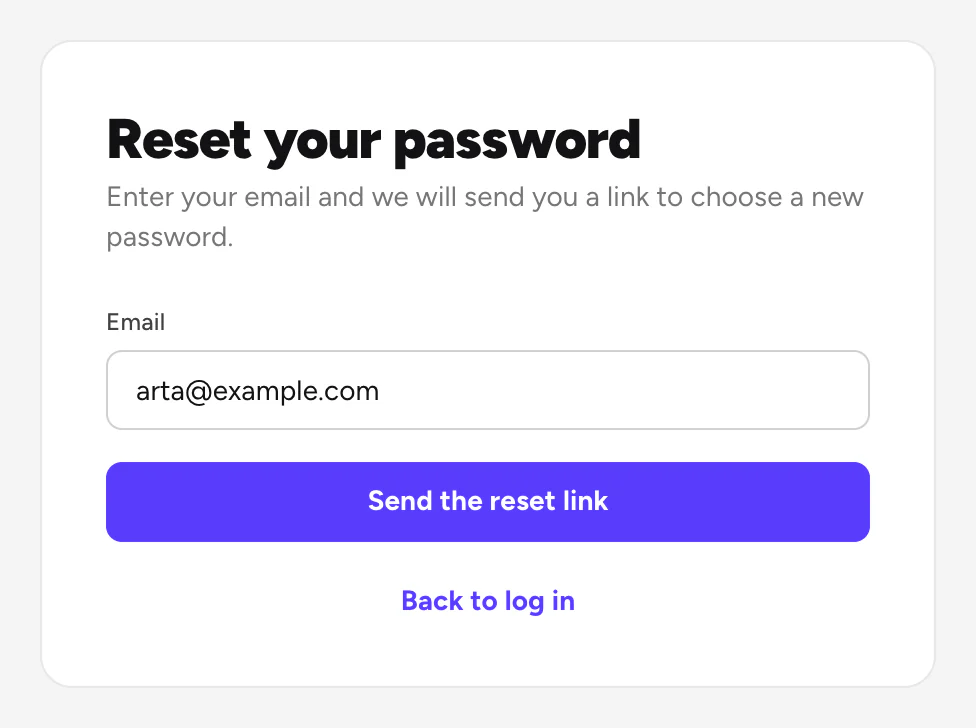
On the log-in page, click Forgot your password?. Type your email and click Send the reset link.
Good to know
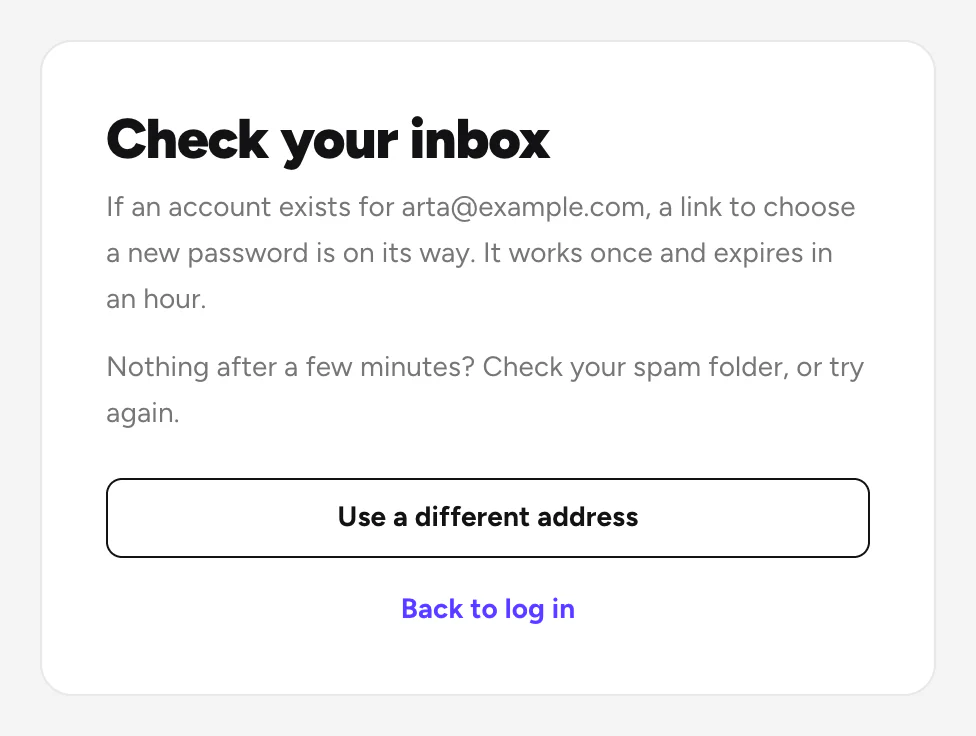
- The link works once, for an hour. No email after a few minutes? Check your spam folder, or ask again.
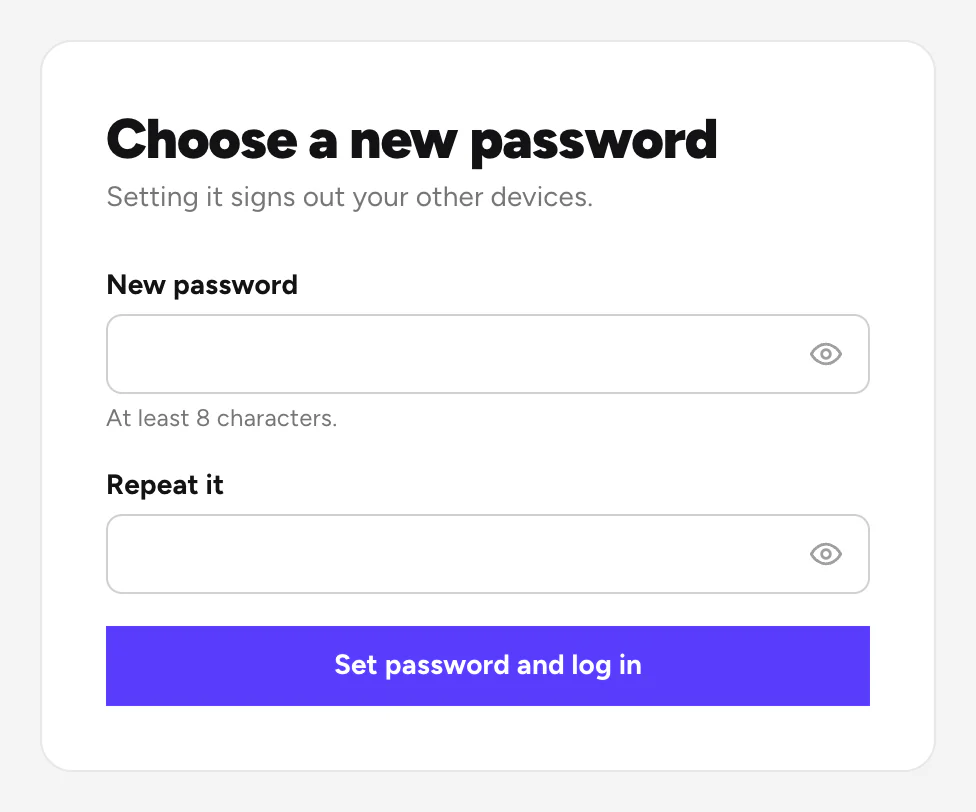
- Setting a new password logs you out on your other devices.
- Signed up with Google or Apple? You can keep using that, or set a password the same way.
Still need help? Contact Rento support from your account on rento-ks.com.