Book and pay
Book without an account
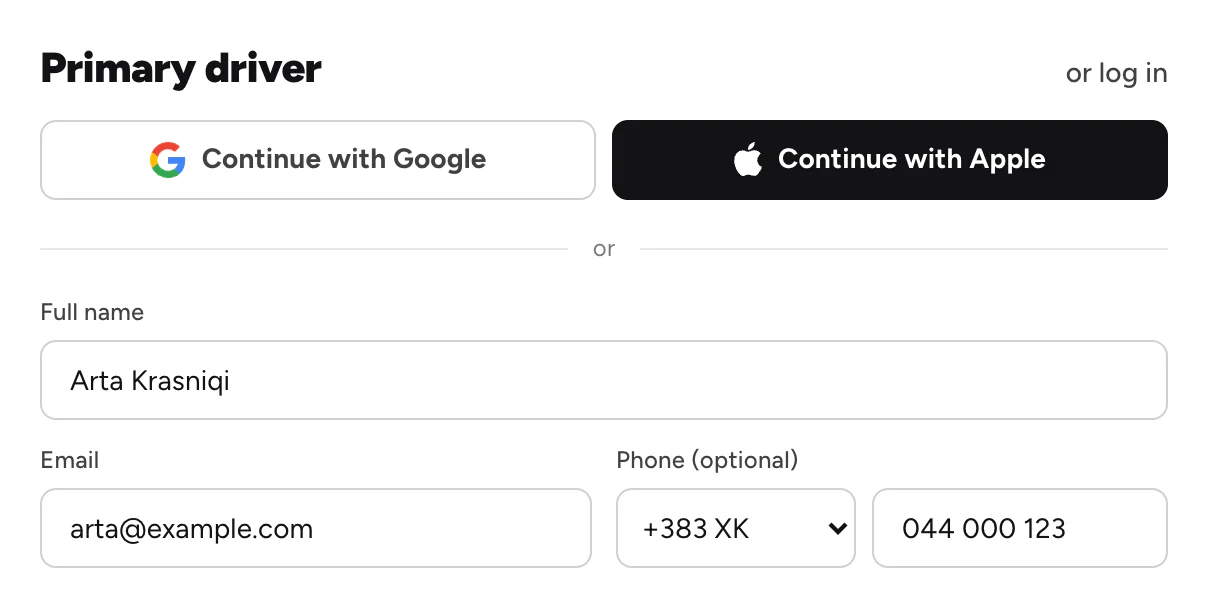
Book with your name, email and phone, and open your booking from the email later.
Available onWebsiteiPhoneAndroid
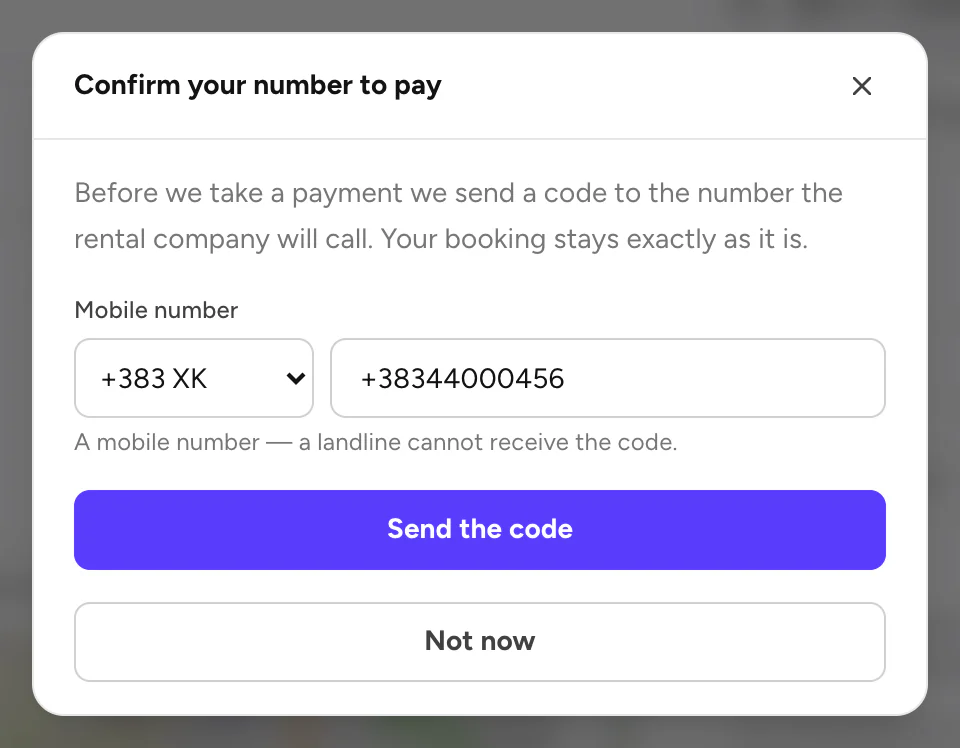
You don't need an account to book. You need a name, an email and a mobile number.
Steps
Pay
Pay as usual. Pay for your booking
Open your booking later
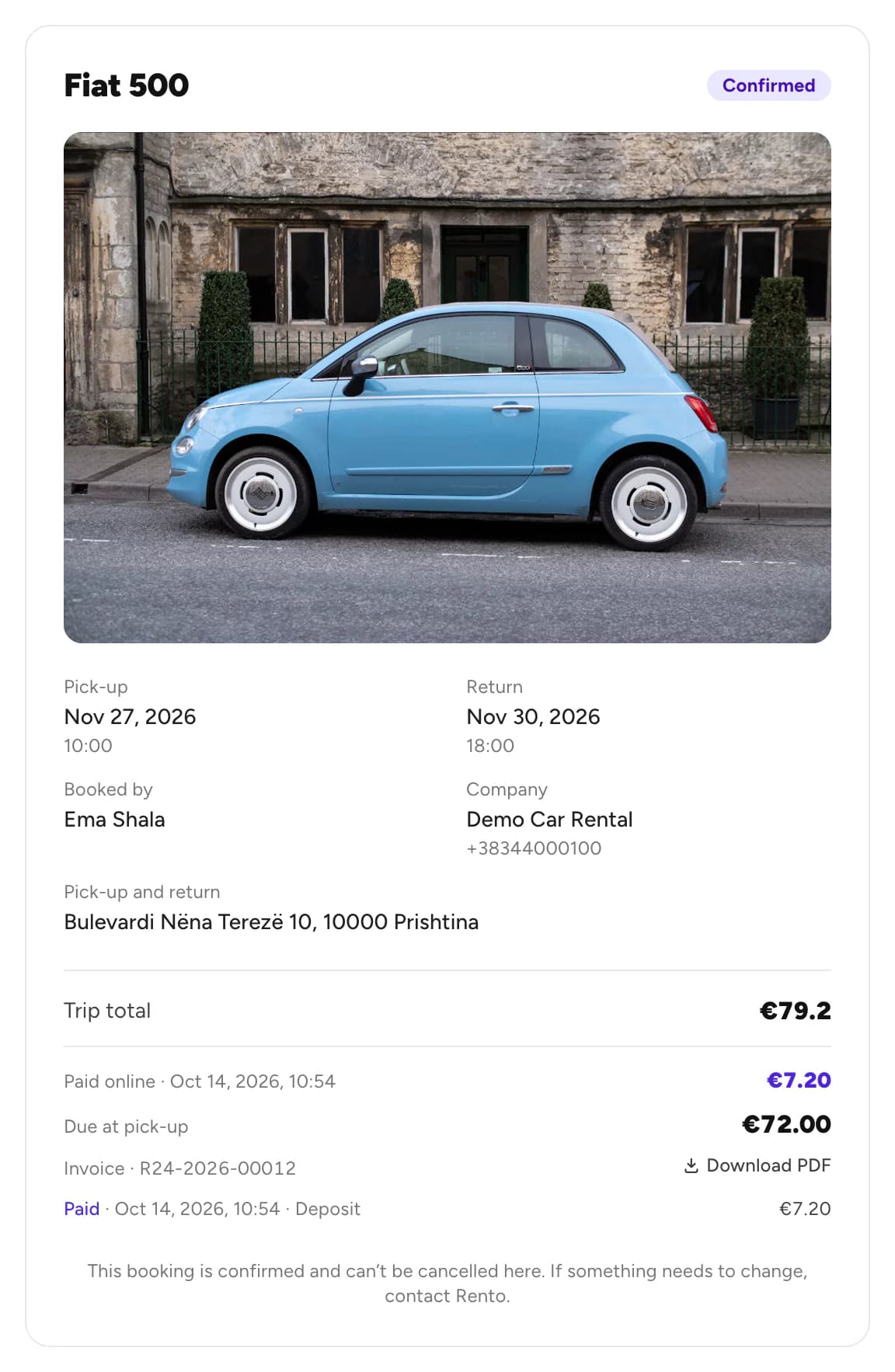
We email you a link to your booking. Open it to see its status, what you paid and what is left.
Good to know
- Keep the email. Its link is the way back to your booking, on any device.
- In the app, guest bookings stay on the phone you booked with. Signing in later won't move them to your account.
- Book often? Create an account to keep all your trips in one place.
Still need help? Contact Rento support from your account on rento-ks.com.