Book and pay
Book a car
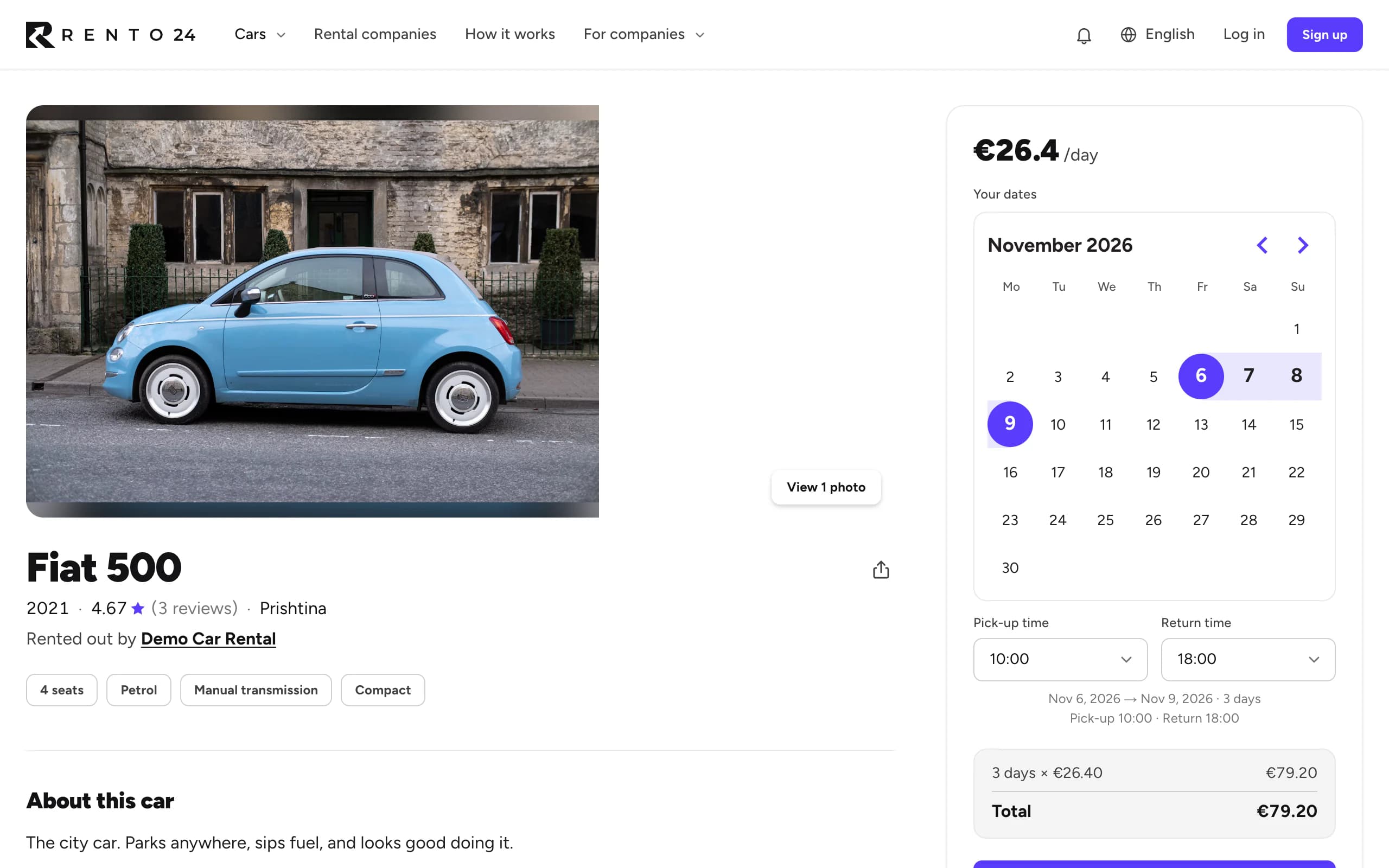
Pick your dates, choose where to collect the car, and pay to confirm.
Available onWebsiteiPhoneAndroid
Before you start
- We confirm your phone number with a code before you pay. You do this once every 120 days.
- Some cars only rent to verified renters. For those, verify your ID first.
Steps
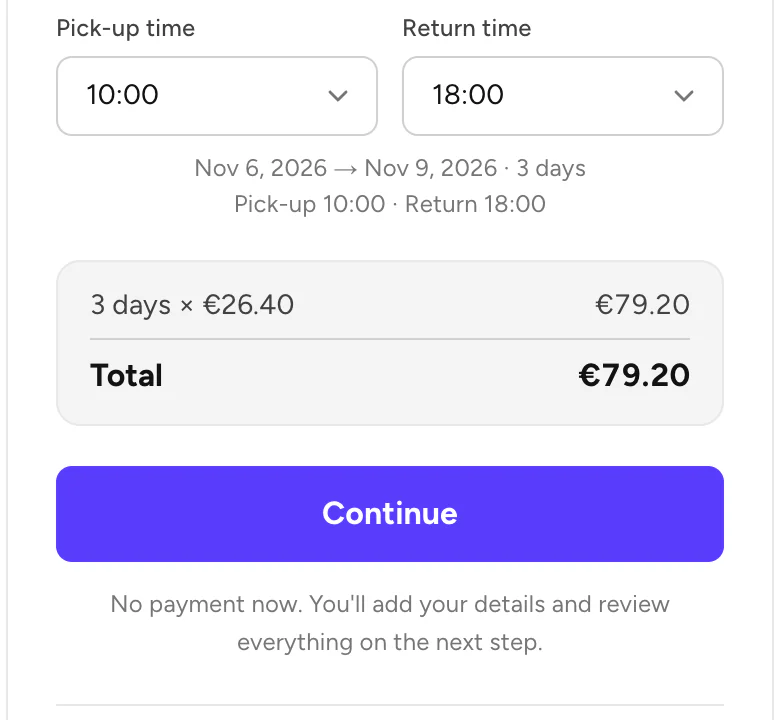
Set the times
Choose a Pick-up time and a Return time, then click Continue. You don't pay anything yet.
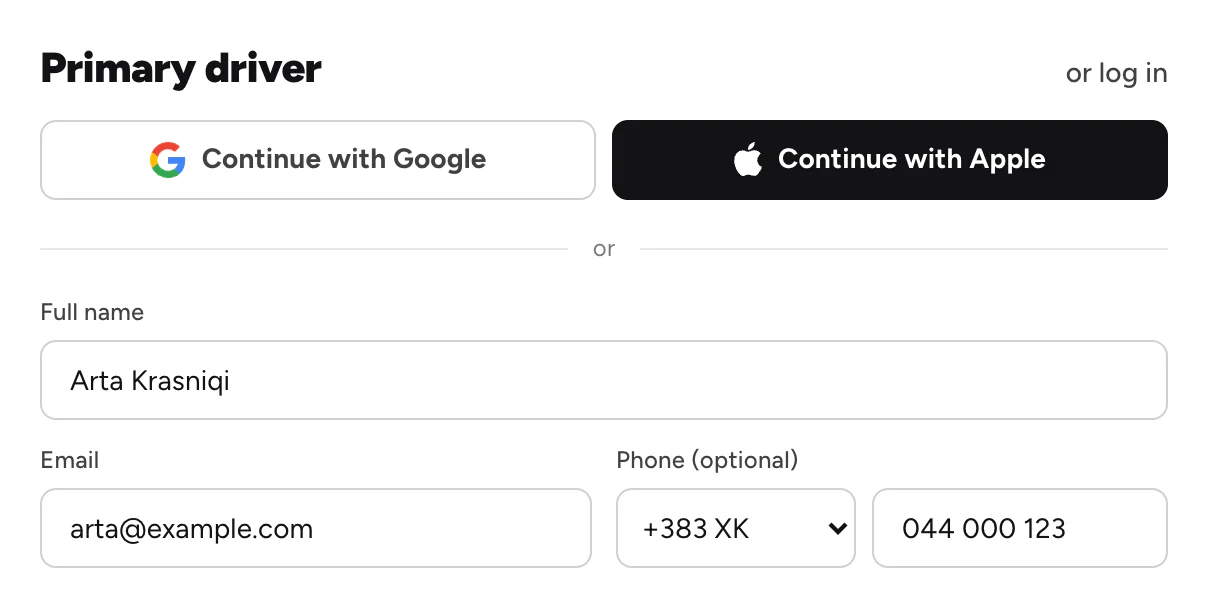
Add your details
Logged in? Skip this step. If not, fill in Primary driver, or continue with Google or Apple.
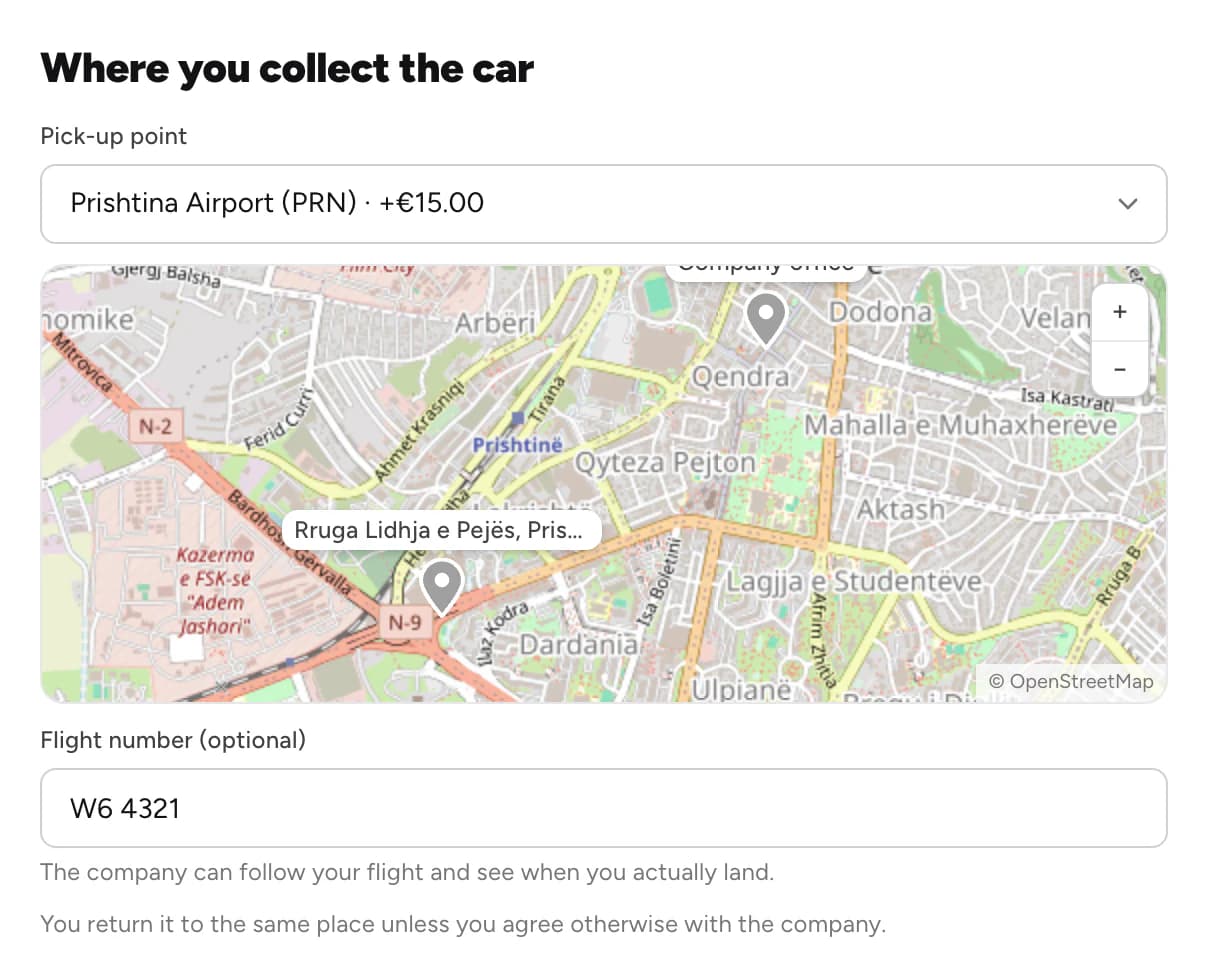
Choose where to collect the car
Pick a place under Where you collect the car. An airport can cost extra. For an airport, add your Flight number (optional).
Add extras or a code
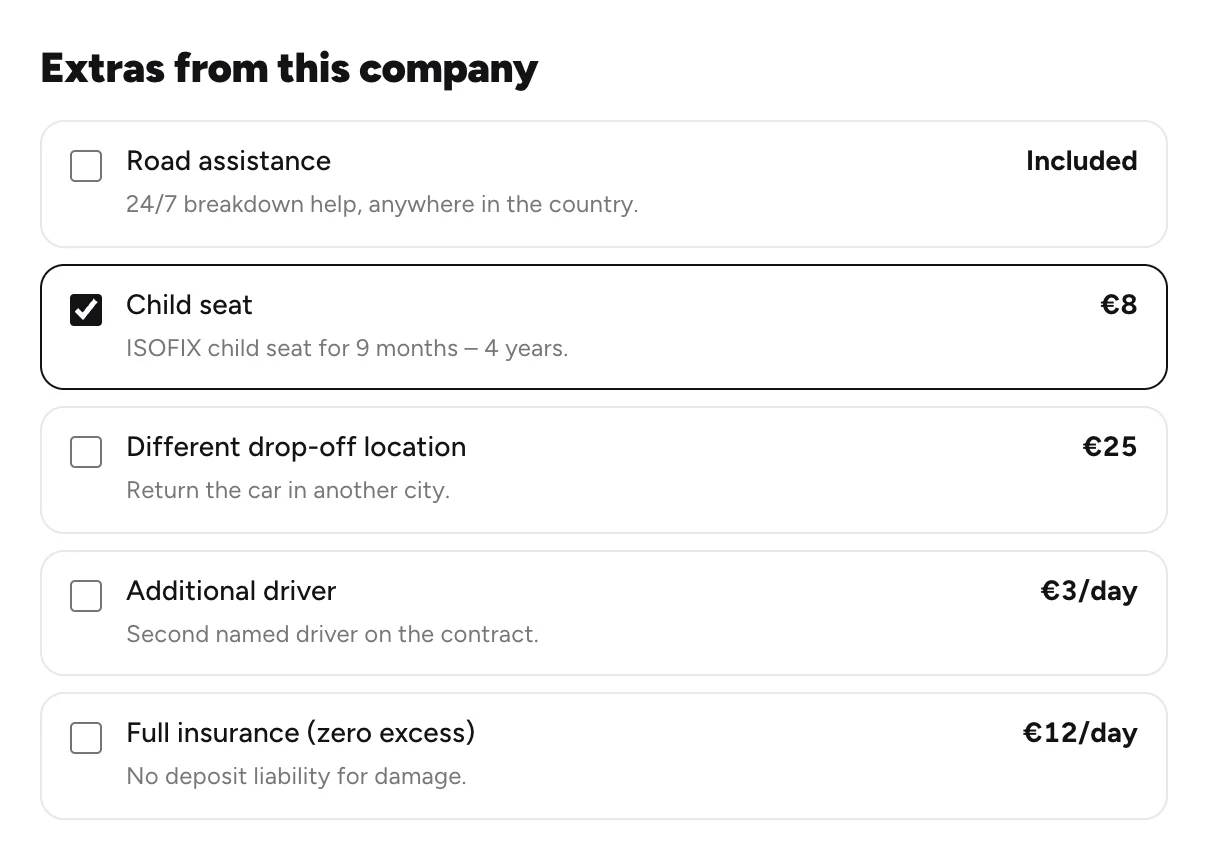
Tick any Extras from this company. Where an extra shows − and +, choose how many, like two child seats. Have a promo code? Enter it under Promo code and click Apply.
Pay to confirm
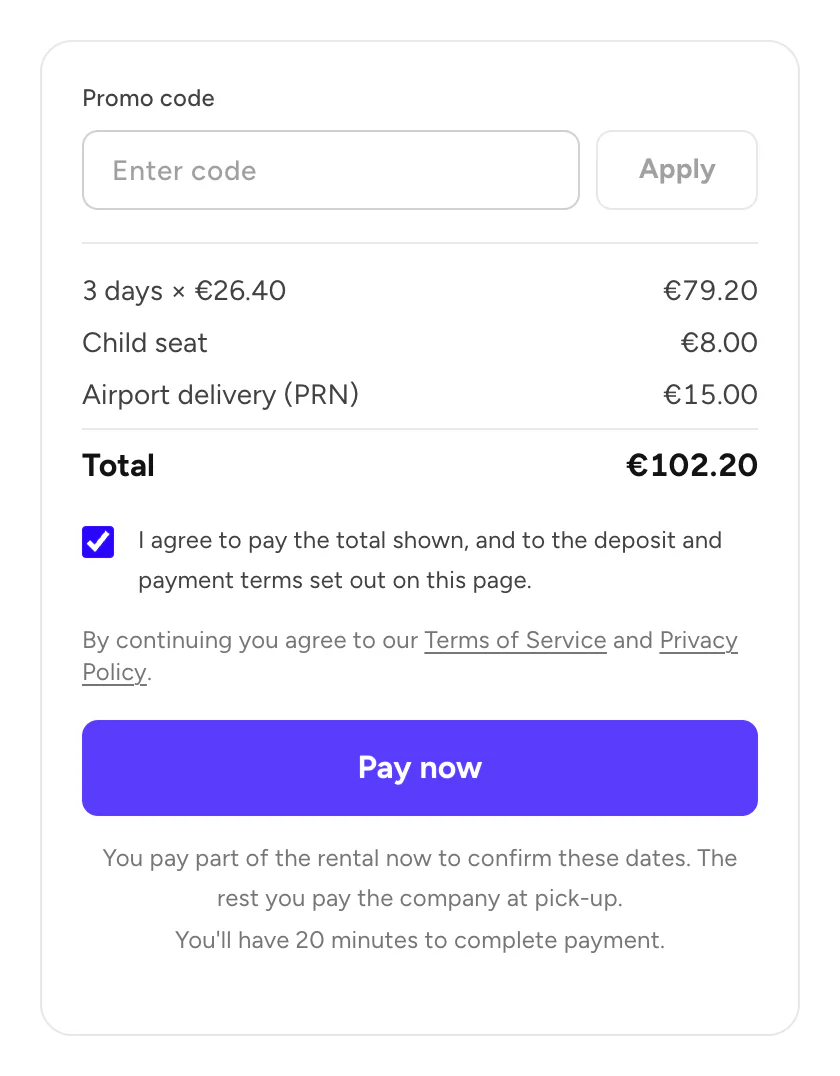
Check the total, tick the box to agree, and click Pay now. Then pay on the secure payment page.
Good to know
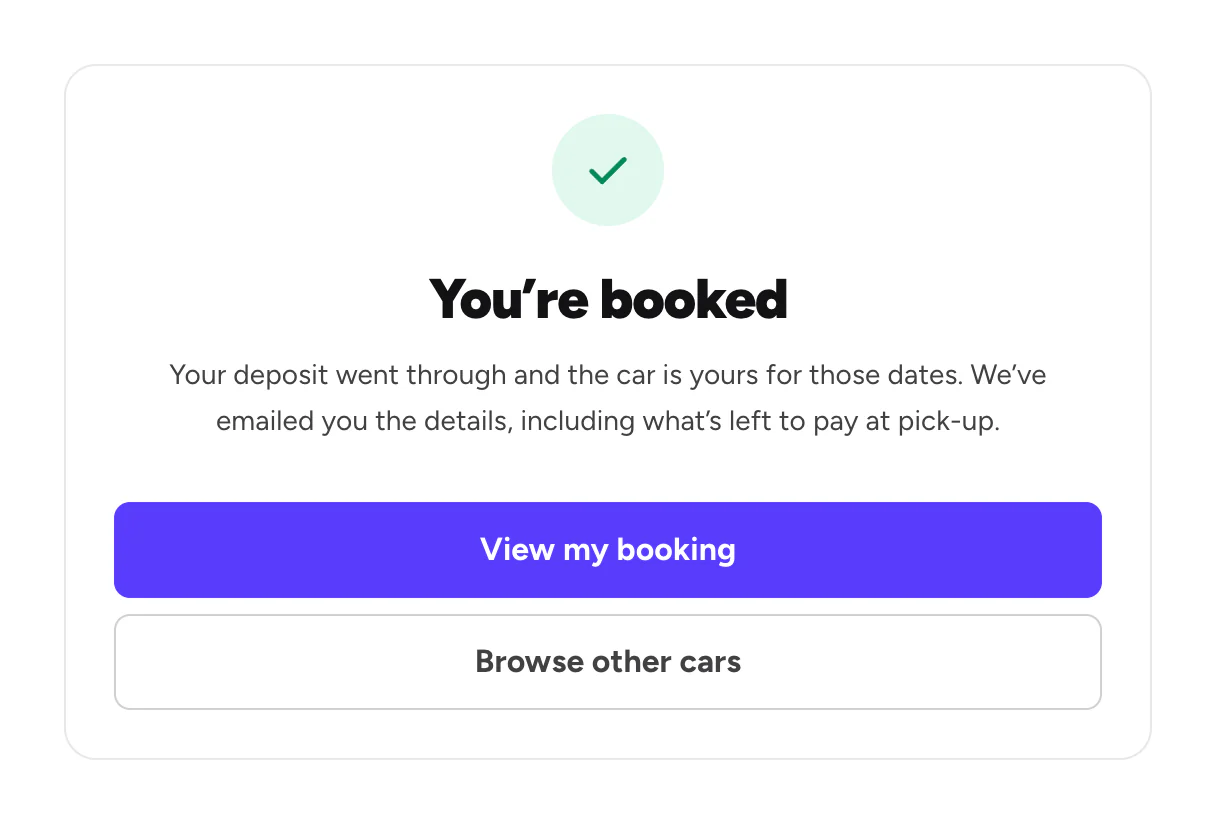
- You pay in two parts. A small part online confirms the booking. You pay the rest to the company at pick-up. What you pay
- You have 20 minutes to pay. Your dates are held while you pay. If you don't finish, they are released.
- A paid booking is final. To change it, contact Rento support.
- Longer rentals often cost less per day. The car page shows the discount.
Still need help? Contact Rento support from your account on rento-ks.com.