Book and pay
Book dates a company offered you
Reserve dates a company is holding for you in chat.
Available onWebsiteiPhoneAndroid
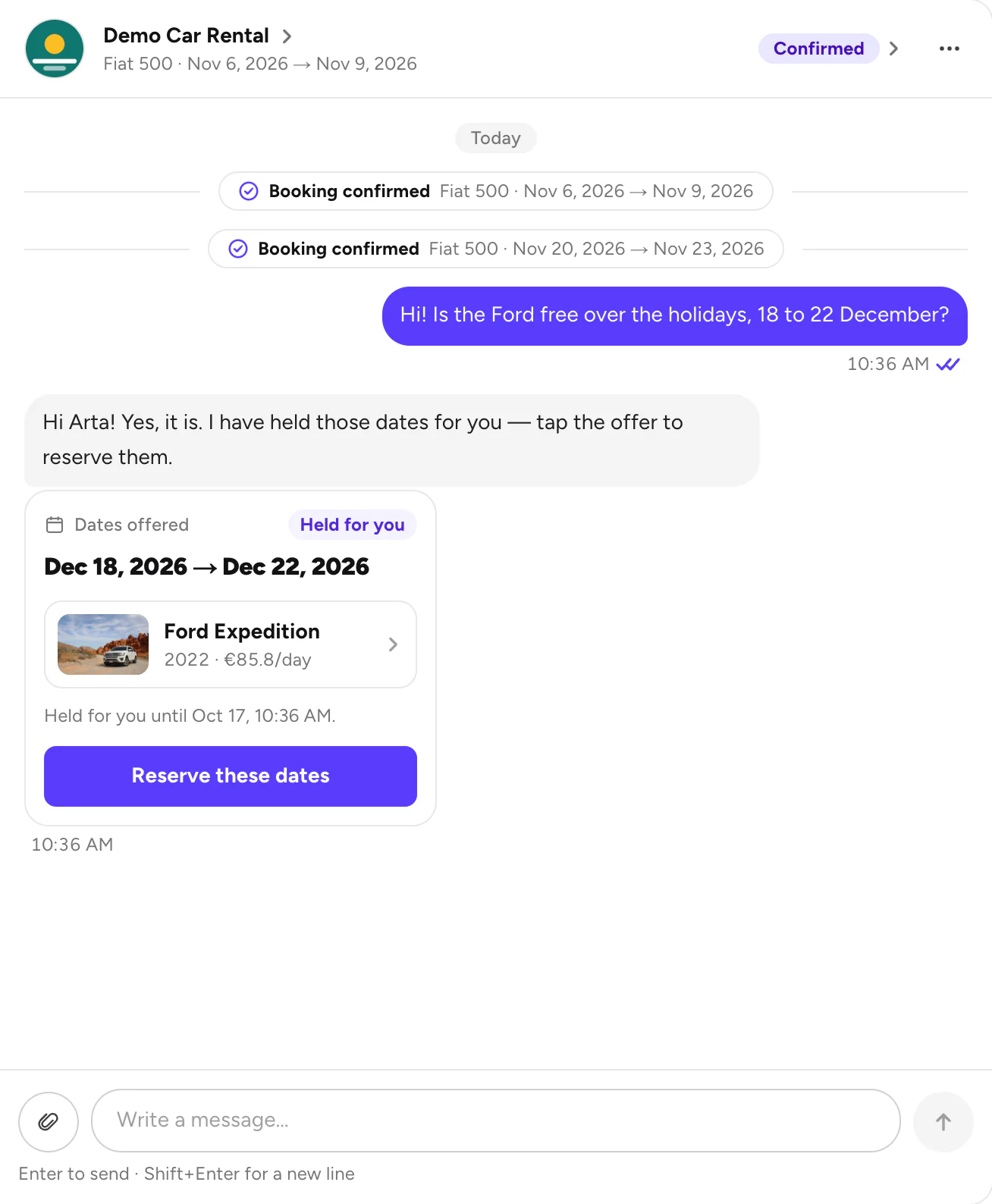
A company can hold dates for you and send them as an offer in Messages. Ask for one by messaging the company.
Steps
Open the offer
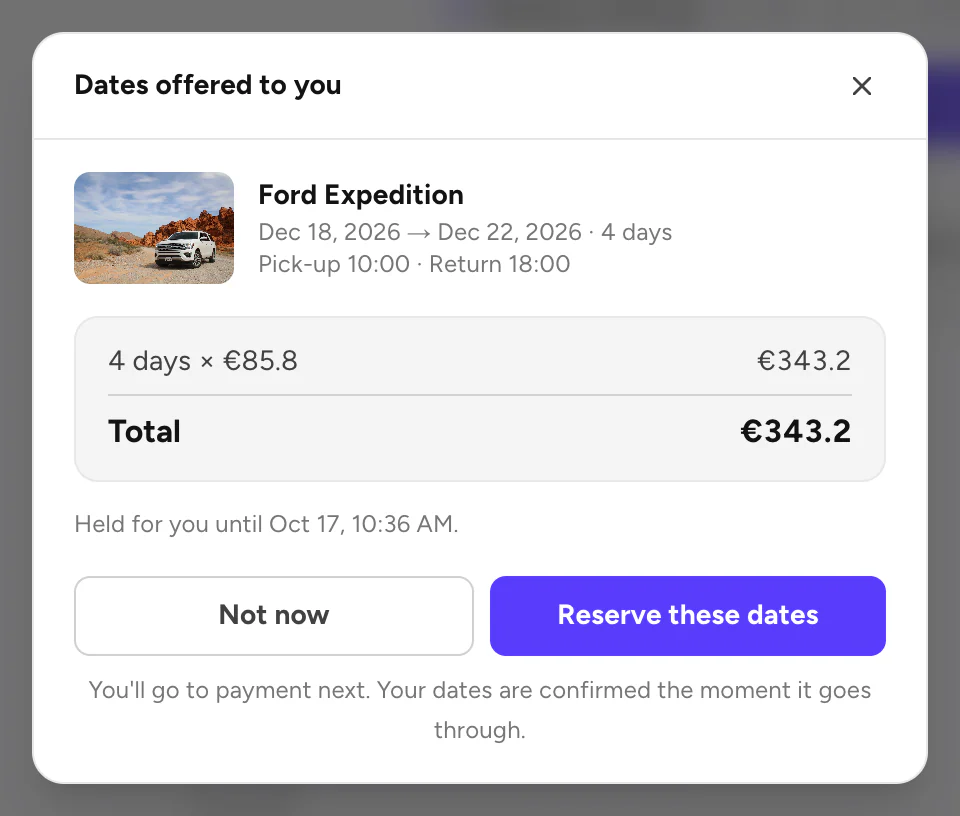
In Messages, open the chat with the company. The offer shows the car, the dates and how long they're held.
Pay
Pay to confirm, as with any booking. Pay for your booking
Good to know
- The dates are held until the time shown. After that, the offer ends. Message the company if you'd like it again.
- The dates are yours once you pay. Until then, the offer only holds them.
Still need help? Contact Rento support from your account on rento-ks.com.