Book and pay
Pay for your booking
You have 20 minutes to pay. What to do if you stop halfway or a payment fails.
Available onWebsiteiPhoneAndroid
Pay within 20 minutes
When you continue to payment, we hold your dates for 20 minutes. Pay on the secure payment page before the time runs out.
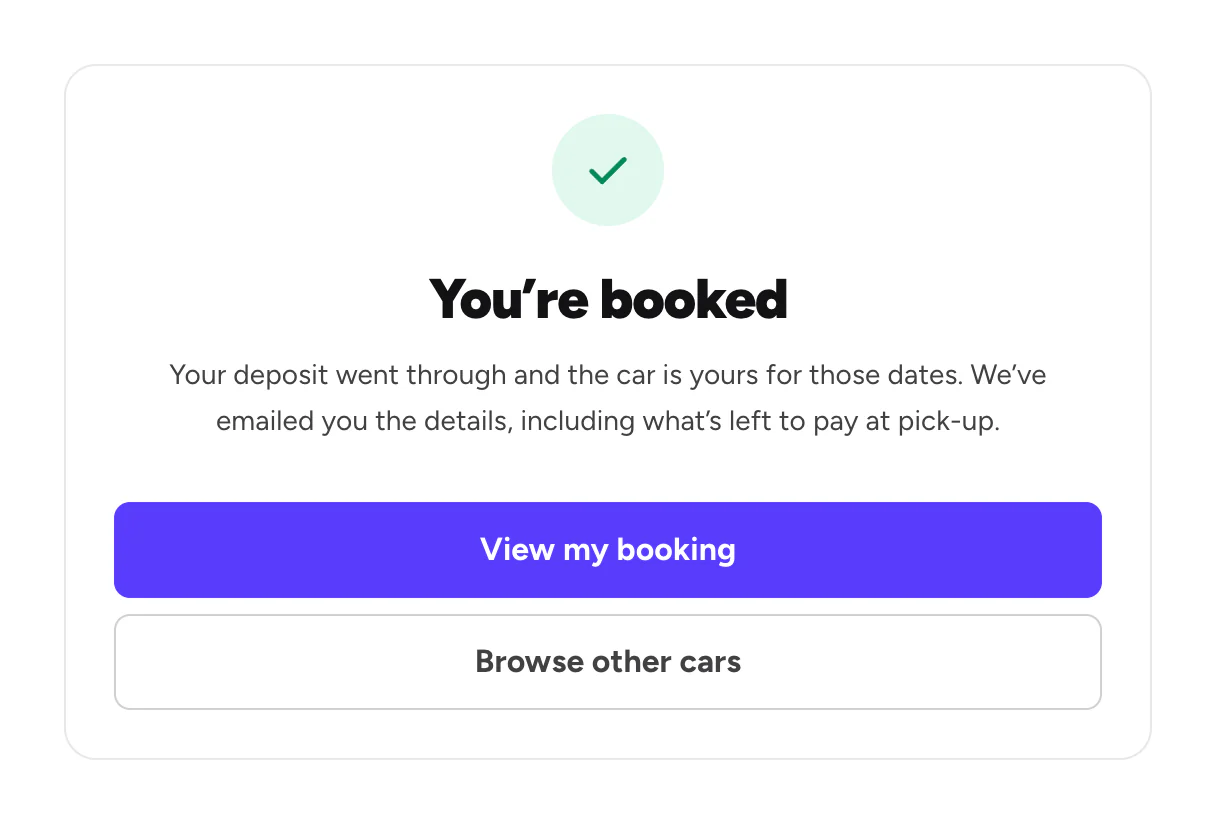
The payment page opens in the same tab. When the payment goes through, you'll see You’re booked.
Finish a booking you didn't pay
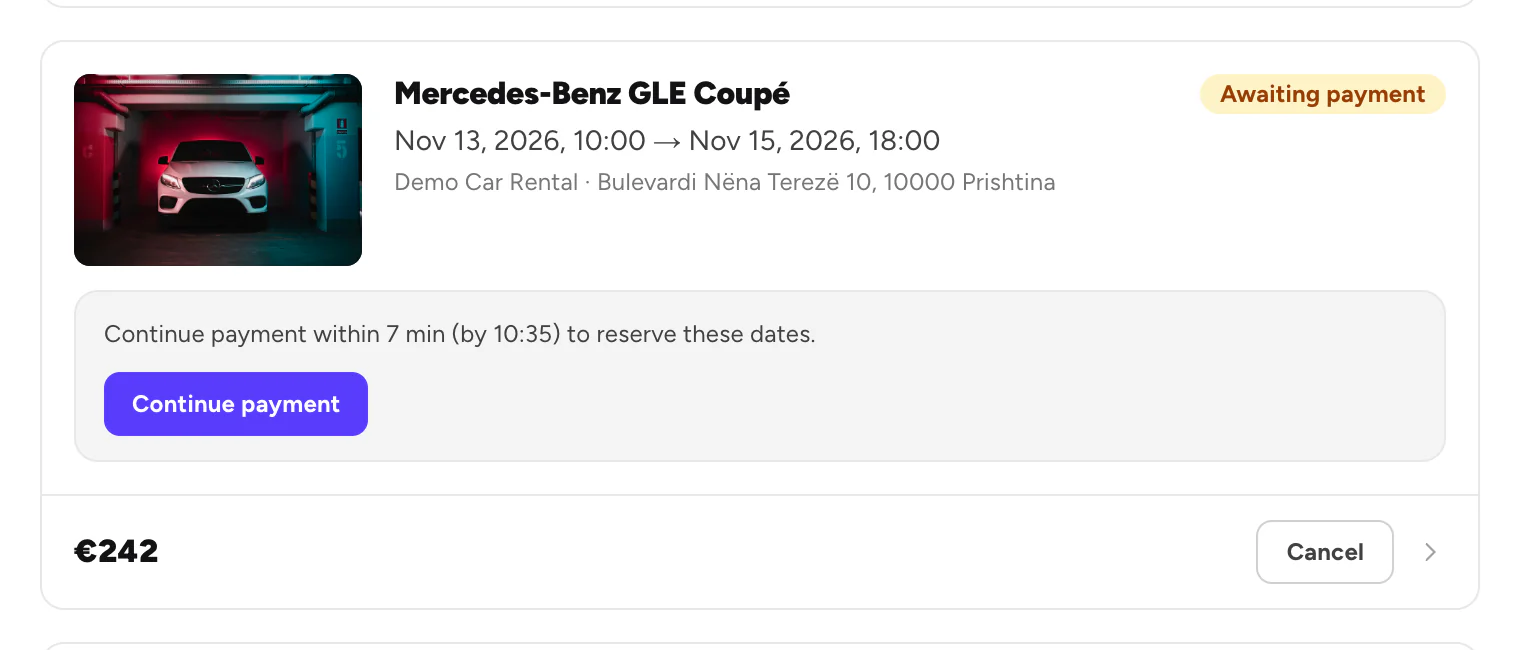
Left before paying? The booking waits in Trips as Awaiting payment until the time runs out.
Open Trips
Find the booking marked Awaiting payment.
Continue payment
Click Continue payment and pay. Don't want it any more? Click Cancel to free the dates.
If a payment fails
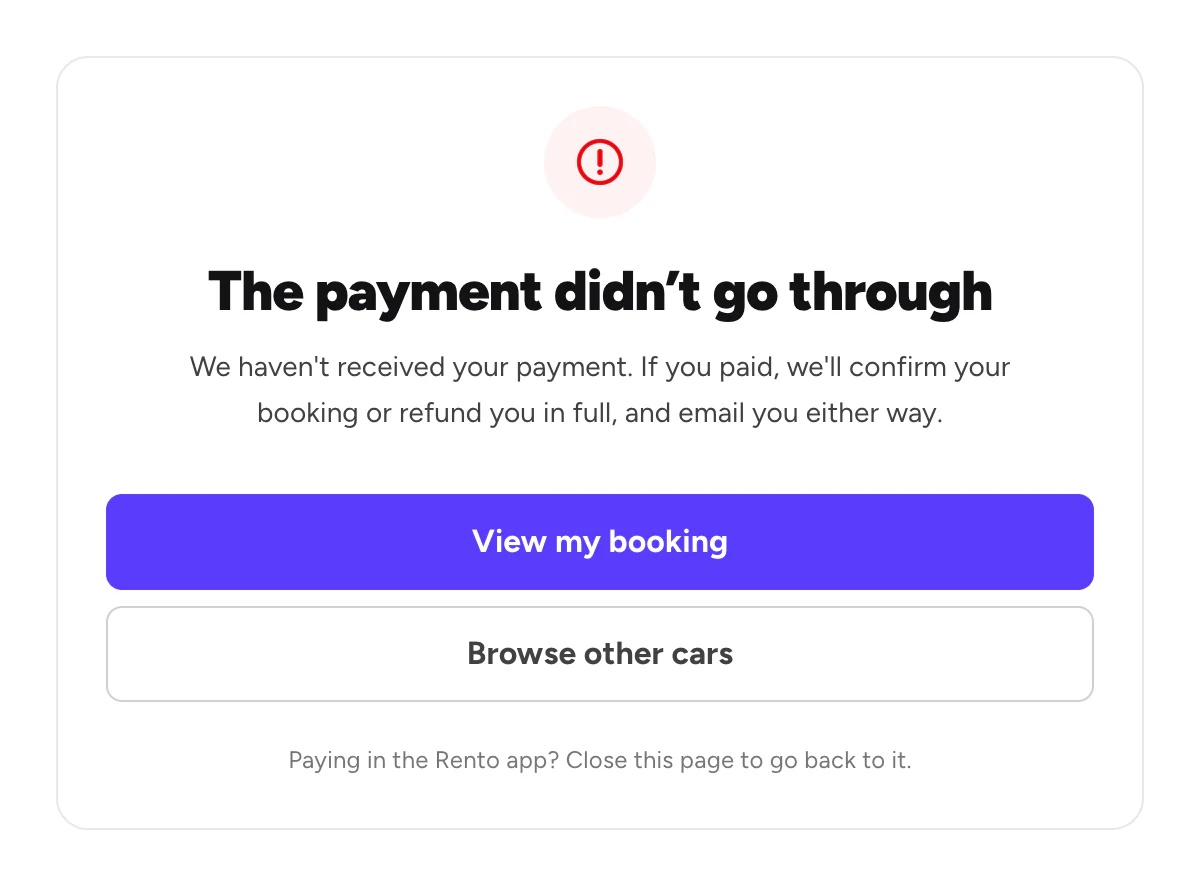
Open your booking and try again while there is time left. On the website, you'll see this page:
Good to know
- One payment at a time. Finish or cancel your other payment before you pay for another booking.
- Not sure it went through? Don't pay again. We confirm your booking or refund you in full, and email you either way.
- Paid after the time ran out? If the dates are still free, your booking goes ahead. If not, you get a full refund.
- A paid booking is final. To change it, contact Rento support.
Still need help? Contact Rento support from your account on rento-ks.com.