Messages
Notifications
News, offers and booking alerts, and where each one arrives.
Available onWebsiteiPhoneAndroid
Where they arrive
| What | Where |
|---|---|
| Booking updates: confirmed, cancelled, refunds, your agreement, time to return the car | The app (push) and email |
| A company's reply | The app (push). Still unread after a few minutes? We email you. |
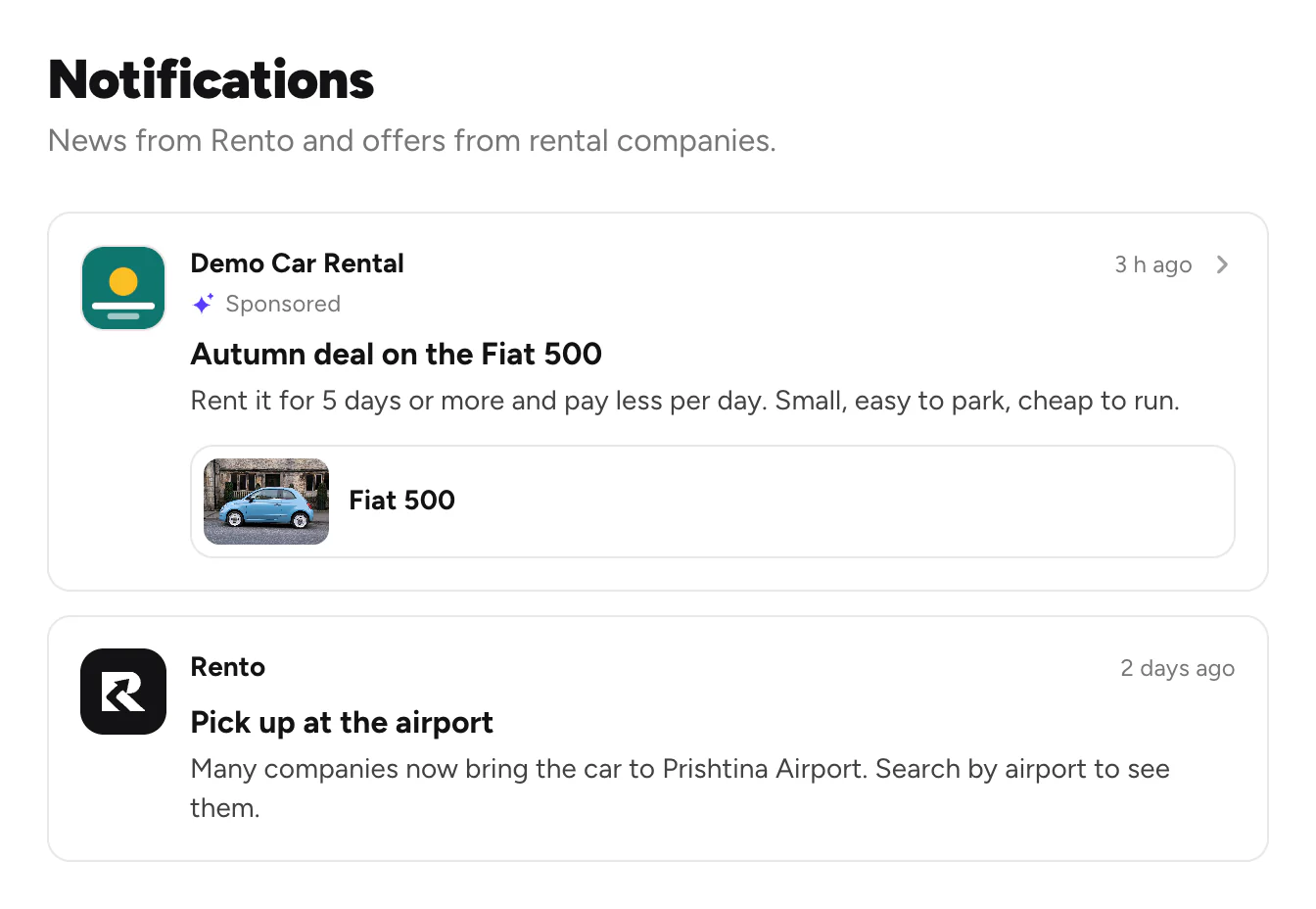
| News from Rento and offers from companies | The bell |
Turn on push notifications
After you sign in, the app asks. Tap Turn on notifications, then Allow.
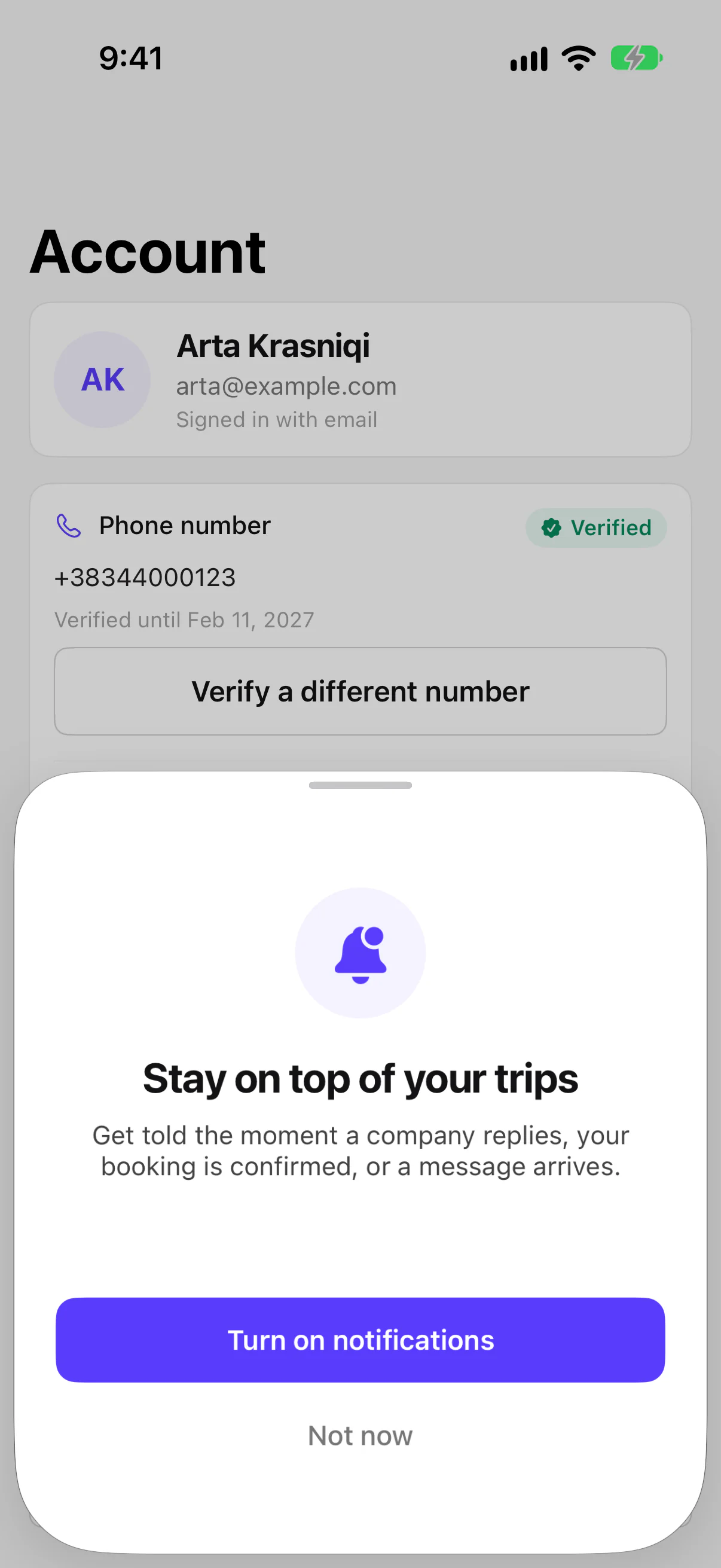
Changed your mind? Turn them on or off in your phone's Settings, under Notifications.
See news and offers
Good to know
- Sponsored posts are offers that rental companies pay for.
- Offers and news in the app's Account turns Rento's news and offer notifications on or off. Booking and chat alerts stay on.
- The website has no notification settings. Booking emails come either way.
Still need help? Contact Rento support from your account on rento-ks.com.