Your trips
See your trips
Upcoming and past trips, payments and invoices.
Available onWebsiteiPhoneAndroid
Steps
Open Trips
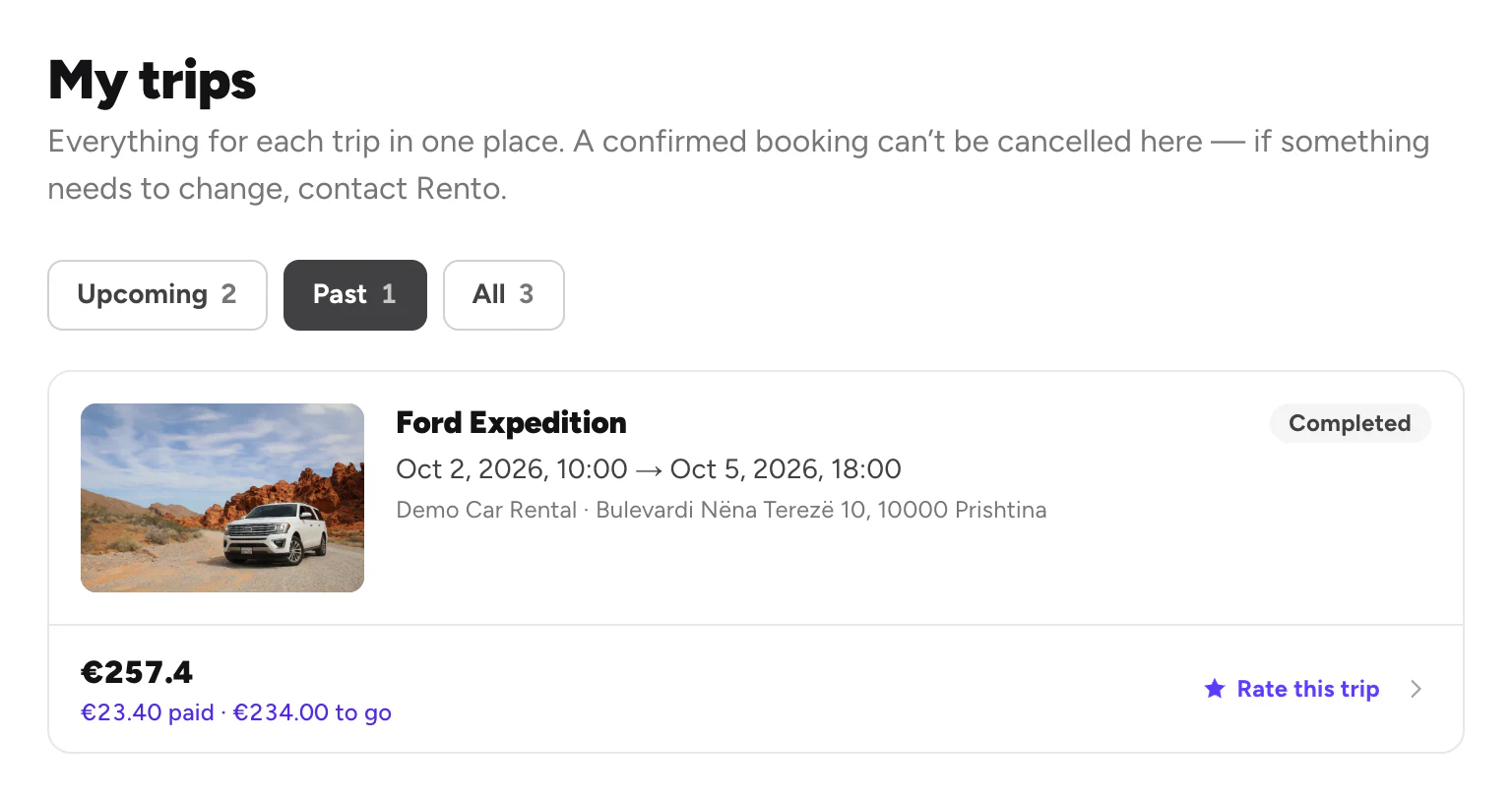
Click Trips at the top. Upcoming shows the trips ahead, with what you've paid and what's left.
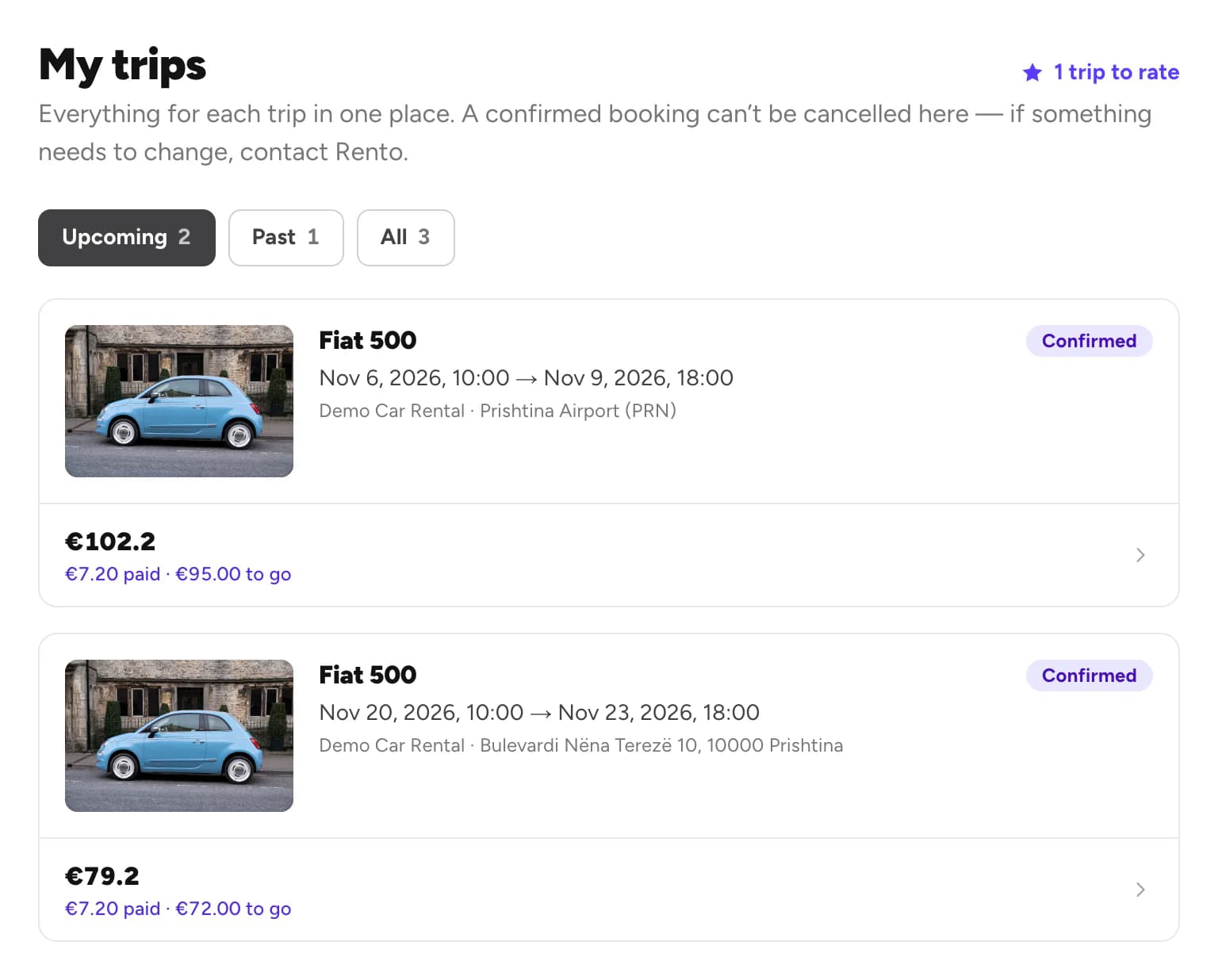
Open a trip
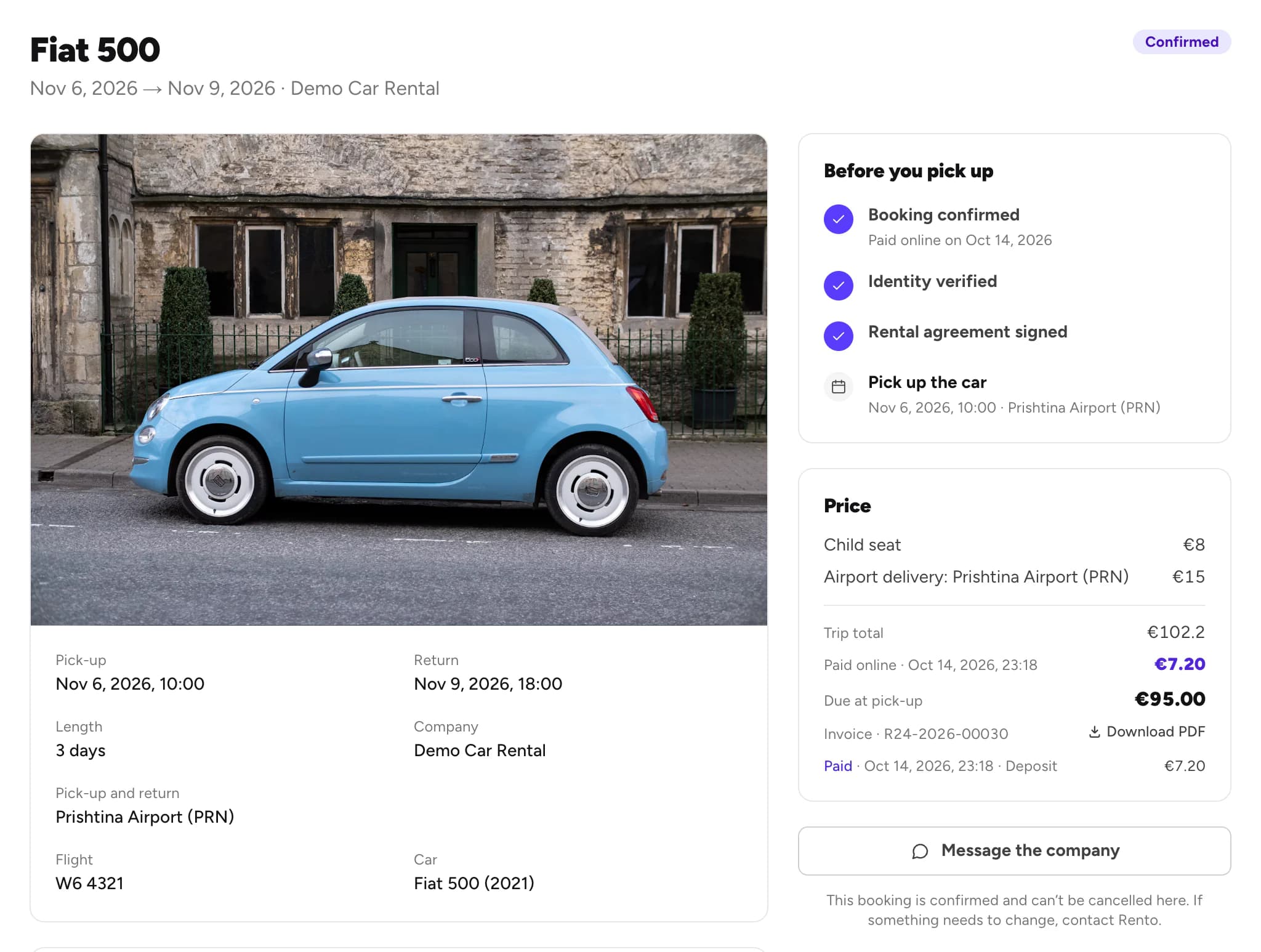
Click a trip for the times, the pick-up place, what to do before pick-up and the Price. Download the invoice from there.
Good to know
- Booked without an account? Open the trip from the link in your email. In the app, it's under Booked as a guest. Book without an account
- Need to talk to the company? Message them from the trip. Chat with a company
Still need help? Contact Rento support from your account on rento-ks.com.