On pick-up day
What to bring, how to find the company, and photos of the car.
Available onWebsiteiPhoneAndroid
Check your trip
Open your trip in Trips for the time, the place and what's left to pay.
Before you pick up shows what's done and when and where to collect the car.
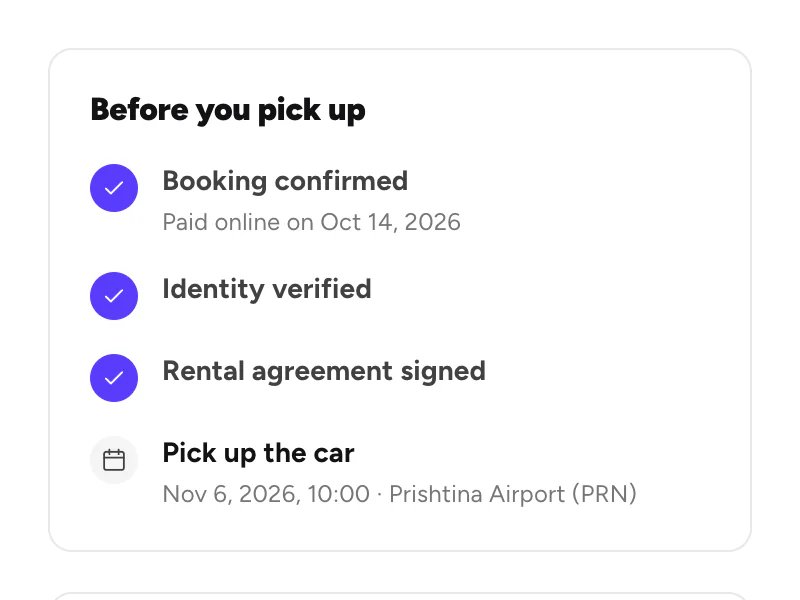
What to bring
- Your driving licence. You need it to drive.
- Your ID card or passport, if you haven't verified your ID on Rento. The company checks them at the counter.
- The amount due at pick-up. You pay it to the company. What you pay
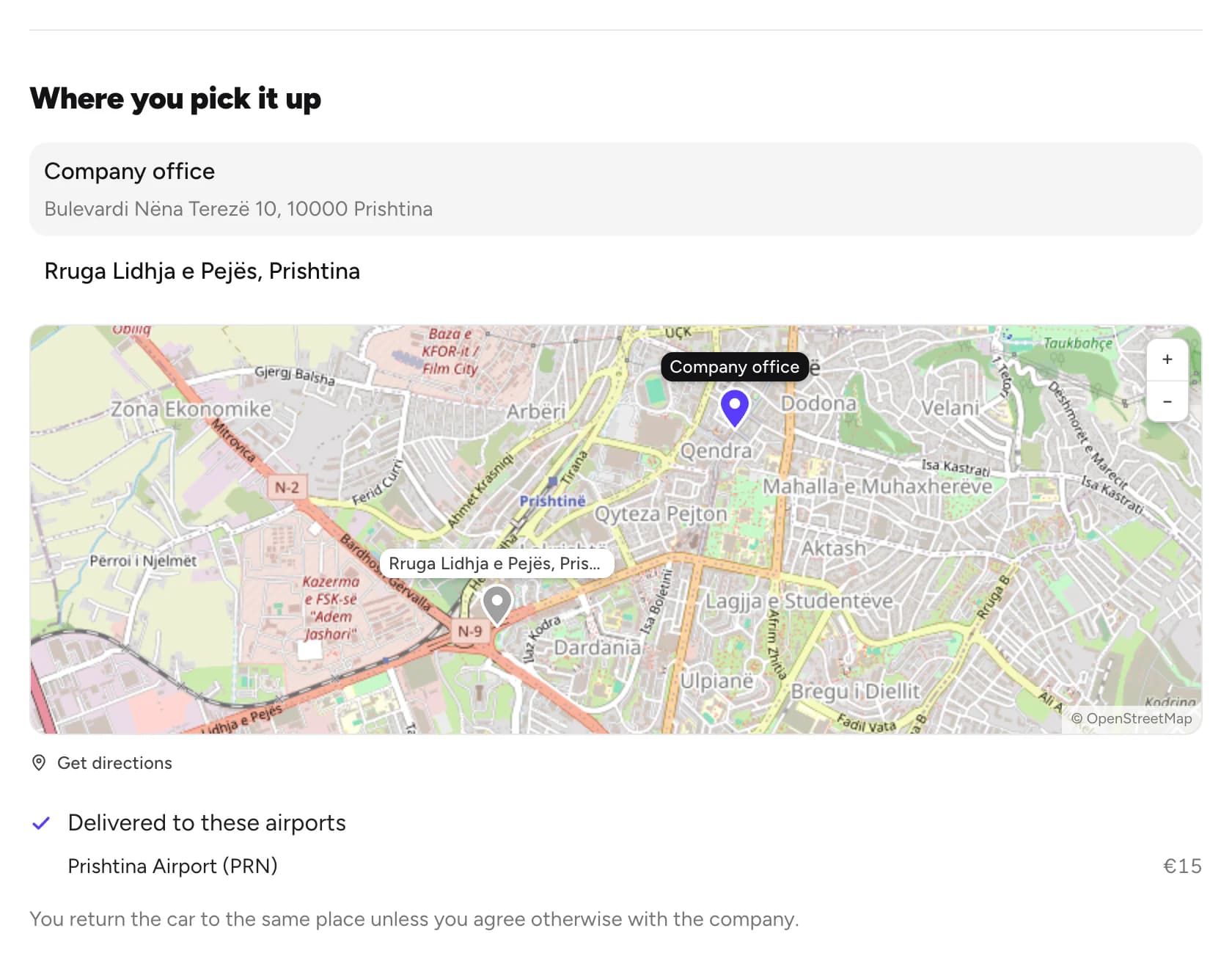
Find the company
On the car page, Where you pick it up has Get directions. Running late? Message the company. Chat with a company
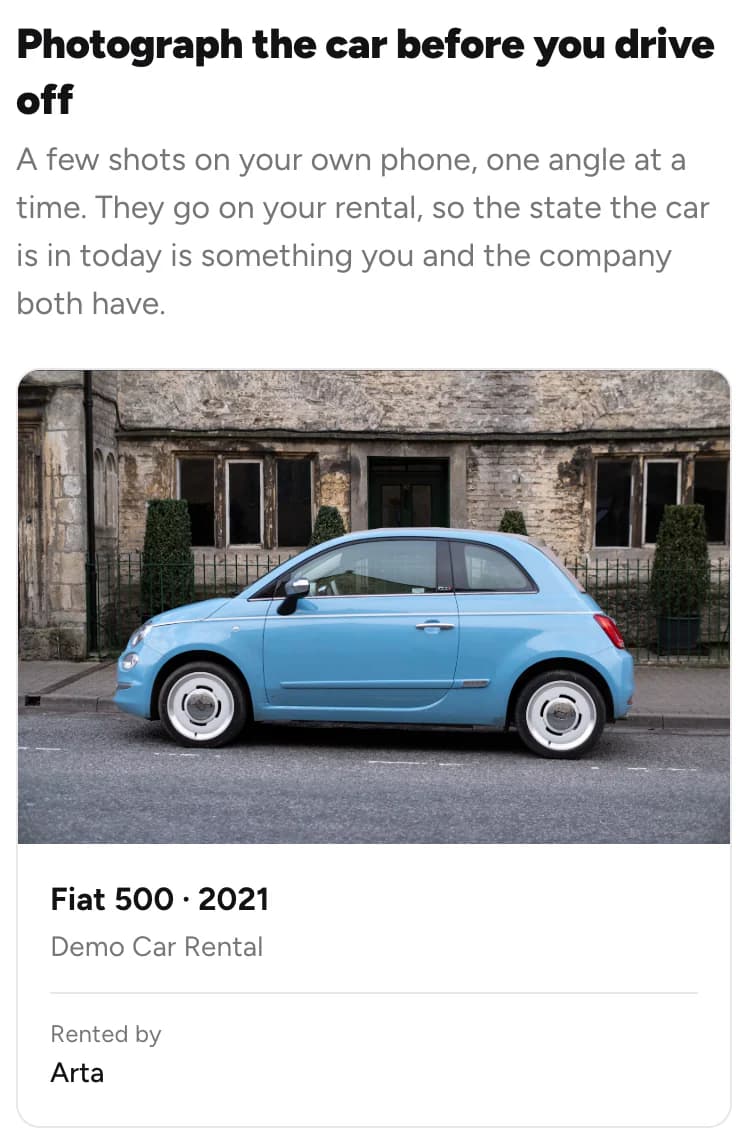
Photograph the car
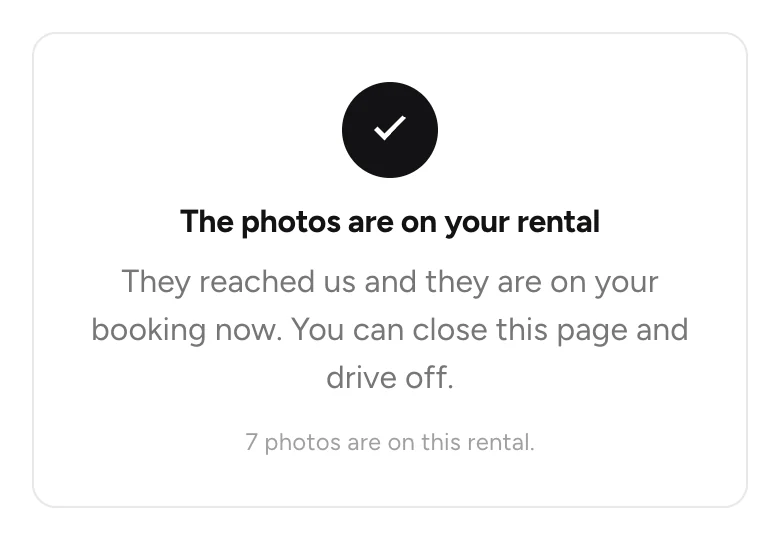
The company may ask you to photograph the car before you drive off. The photos go on your rental, so you and the company both have them.
Open the photo page
Scan the company's QR code with your phone, or hold your phone to their Rento sticker. Your rental opens.
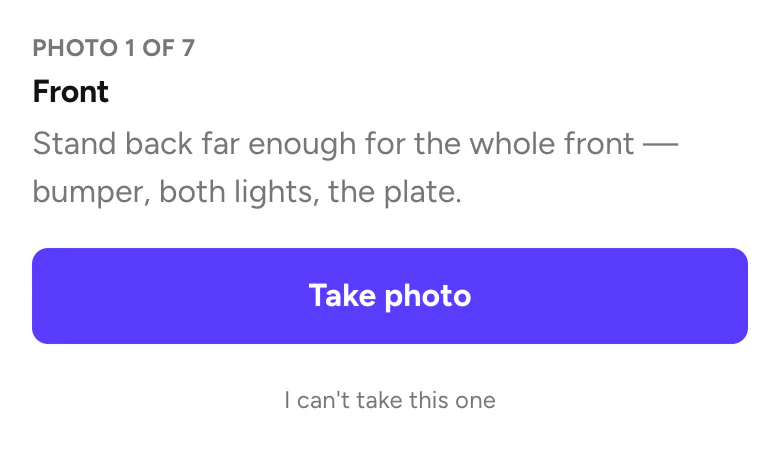
Take each photo
Follow the angles one by one and tap Take photo. Can't take one? Tap I can't take this one.
Good to know
- Not signed yet? You can sign the agreement at the counter. Sign the rental agreement
- Not your car on the photo page? Don't take photos. Ask the desk to start again.
- Returning the car: Return the car
Still need help? Contact Rento support from your account on rento-ks.com.