Contracts and handover
Take condition photos
Photograph the car at pick-up and return, or let the customer do it.
Available onWebsiteiPhoneAndroid
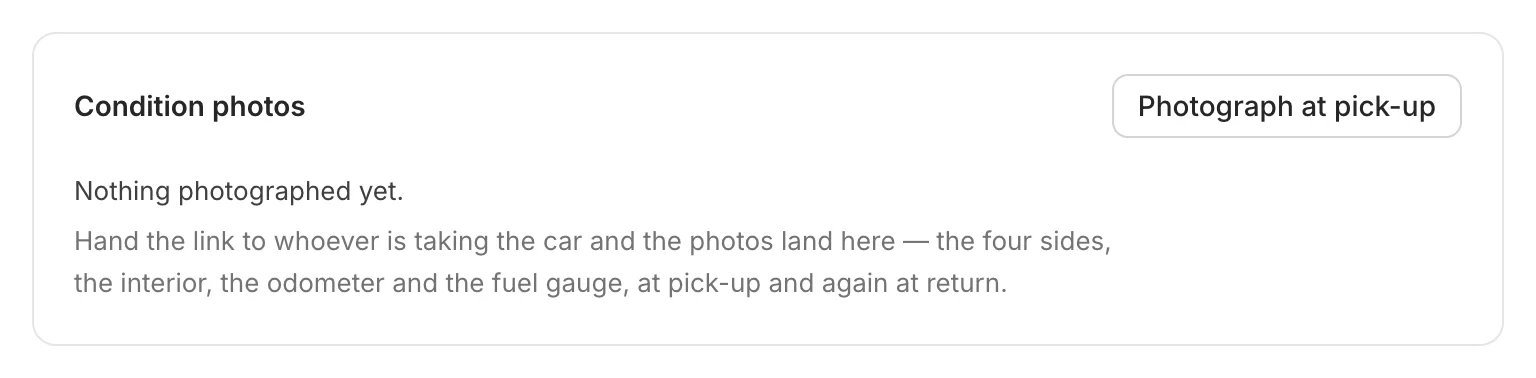
Photograph the car when it goes out and again when it comes back: the four sides, the interior, the odometer and the fuel gauge. The photos are kept on the booking.
Start
Open the booking. Under Condition photos, click Photograph at pick-up, or Photograph at return when the car comes back.
Scan the code
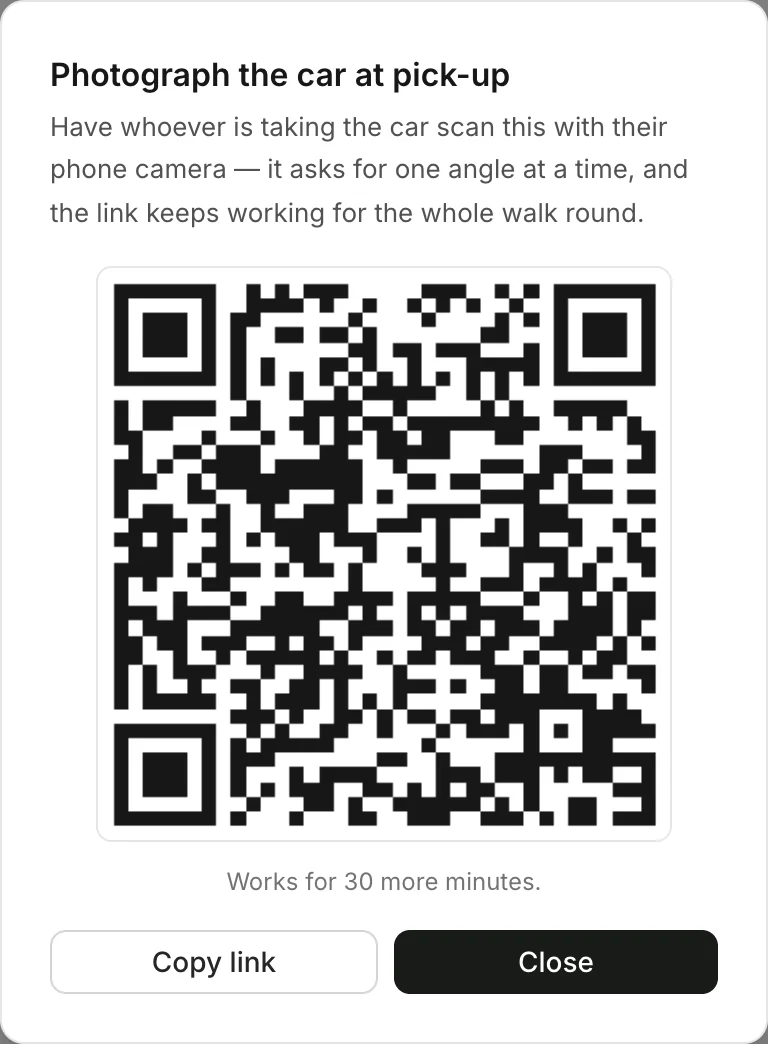
Whoever takes the photos (you, a colleague or the customer) scans the code with their phone camera. It asks for one angle at a time.
Good to know
- The angles: front, right side, rear, left side, interior, odometer and fuel gauge, plus any other you want. Up to 12 photos at each end.
- The code works for 30 minutes, for the whole walk round.
- Have a tap sticker? The customer can tap their phone on it instead of scanning. Set up tap stickers
Still need help? Contact Rento support from your company dashboard.