Contracts and handover
Send a rental agreement
Fill in the renter’s details and send the contract for signing.
Available onWebsiteiPhoneAndroid
Every paid booking gets a rental contract, filled in from the booking. Add the renter's ID and driving licence, then send it for signing.
Fill in the renter's details
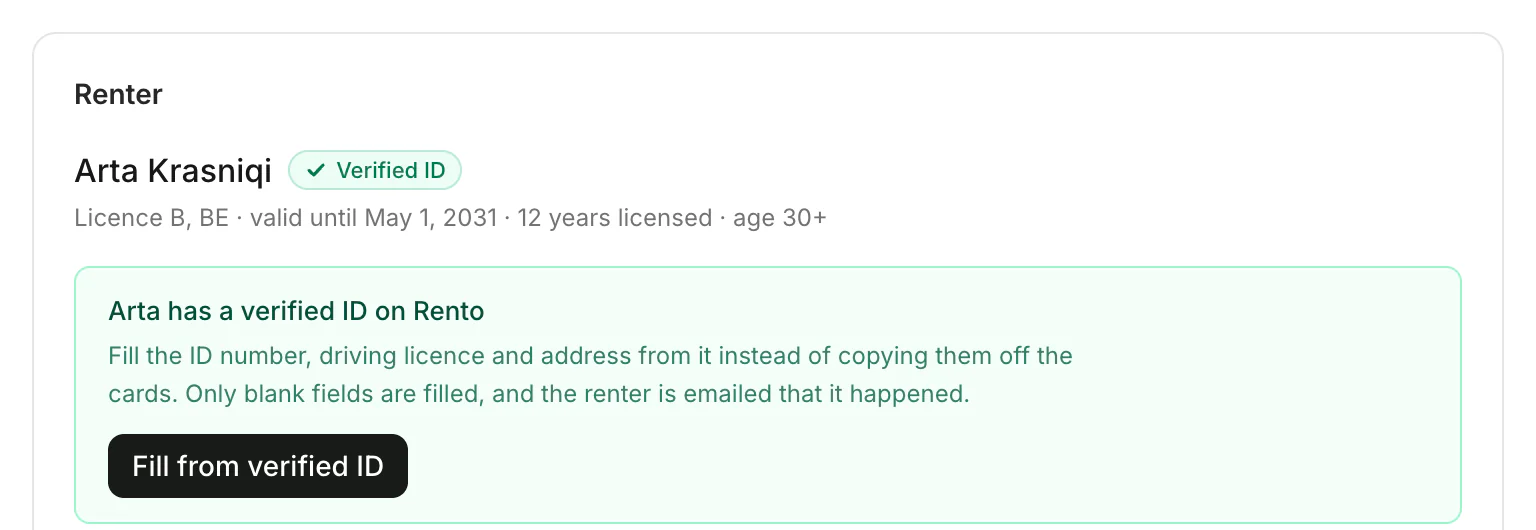
On the booking, under Renter, fill in the ID or passport number, the driving licence and the address. Click Save renter details. If the renter has a verified ID on Rento, click Fill from verified ID instead.
Send it
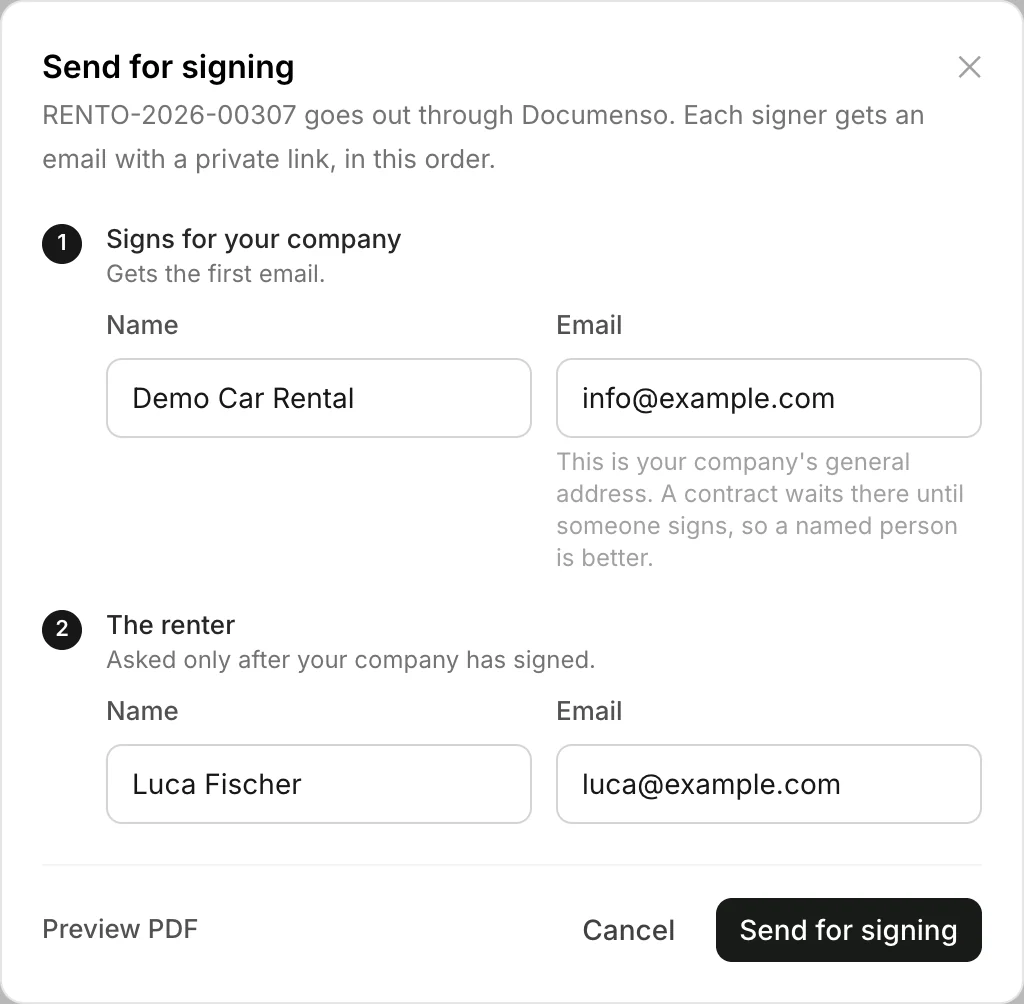
Under Contract, click Review & send. Check who signs for your company and the renter's email, then click Send for signing.
Good to know
- Sent on its own: when a booking is paid and the renter's details are already complete, the contract goes out by itself (unless you've switched that off). Sign your contracts once
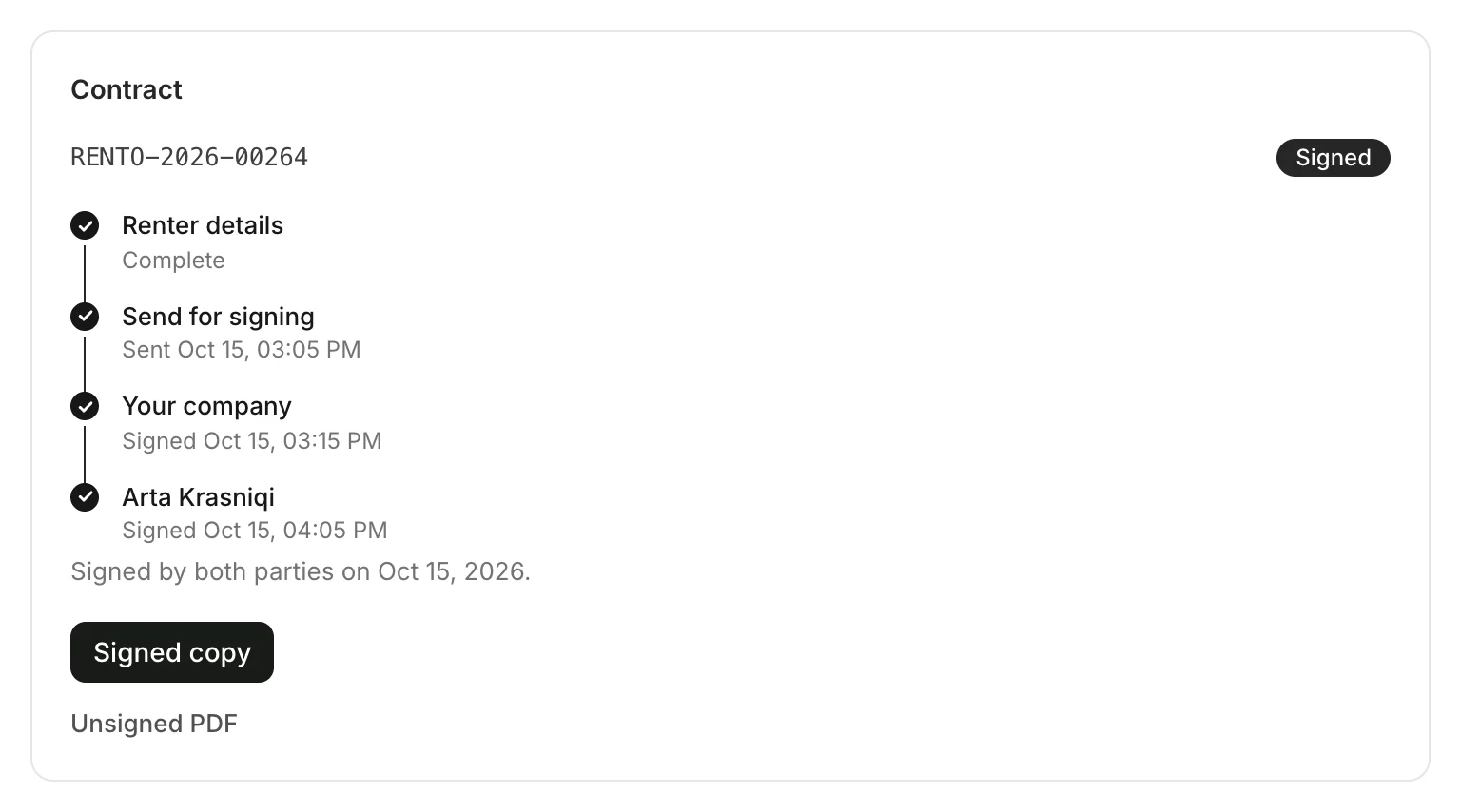
- Who signs when: each signer gets an email with a private link, your company first, then the renter. With a saved signature, only the renter.
- Fill from verified ID fills only blank fields, and the renter is emailed that it happened.
- Something wrong? Click Withdraw. The signing links stop working; correct it and send it again.
Still need help? Contact Rento support from your company dashboard.