Your company
Set up tap stickers
NFC stickers customers tap for walk-ins, photos and reviews.
Available onWebsite
A tap sticker is an NFC sticker on the back of your phone or at your desk. Customers tap their phone on it instead of scanning the code on your screen: to book as a walk-in, to photograph the car, or to rate their trip.
Steps
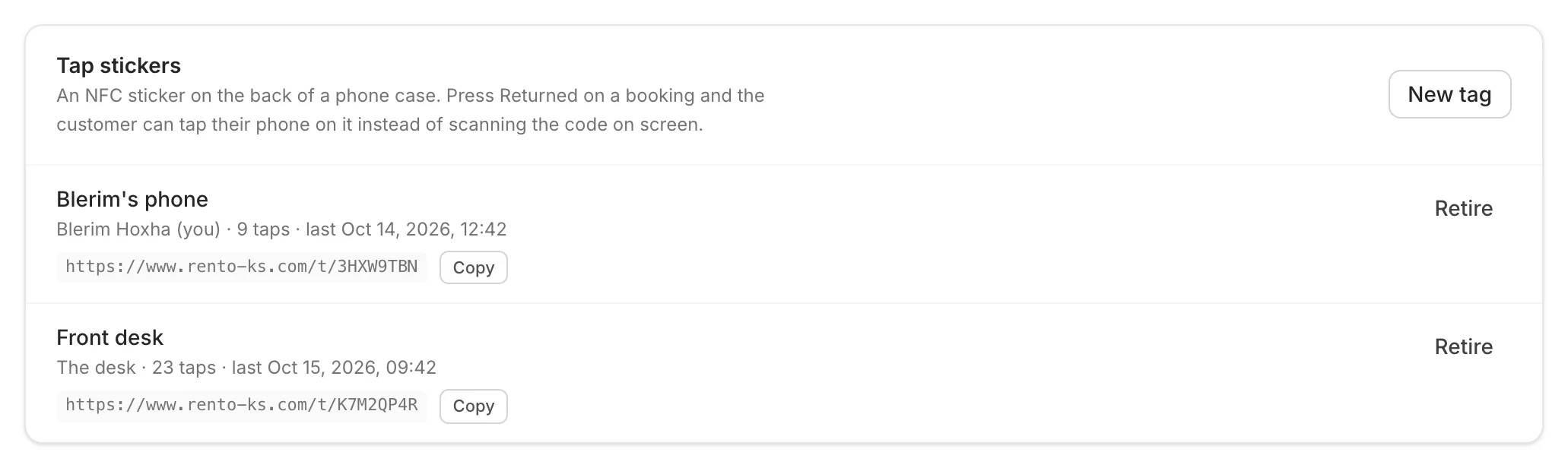
Make a sticker
Click New tag. Give it a Label, choose where it Goes on (your phone, or the desk), and click Create tag.
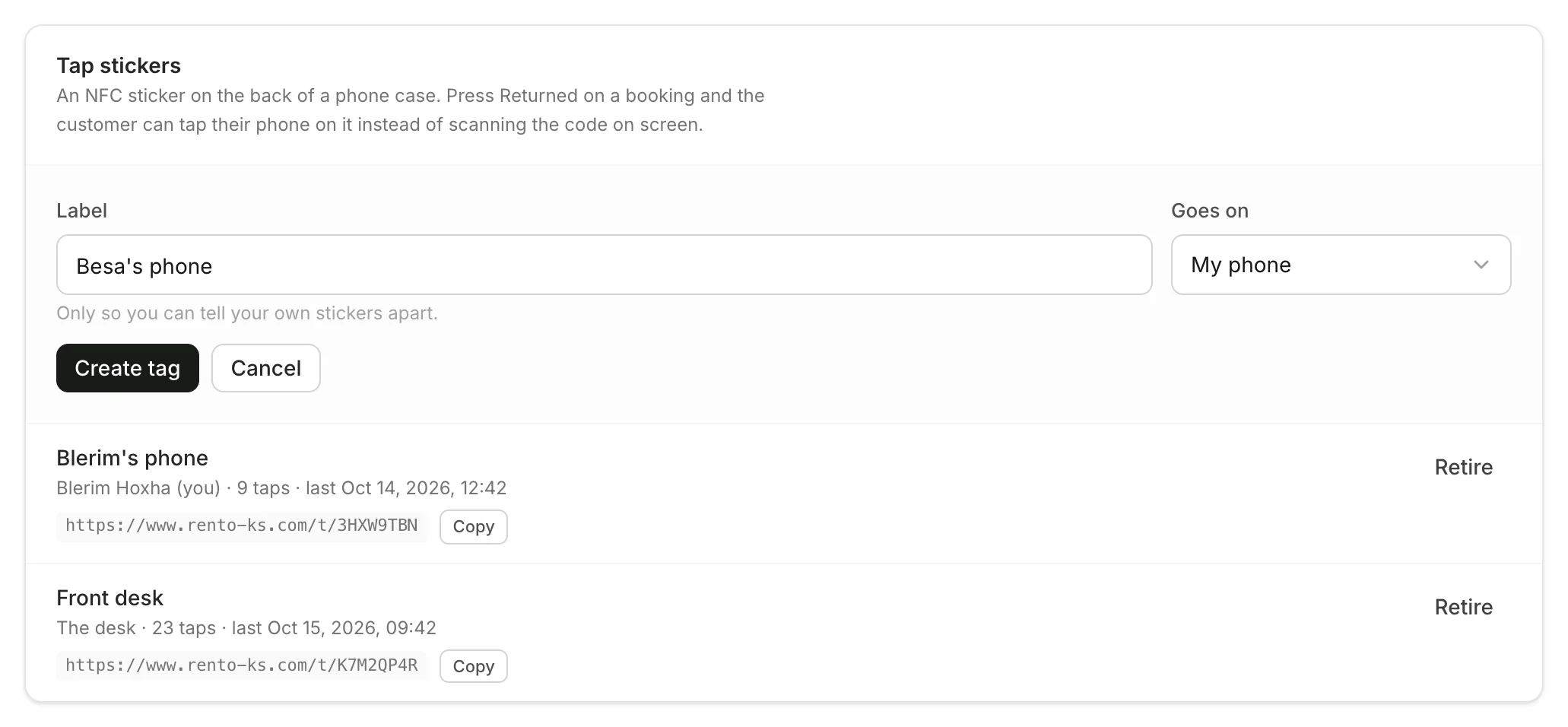
Write it onto a sticker
Click Copy next to the sticker's link. Write the link onto a blank NFC sticker with any tag-writing app, then stick it to the back of your phone case or on your desk.
Good to know
- Lost a sticker? Click Retire so its link stops working, then make a new one.
- Each sticker shows how often it's been tapped.
- Blank NFC stickers are sold online and in electronics shops.
Still need help? Contact Rento support from your company dashboard.