Your company
Set your counter hours
Your time zone and usual pick-up and return times.
Available onWebsiteiPhoneAndroid
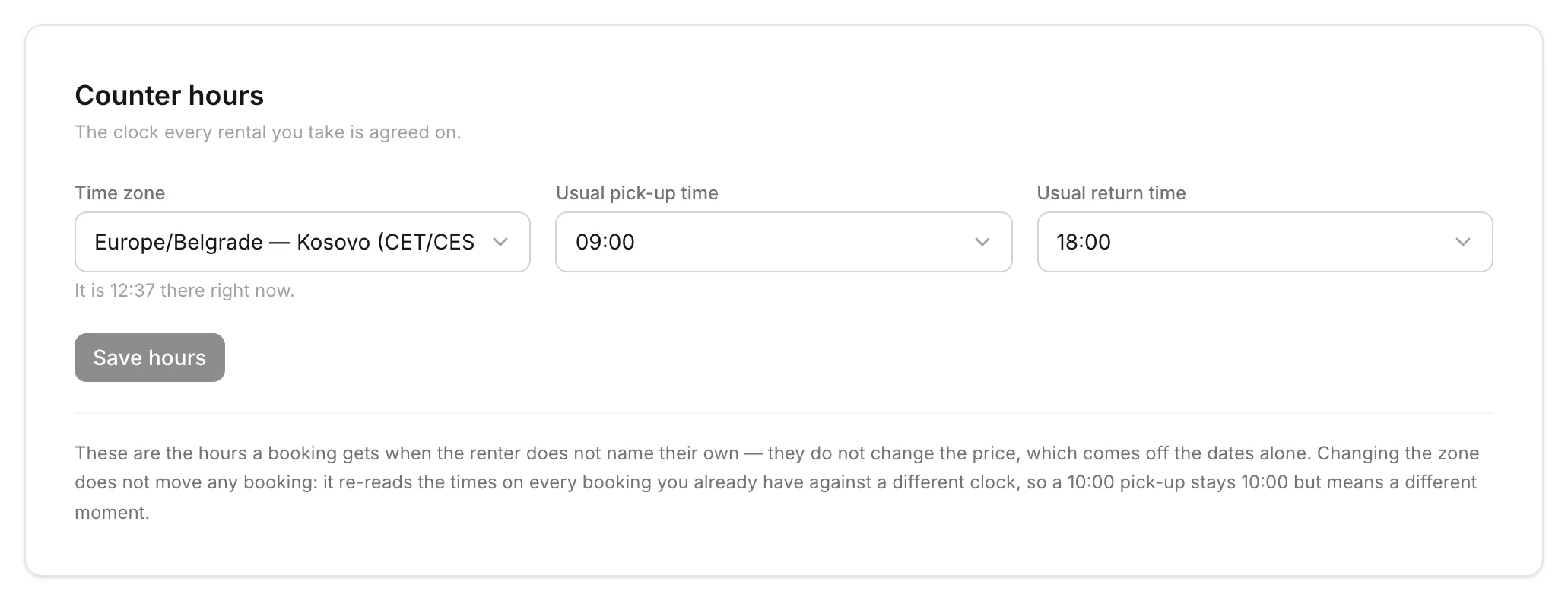
Your usual pick-up and return times are what a booking gets when the renter doesn't choose their own.
In Settings, find Counter hours on the Company tab. Choose your Time zone, Usual pick-up time and Usual return time, then click Save hours.
Good to know
- The times don't change the price. The price comes from the dates.
- Changing the time zone doesn't move bookings you already have. A 10:00 pick-up stays 10:00, in the new zone.
- Only owners can change counter hours.
Still need help? Contact Rento support from your company dashboard.