Your company
Your account
Your name, phone, sign-in email, password and language.
Available onWebsiteiPhoneAndroid
Your own login, separate from your company's details.
In Settings, open the Your account tab.
What you can change
| Section | What it does |
|---|---|
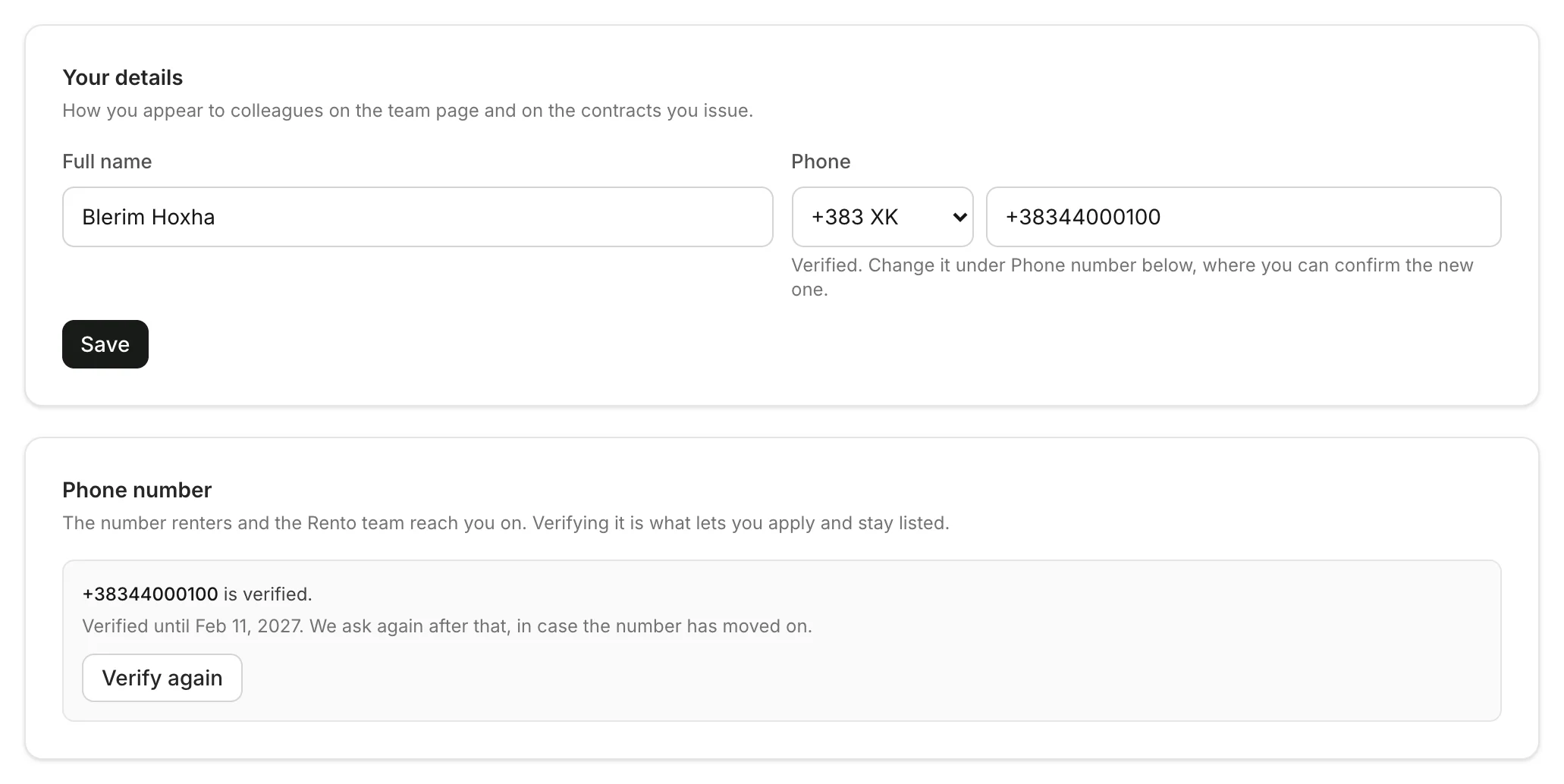
| Your details | Your name, as colleagues and contracts show it. |
| Phone number | Confirm your number, or a new one, with a code. |
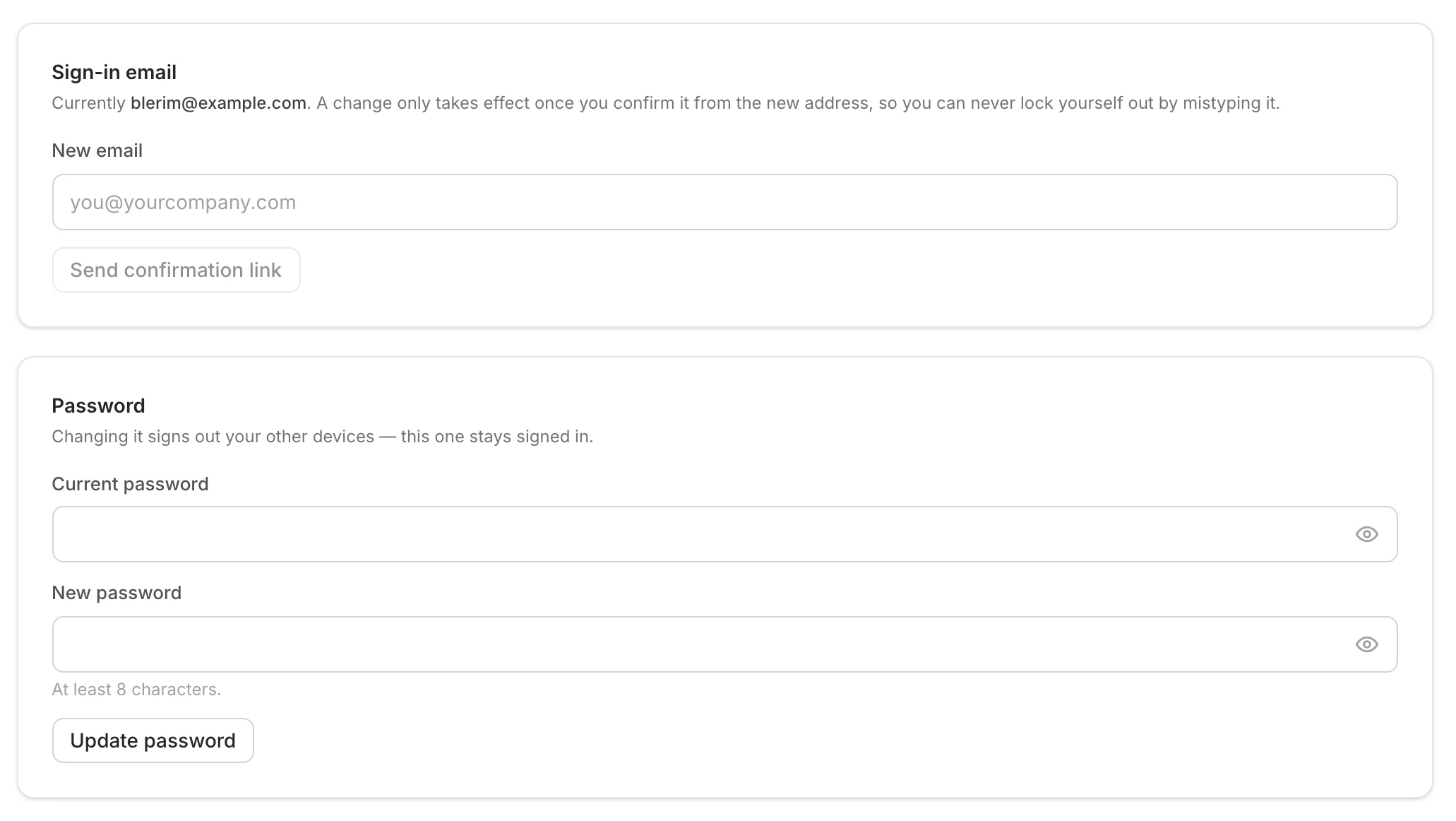
| Sign-in email | Type a new email and confirm it from that address. Until you do, the old one keeps working. |
| Password | Type your current and new password. Changing it signs you out on your other devices. |
Good to know
- Language: on the dashboard, open your account menu at the top right and choose Language. In the apps, choose Browse Rento as a customer, then Account › Language.
- Forgot your password? Reset your password
Still need help? Contact Rento support from your company dashboard.