Your company
Edit your company details
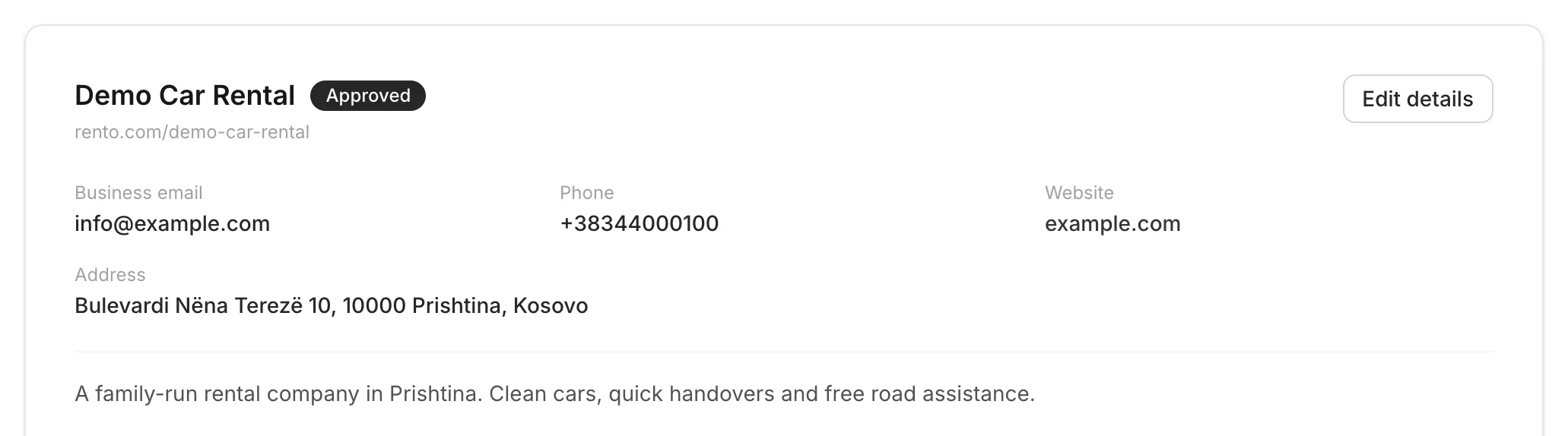
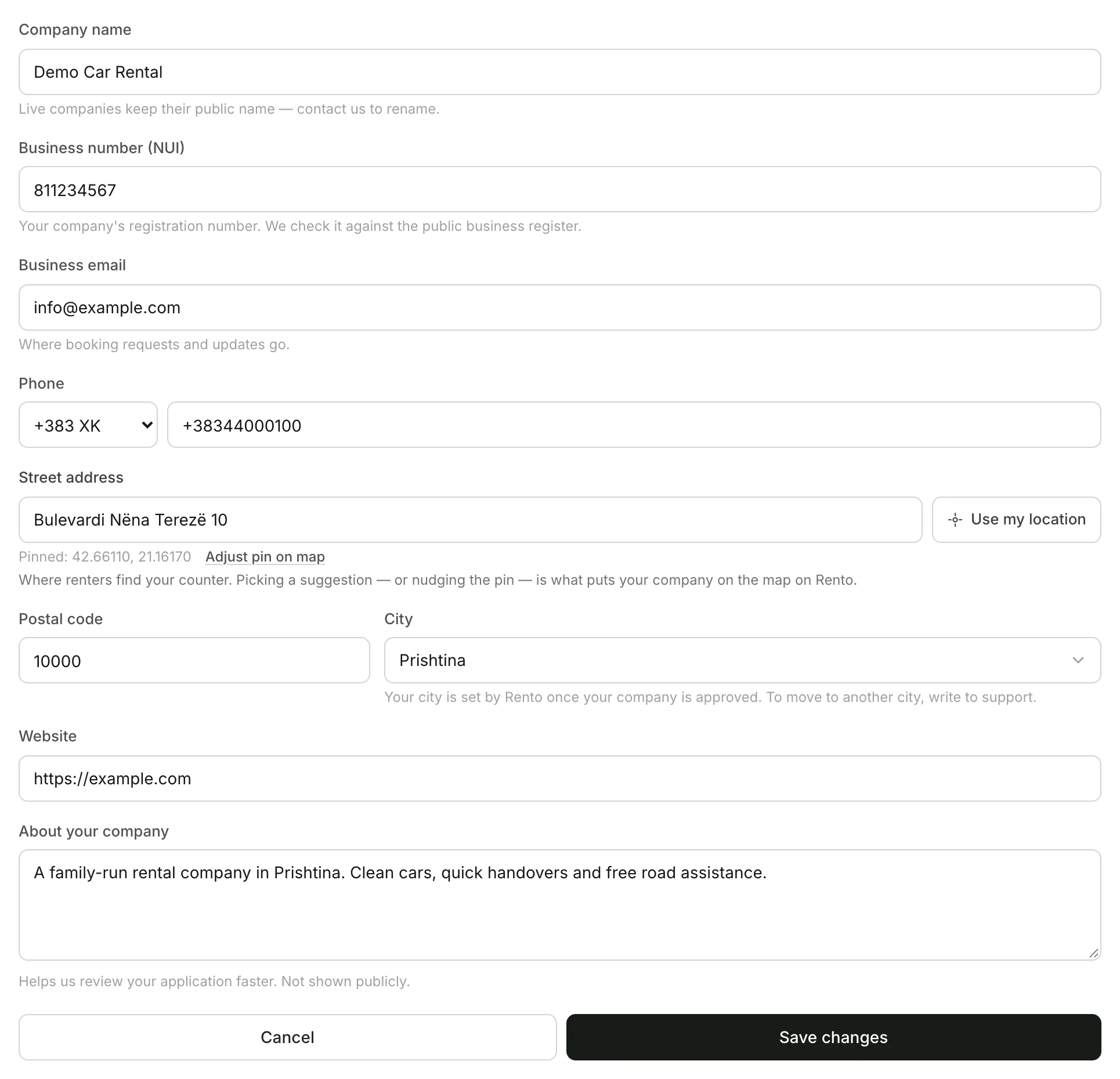
Email, phone, address, website, description and email language.
Available onWebsiteiPhoneAndroid
Only company owners can change these.
Steps
Good to know
- Your name and city are locked once you're approved. To change them, contact Rento support.
- Your NUI can only be changed on the website.
- Your street address is where renters find your counter. Pick a suggestion or move the pin so it lands in the right place on the map.
- Emails to your company come in the language under Notification language, further down Company. Each person's own emails follow their own language.
Still need help? Contact Rento support from your company dashboard.