Getting started
Use the Rento app for your company
Run bookings, your fleet and messages from your phone.
Available oniPhoneAndroid
The Rento app has your company's desk: the same account as the dashboard, on your phone.
Steps
Sign in
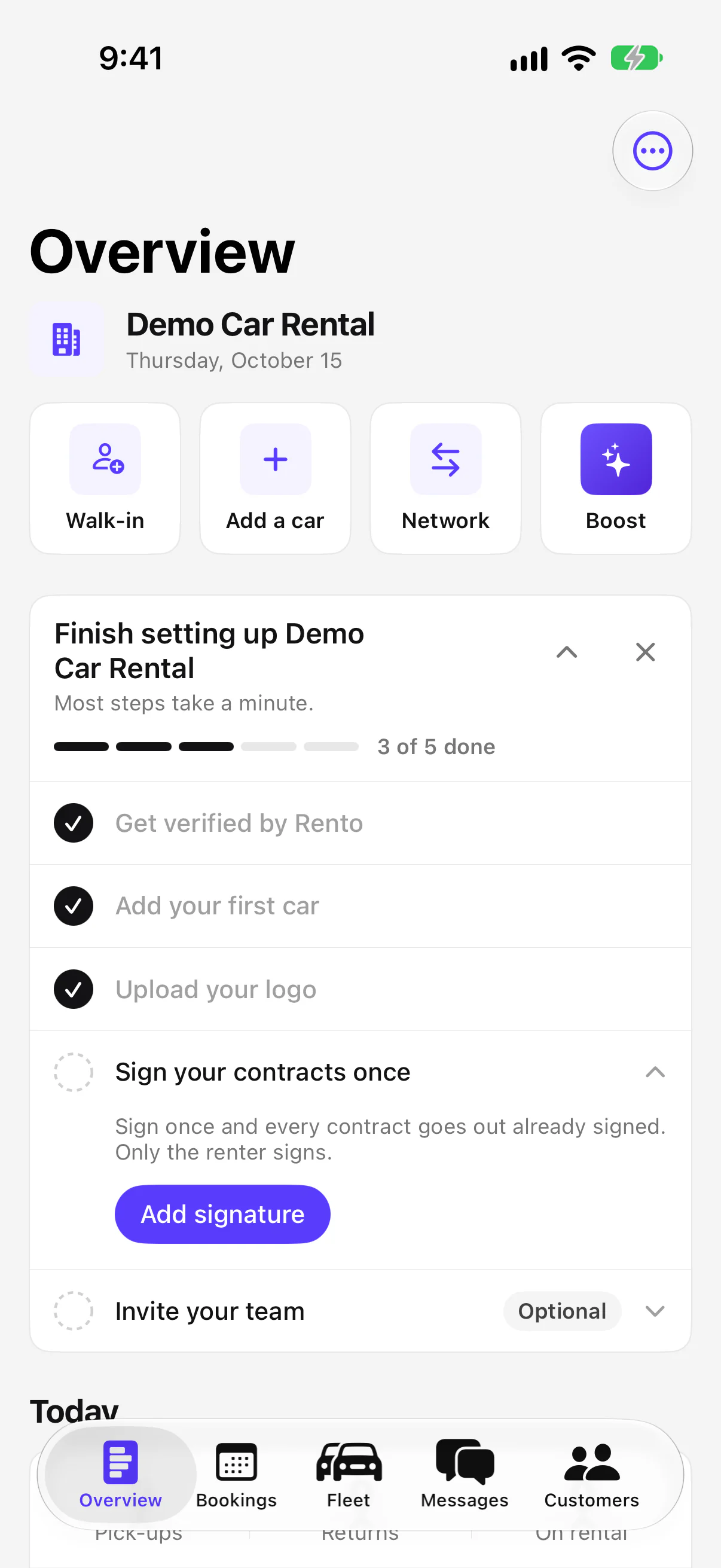
Get the app and sign in with your company account. It opens your company on Overview, with Bookings, Fleet, Messages and Customers at the bottom.
Good to know
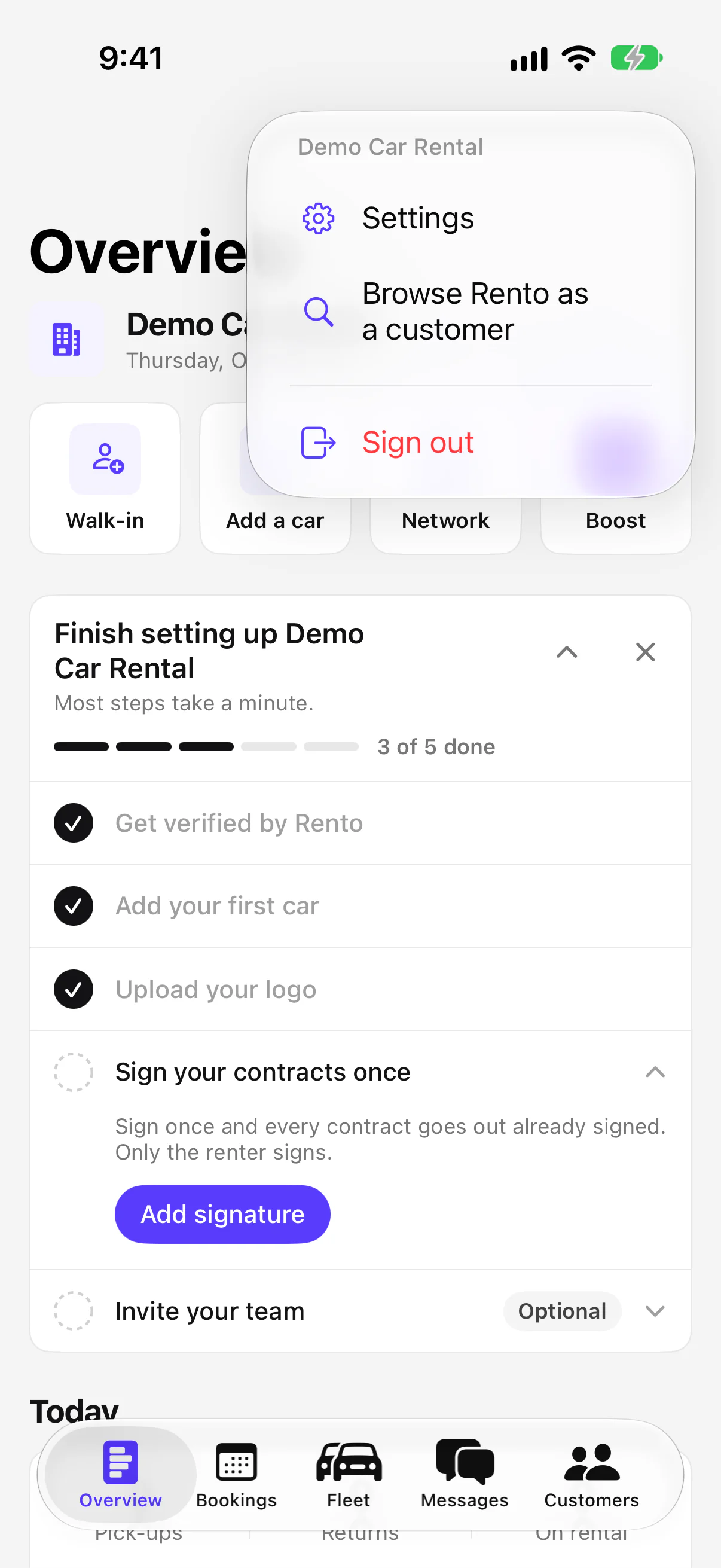
- Several companies? iPhone: tap the company name on Overview. Android: pick it in the ⋮ menu.
- Renting a car yourself? Choose Browse Rento as a customer. Switch back from Account.
- On the dashboard only: applying, extras and pick-up places, promo codes, marketing, and customer notes, tags and imports.
- Get the app: Get the Rento app
Still need help? Contact Rento support from your company dashboard.