Getting started
Finish setting up
Five steps to get ready: verification, first car, logo, signature, team.
Available onWebsiteiPhoneAndroid
Company owners see Finish setting up on Overview until everything is done. Open a step to see its button.
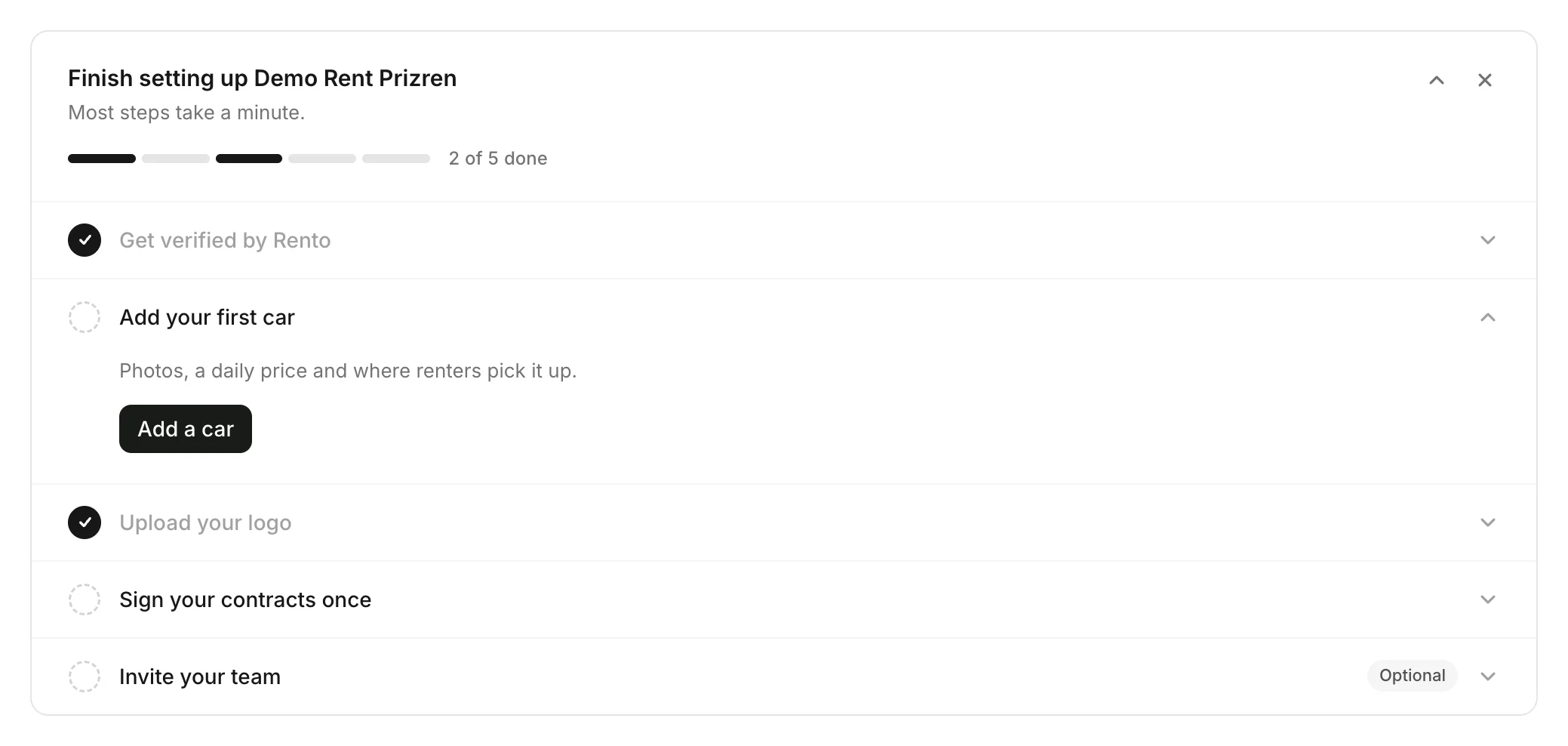
The five steps
| Step | Done when | Help |
|---|---|---|
| Get verified by Rento | Rento approves your application | Your application review |
| Add your first car | You've added a car | Add a car |
| Upload your logo | Your logo is uploaded | Upload your logos |
| Sign your contracts once | You've saved your signature | Sign your contracts once |
| Invite your team (optional) | You've invited someone | Invite your team |
Good to know
- Only owners see it. Your team doesn't.
- Don't need it? Close it with ×.
- When the first four are done, it says your company is all set up, then goes away.
Still need help? Contact Rento support from your company dashboard.