Your application review
What happens after you apply, and how to answer Rento’s questions.
Available onWebsiteiPhoneAndroid
After you apply, the Rento team checks your company details and certificate, usually within one business day.
While you wait
The dashboard shows Your application is under review. Click View application to see your details and where your application is.

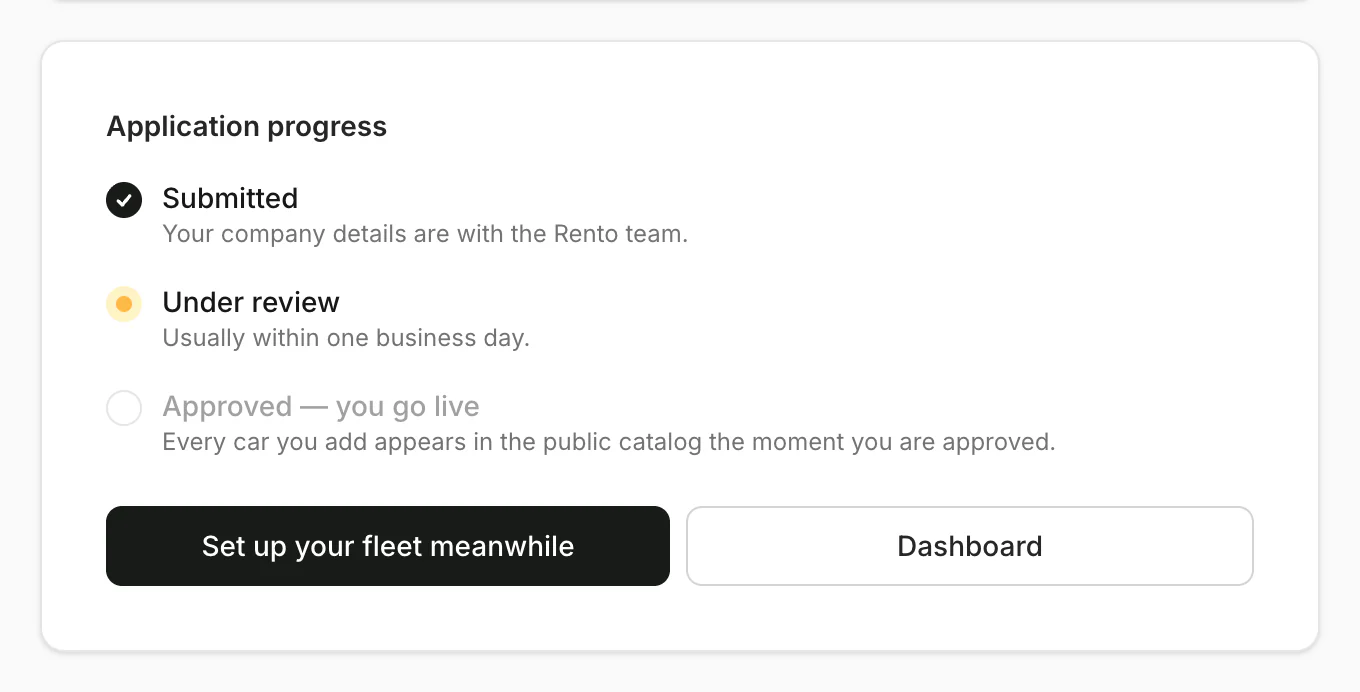
Set up your fleet meanwhile: cars you add go live the moment you're approved.
If Rento needs more
We email you, and your application shows We need a few more details, with what to fix and a note from the reviewer. Nothing you filled in is lost.
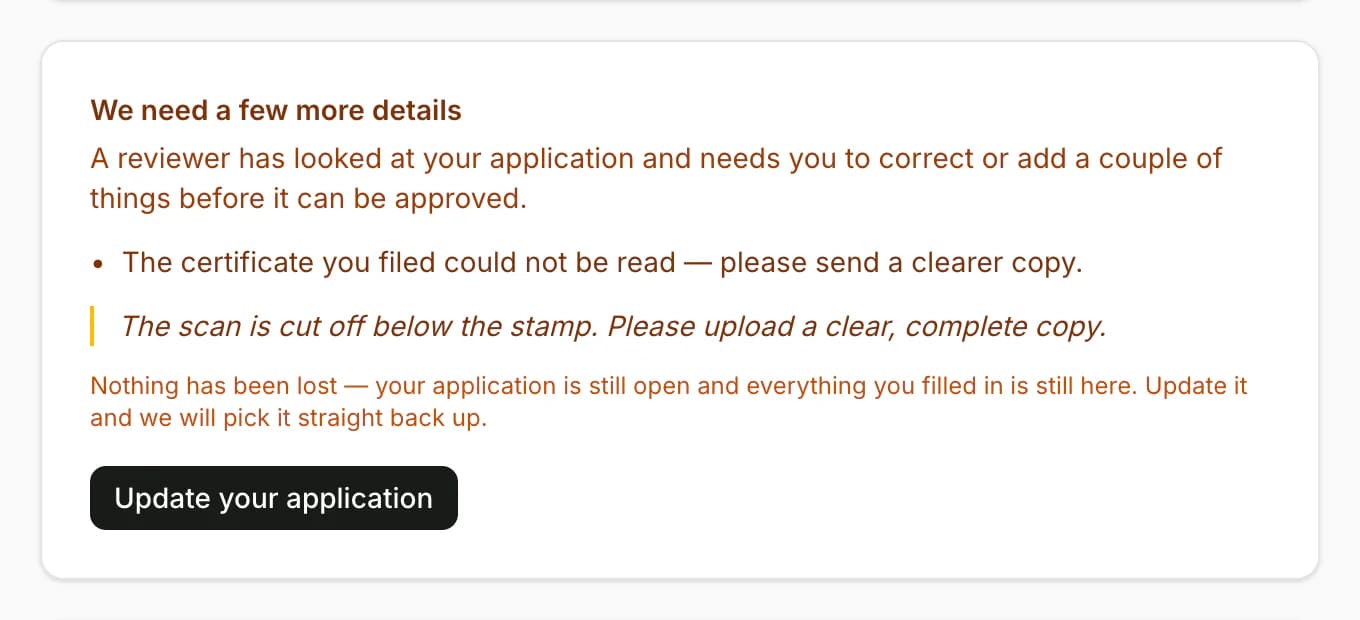
Fix it
Asked for a new certificate? Click Replace on the certificate. For your details, click Update your application, correct them and click Save changes.
The apps show Action needed and send you to the website for this.
When you're approved
We email you, the banner goes away and your cars appear to renters. Your company name and city are then locked. To change them, contact Rento support.
Still need help? Contact Rento support from your company dashboard.