Join Rento
Create your account and apply with your NUI and business certificate.
Available onWebsite
Rento is for registered rental companies. Applying is free and done on the website.
Before you start
- Your business number (NUI).
- Your business registration certificate (in Kosovo, the ARBK certificate), as a PDF or a clear photo.
- A mobile number and an email address you can open.
Steps
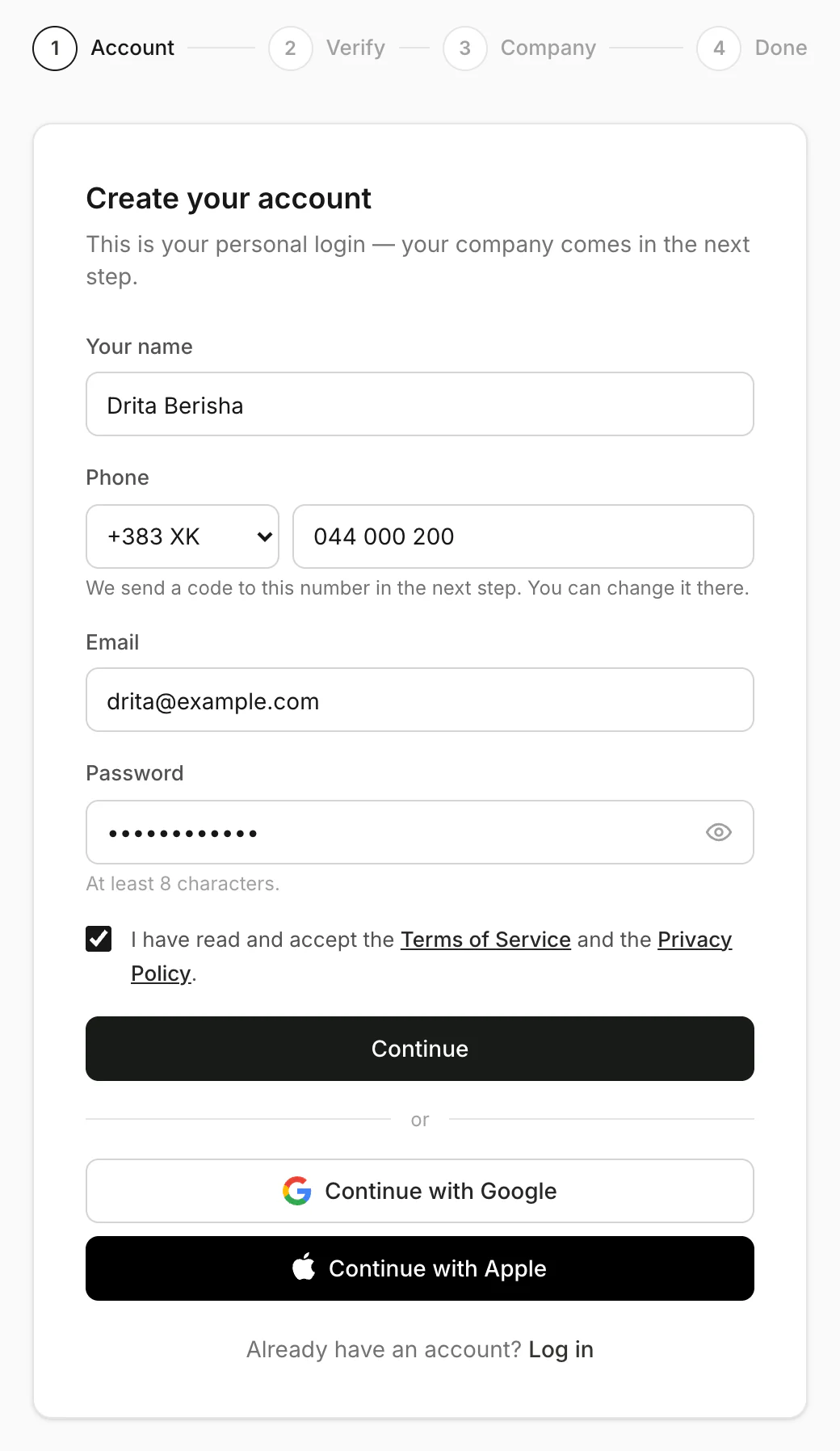
Create your account
Fill in your name, phone, email and a password. Tick the box to accept the terms, then click Continue. Already use Rento? Click Log in instead.
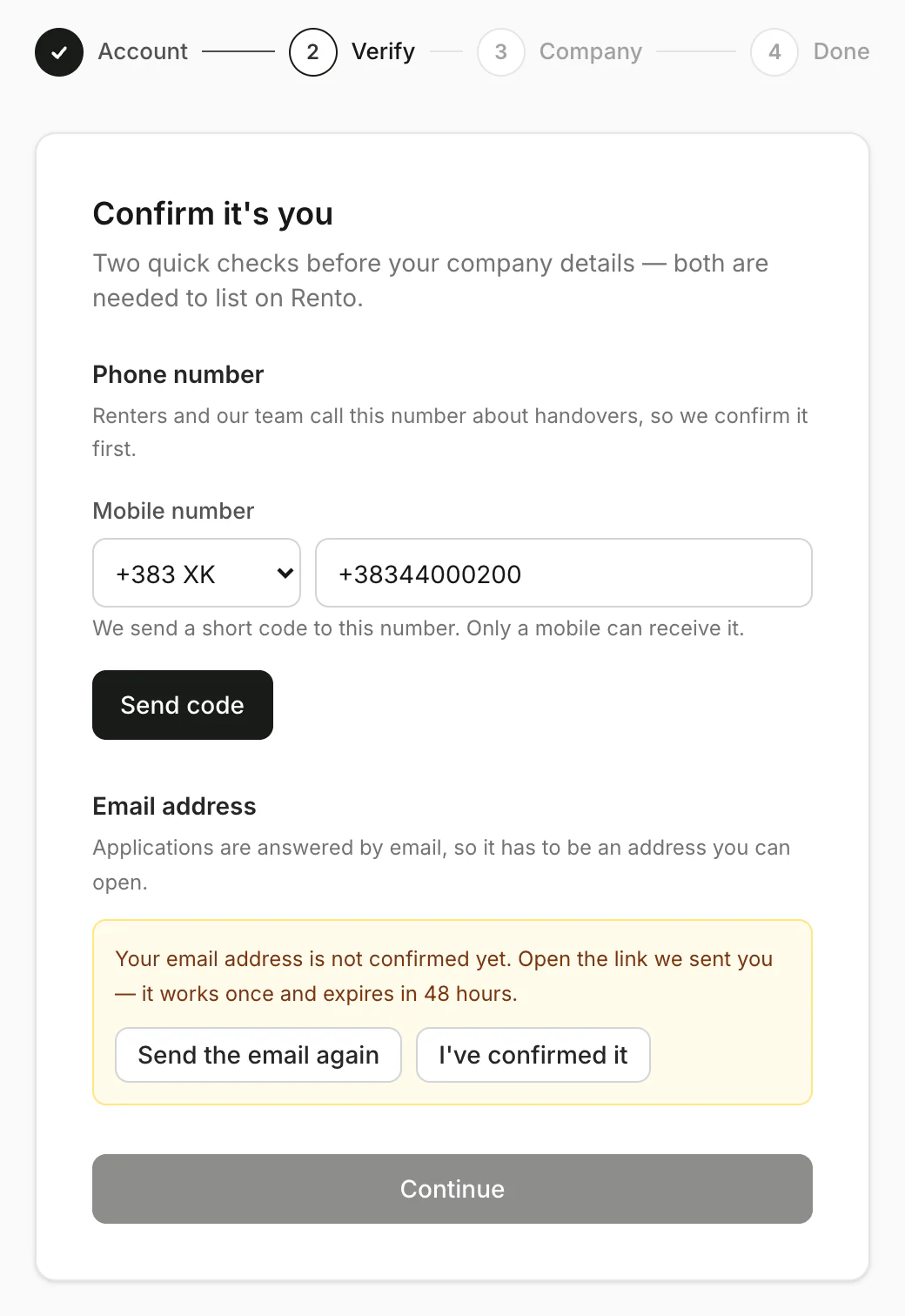
Confirm your phone and email
Click Send code and enter the code we send to your phone. Then open the link in our email and click I've confirmed it. Click Continue.
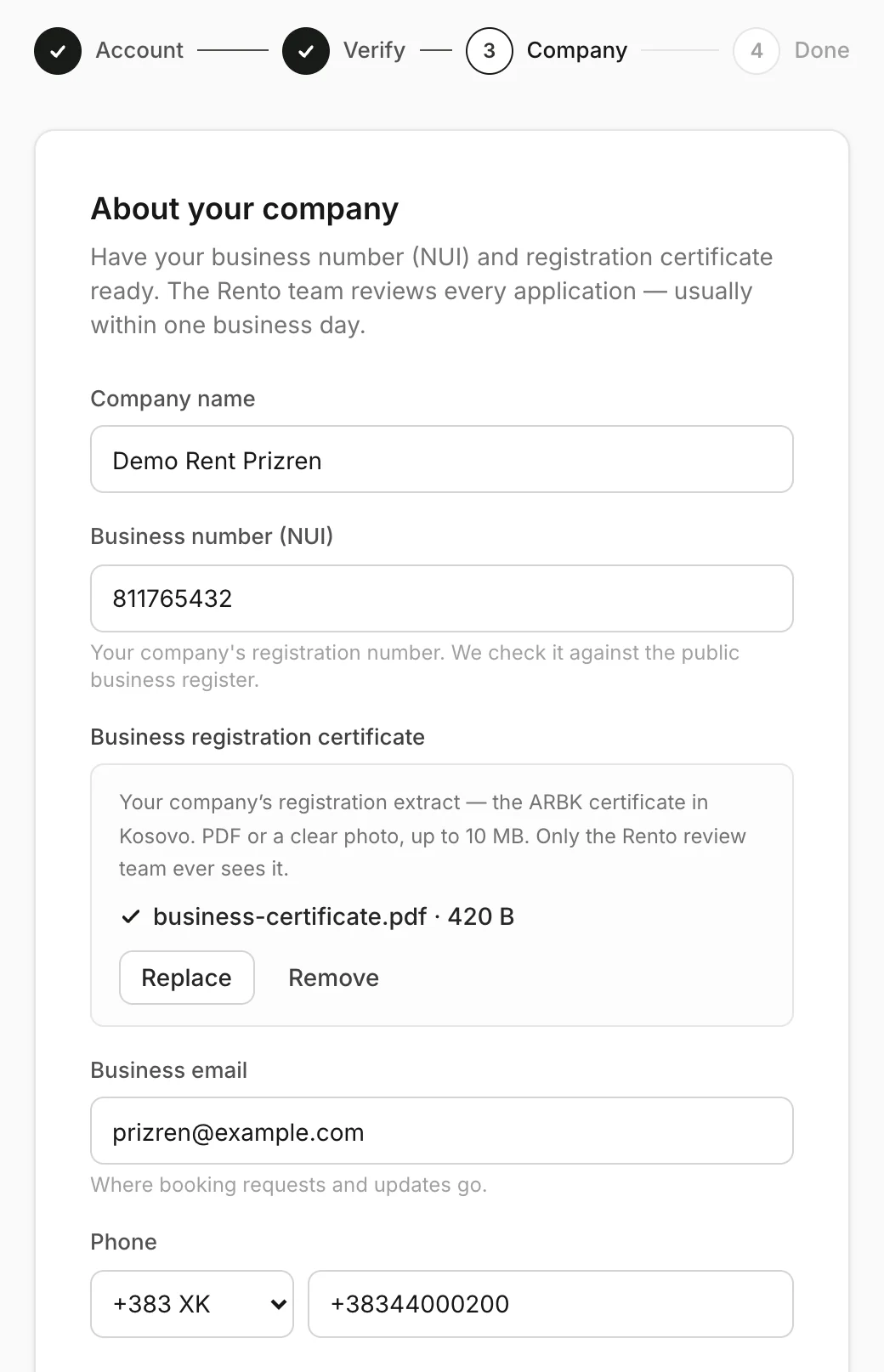
Tell us about your company
Add your company name, NUI and certificate, and how renters and Rento reach you. Then add your address and city, the airports you deliver to (optional), your website and a few words about your company.
Send it
Click Submit application. You'll see Application submitted. Rento usually reviews it within one business day. Your application review
Good to know
- Registered companies only. Private owners renting out a personal car can't list on Rento.
- Only the Rento review team sees your certificate.
- Start right away. While Rento reviews your application, you can add cars. They go live once you're approved.
Still need help? Contact Rento support from your company dashboard.