Your company
Invite your team
Add owners, managers and staff, and choose what each can do.
Available onWebsiteiPhoneAndroid
Everyone on your team signs in with their own Rento account and works under your company.
Who can do what
| Role | Can |
|---|---|
| Owner | Everything, including company details, logos, the team and payouts |
| Manager | Cars, prices, photos, extras, boosts and the booking desk. Can invite staff. |
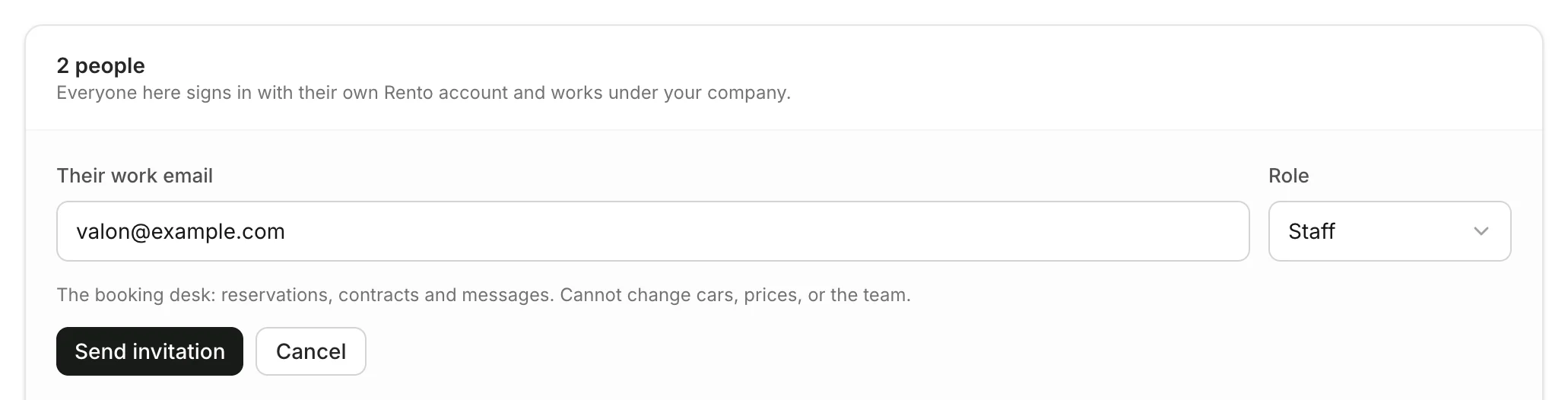
| Staff | The booking desk: bookings, contracts and messages. Can't change cars, prices or the team. |
Invite someone
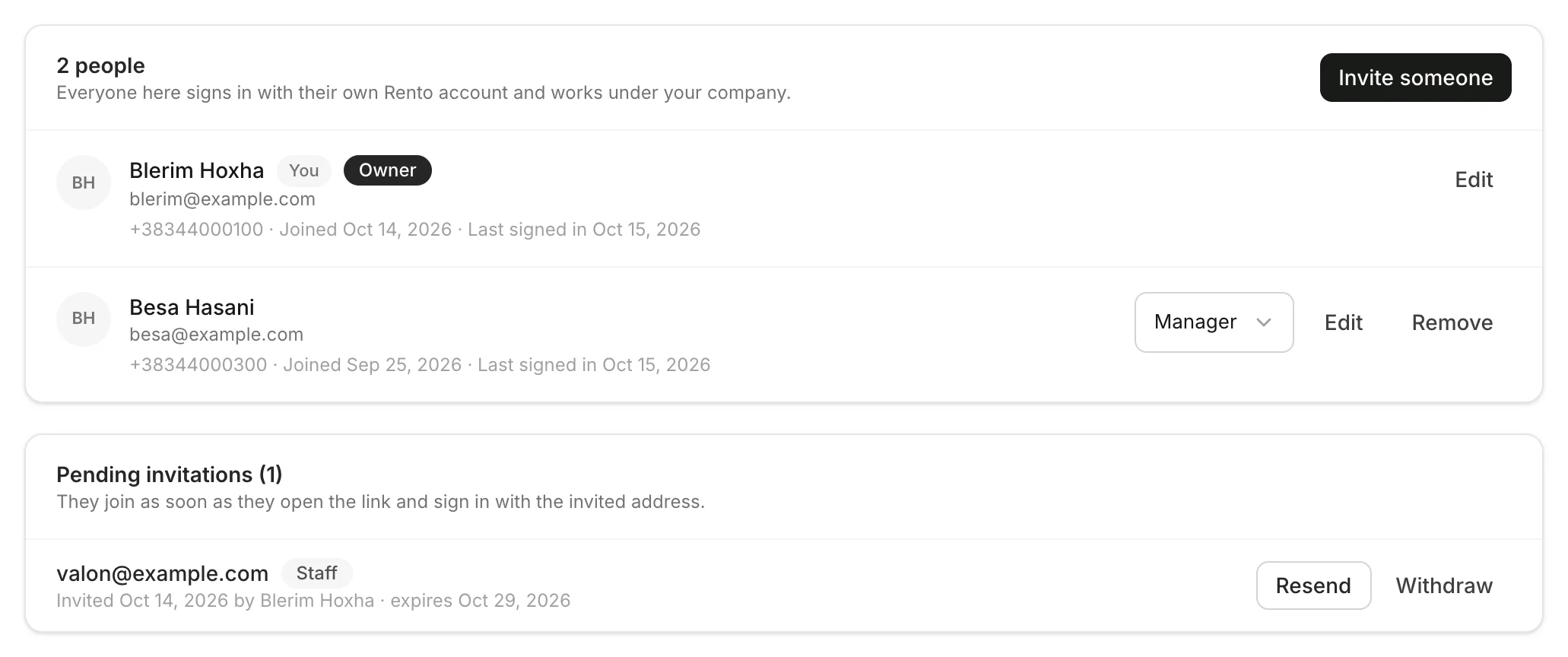
Send the invitation
Click Invite someone. Type Their work email, choose a Role and click Send invitation.
How they join
They get an email with a link. They open it, sign in with the invited email address (or create an account with it), and join your company. Joining happens on the website.
Good to know
- An invitation lasts 14 days. Not there yet? Click Resend, or Withdraw it.
- One account, several companies. Someone already in another company can join with the same account, and switches between the companies in their dashboard.
- Change a role or remove someone next to their name. Owners manage everyone; managers manage staff.
- Leaving? Use Leave company. A company's last owner can't leave.
Still need help? Contact Rento support from your company dashboard.