Your company
Upload your logos
Add a small and a large logo for light and dark backgrounds.
Available onWebsiteiPhoneAndroid
Your logo shows on your company page, next to every car you list, and in your marketing designs.
In Settings, go to Logos on the Company tab. Click Upload logo on a slot. To change one, click Replace.
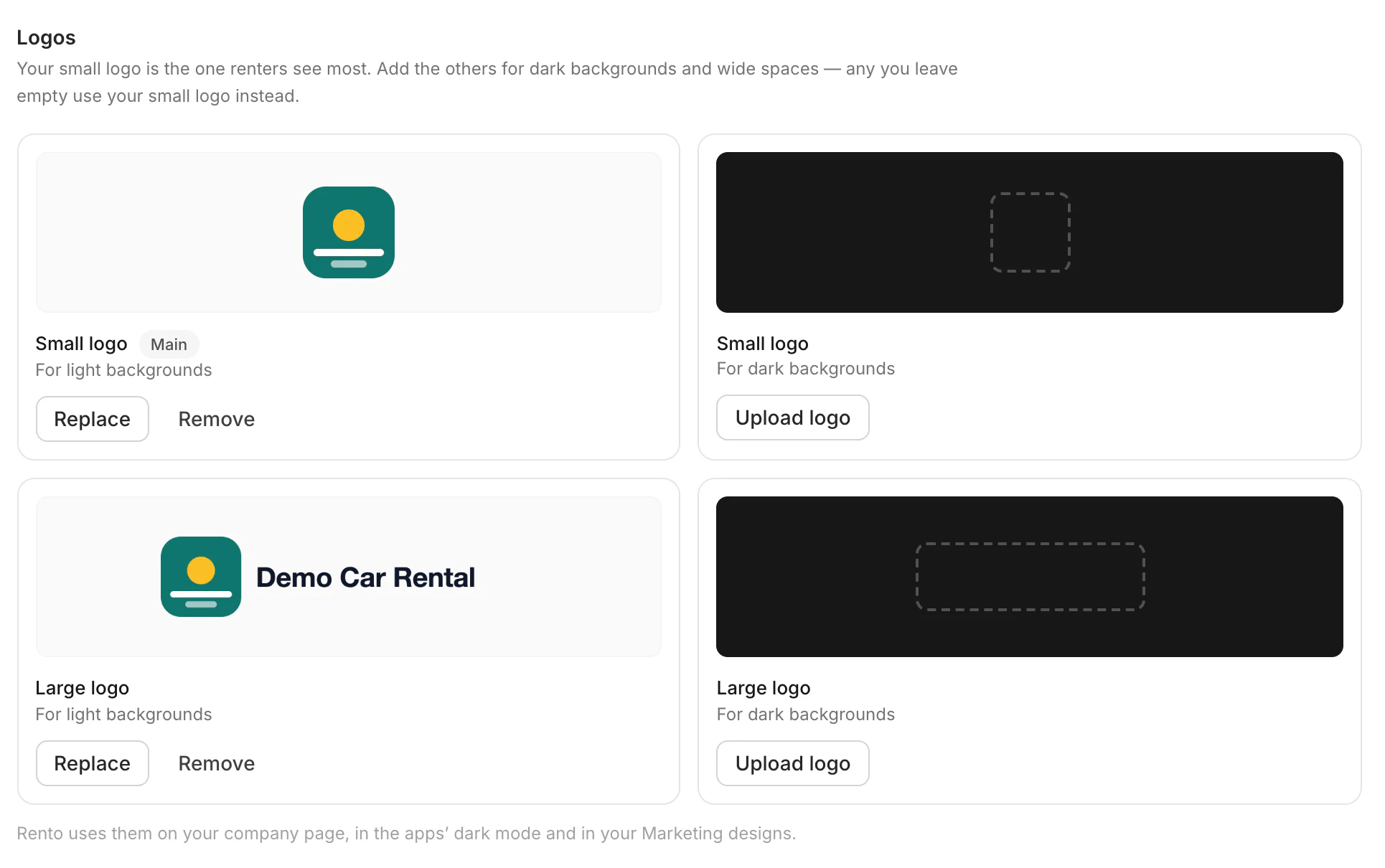
Which logo goes where
| Slot | What it is |
|---|---|
| Small logo, for light backgrounds | Your main logo. Square works best. Renters see it most. |
| Small logo, for dark backgrounds | For dark mode in the apps. |
| Large logo, for light and dark backgrounds | A wide version with your name, for bigger spaces. |
Any slot you leave empty uses your small logo instead.
Good to know
- JPG, PNG, WebP or AVIF, up to 2 MB.
- Only owners can change the logos.
Still need help? Contact Rento support from your company dashboard.