Customers and messages
Chat with customers
Reply, share cars and files, and report or block.
Available onWebsiteiPhoneAndroid
You have one chat with each customer, for all of their bookings. Customers write to you from a car's page or from their trip.
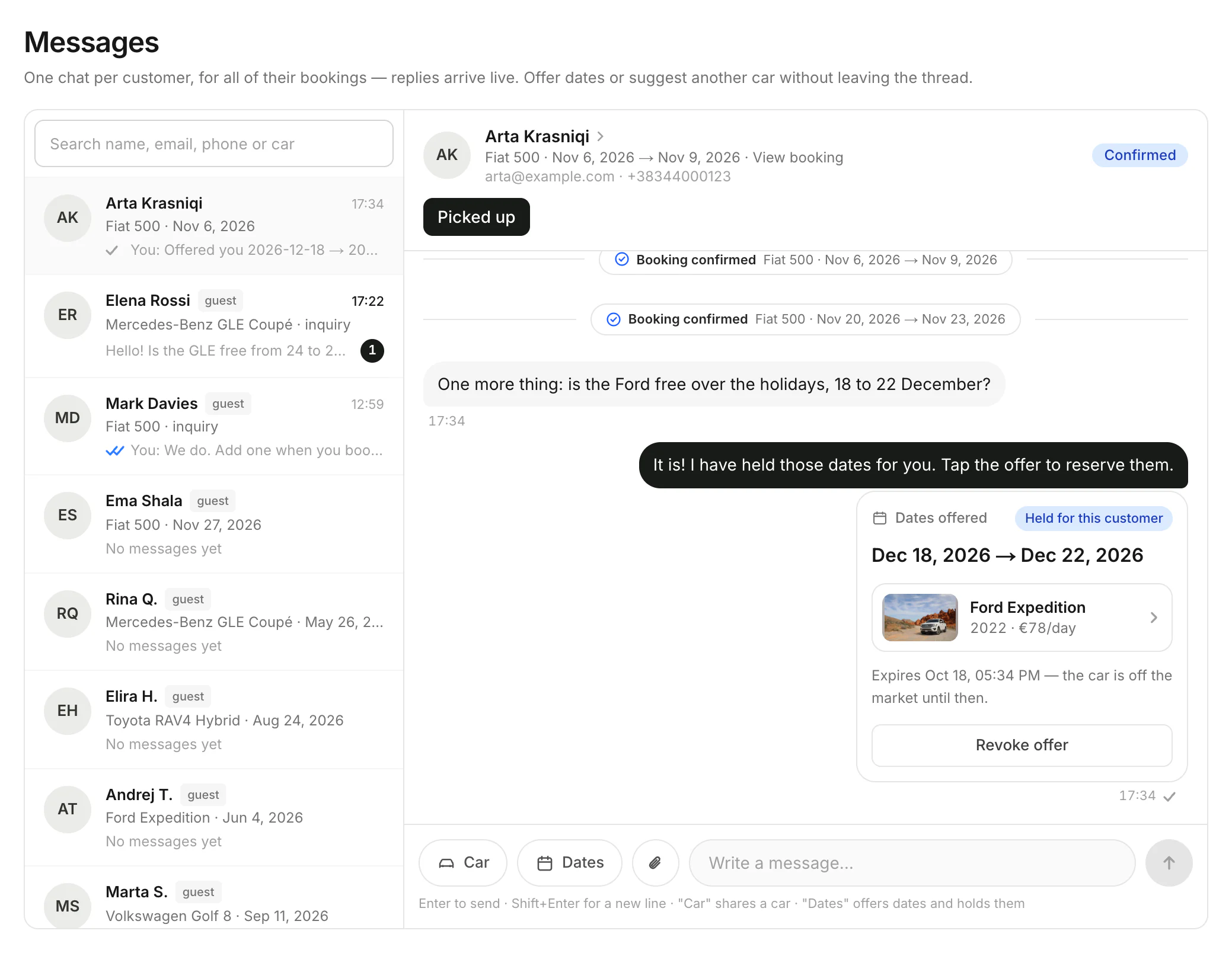
Share a car or a file
Under the chat, click Car and pick a car to send it as a card. Click the paperclip to attach photos or PDFs.
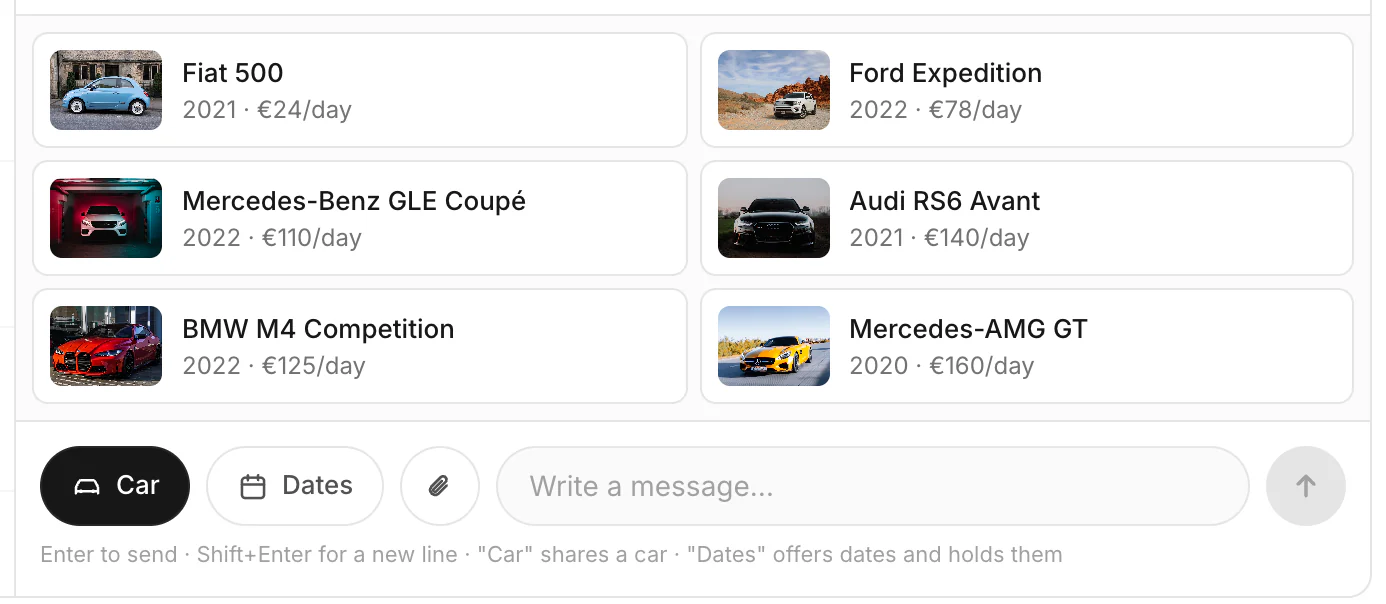
Good to know
- guest means the customer has no Rento account. inquiry means they asked from a car's page and haven't booked.
- Files: up to 5 photos or PDFs per message, 10 MB each.
- Offer dates holds a car for the customer until they book. Offer dates in chat
- Report or block is on the iPhone. A report goes to Rento support. A block stops all messages between you and that customer, both ways, until you unblock them. A guest can't be blocked; report the chat instead.
Still need help? Contact Rento support from your company dashboard.