Customers and messages
Import customers
Bring your existing customers in from a CSV file.
Available onWebsite
Bring in the customer list you already keep in a spreadsheet. Anyone already on your list is matched, not added twice.
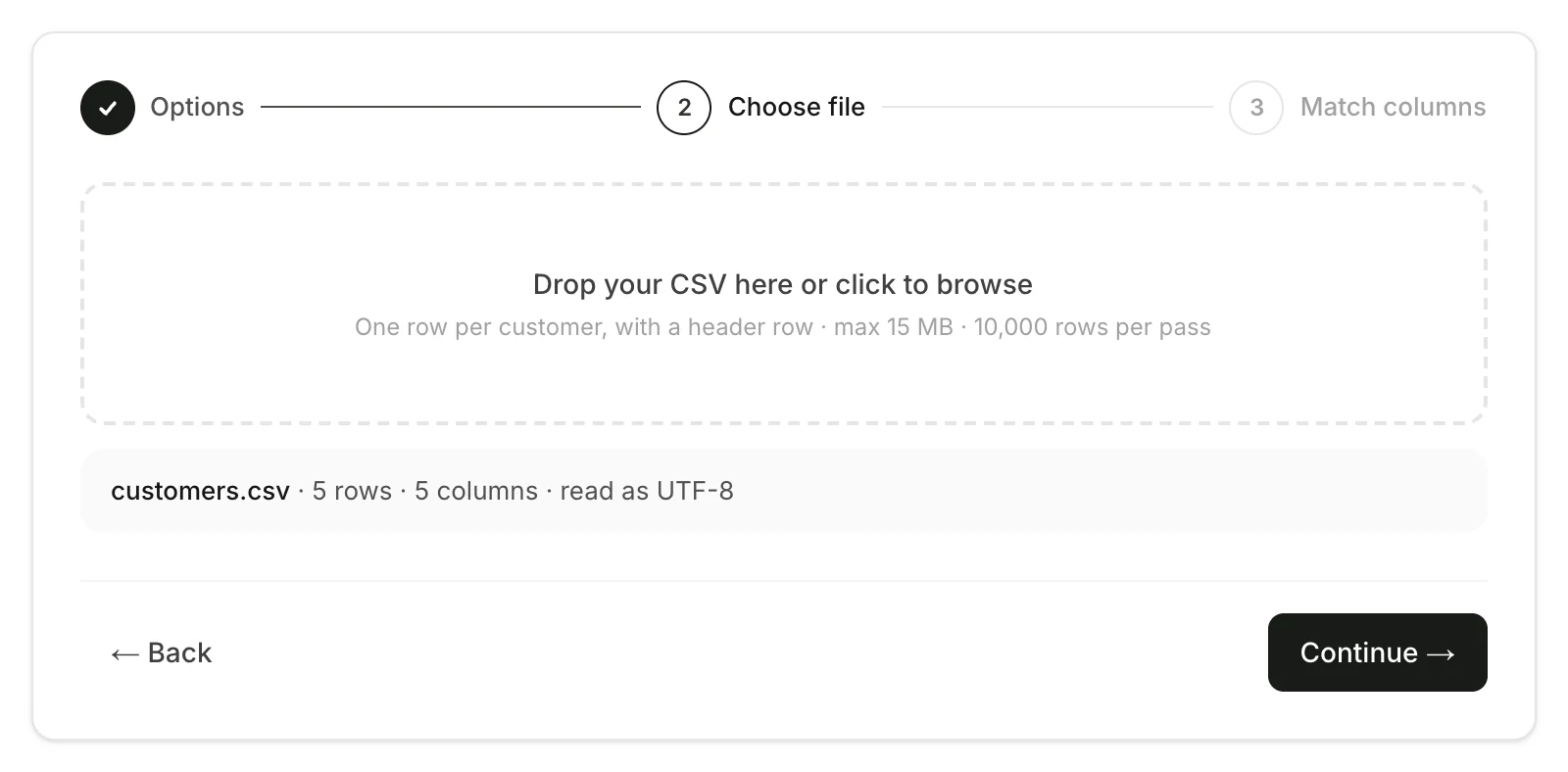
First save your spreadsheet as a CSV file: one row per customer, with a header row. Excel and Google Sheets both can.
Choose the options
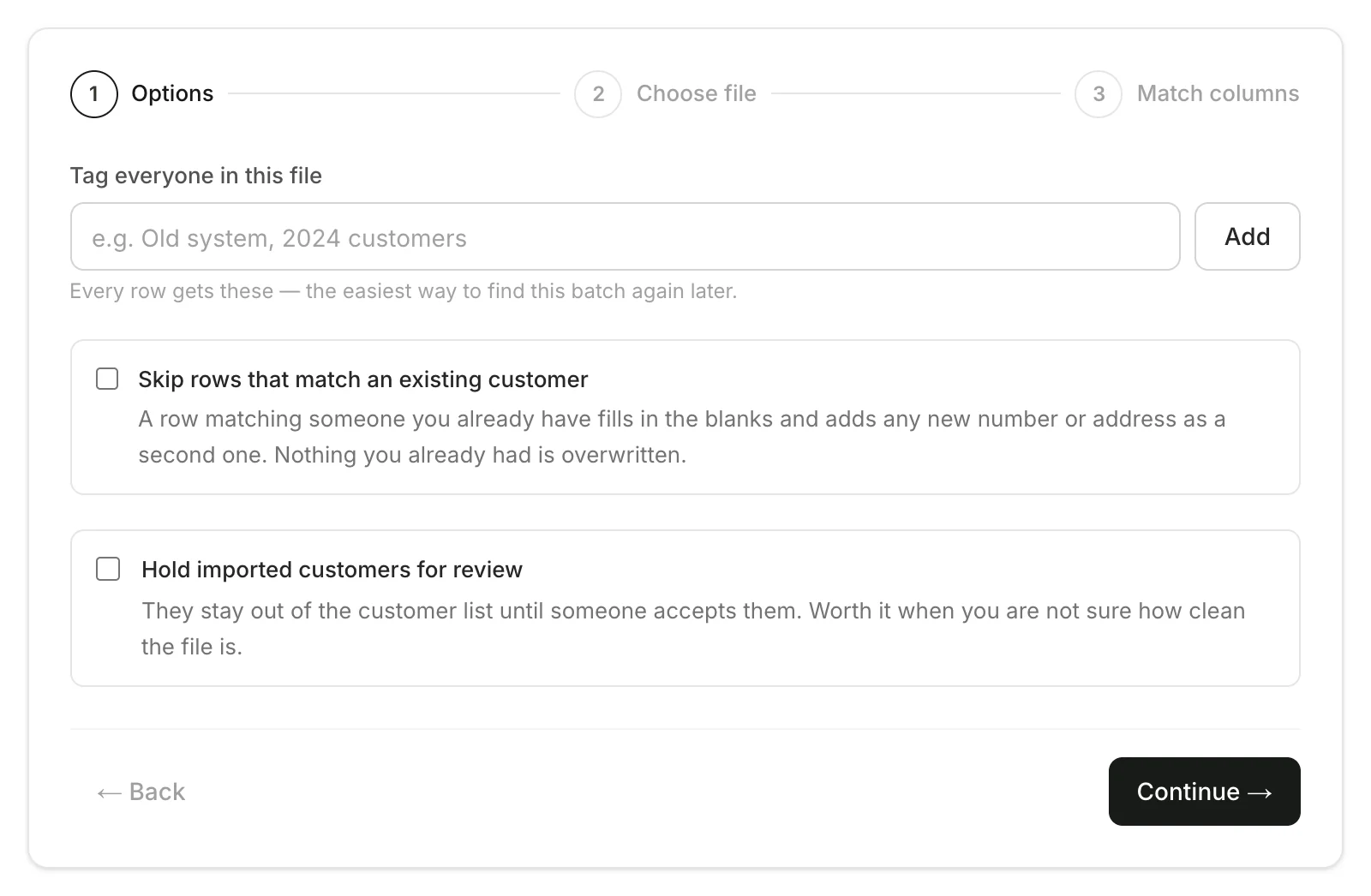
On the dashboard, open Customers and click Import. Add a tag to find this batch later, and choose whether to skip customers you already have or hold everyone for review. Click Continue.
Good to know
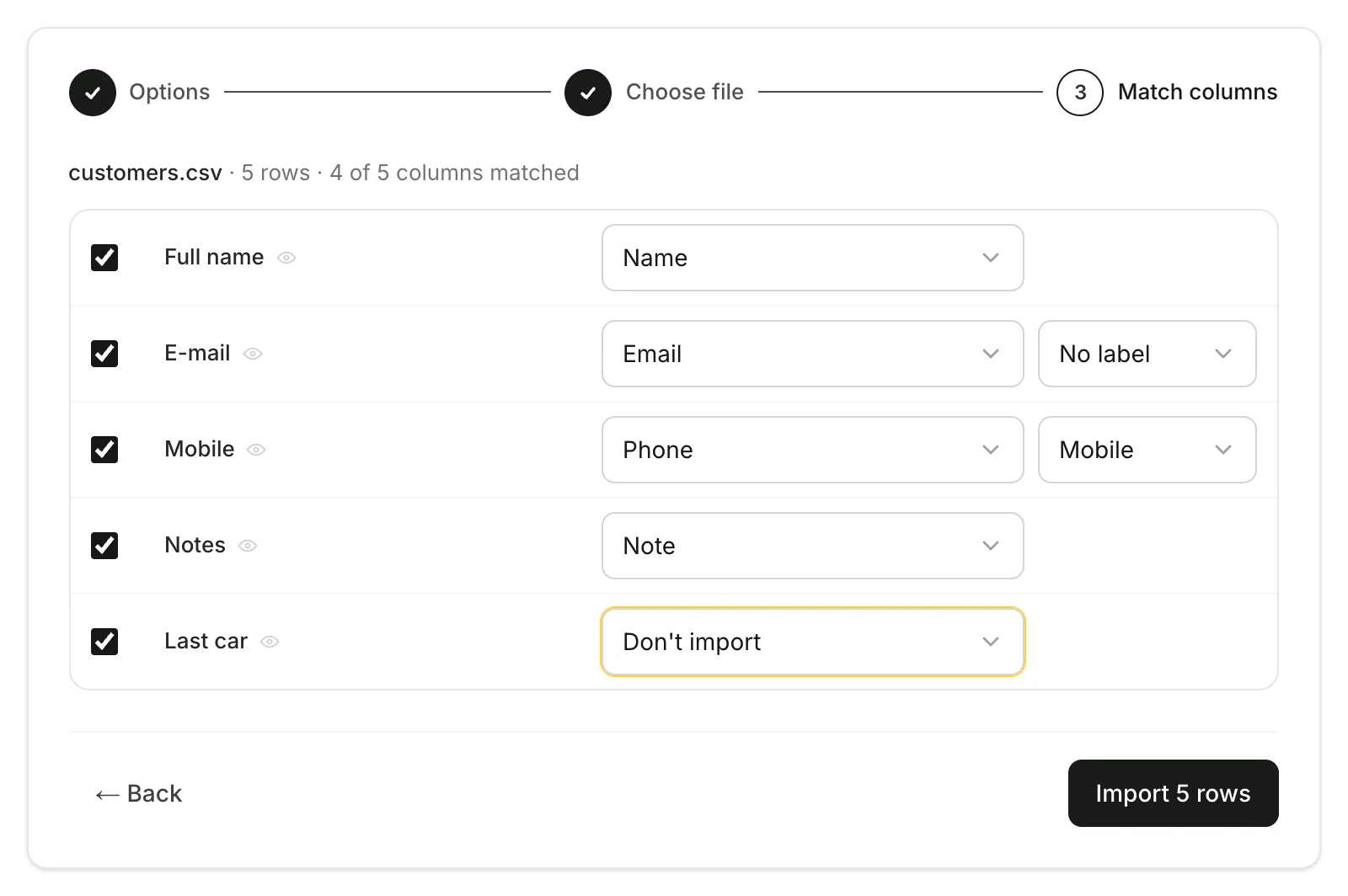
- What a column can be: name, email, phone, address, birthday, company, note or tag.
- Up to 15 MB and 10,000 rows at a time.
- Someone you already have: their blanks are filled in and a new number or address is added as an extra one. Nothing is overwritten. Tick Skip rows that match an existing customer to leave them as they are.
- Hold for review: imported customers stay out of the list until someone accepts them. Useful when the file is messy.
- You can leave the page while it imports.
- Owners and managers can import.
Still need help? Contact Rento support from your company dashboard.