Bookings
Book a walk-in customer
Make a QR link so the customer books on their own phone.
Available onWebsiteiPhoneAndroid
A customer at your counter books on their own phone. You choose the car and dates; they scan a code and pay.
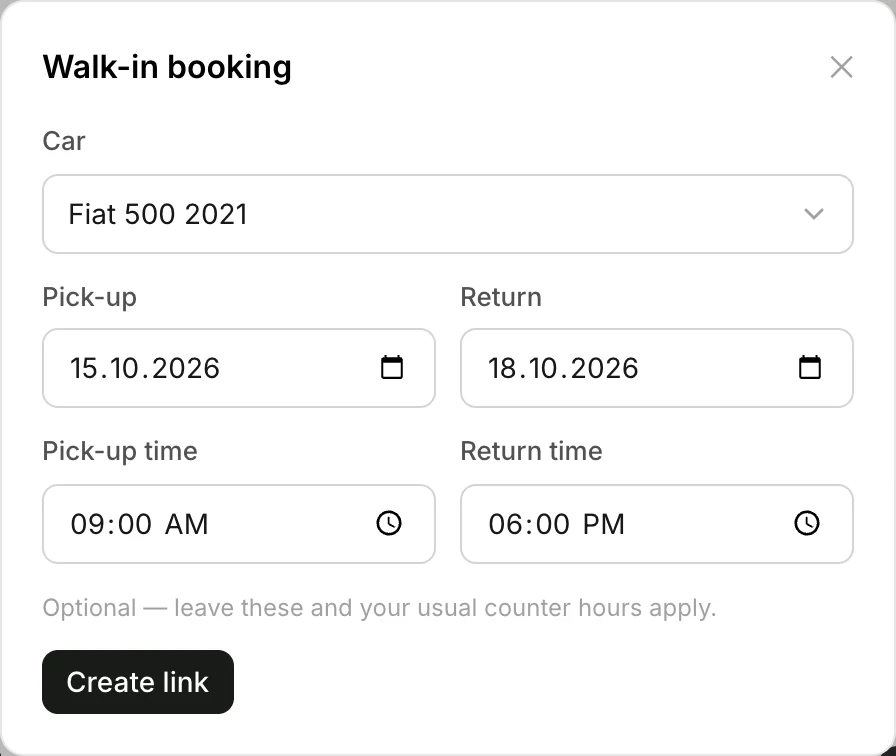
Choose the car and dates
In Bookings, click Walk-in. Choose the Car and the Pick-up and Return dates. Click Create link.
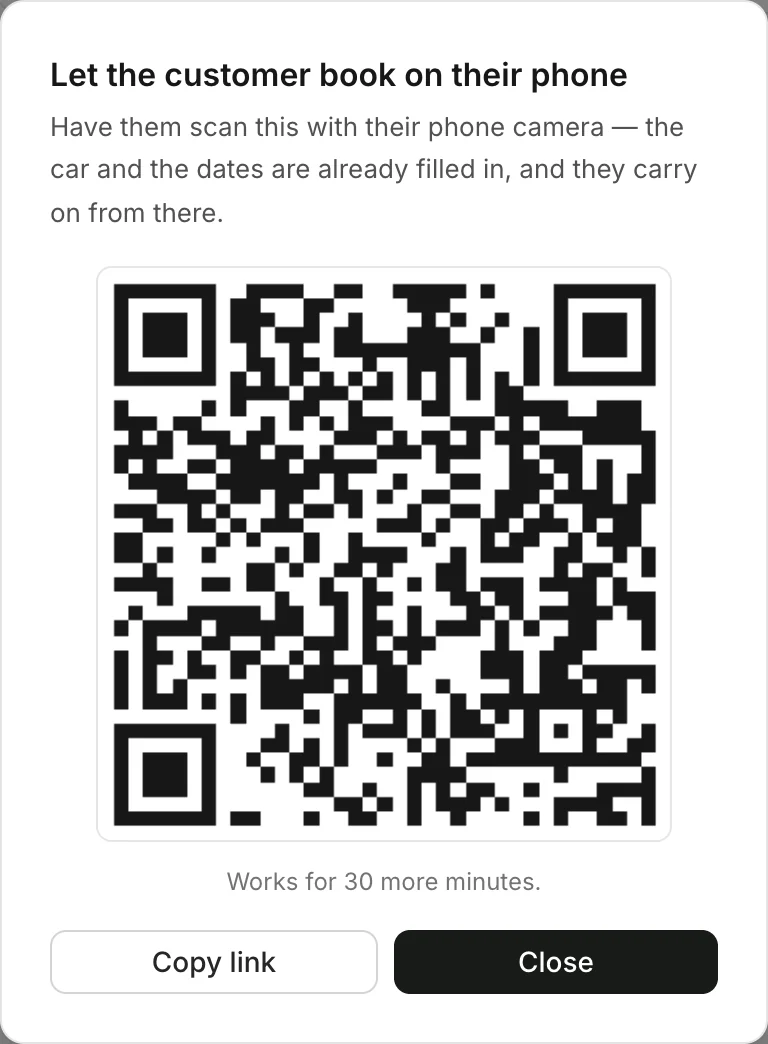
Let them scan it
The customer scans the code with their phone camera. The car and dates are filled in; they carry on from there. Or click Copy link and send it to them.
Good to know
- The code works for 30 minutes. Nothing is booked or held until the customer pays.
- Times are optional. Leave them and your usual counter hours apply.
- Have a tap sticker? The customer can tap their phone on it instead of scanning. Set up tap stickers
Still need help? Contact Rento support from your company dashboard.