Bookings
Export bookings
Download your bookings as a spreadsheet.
Available onWebsite
Open Export
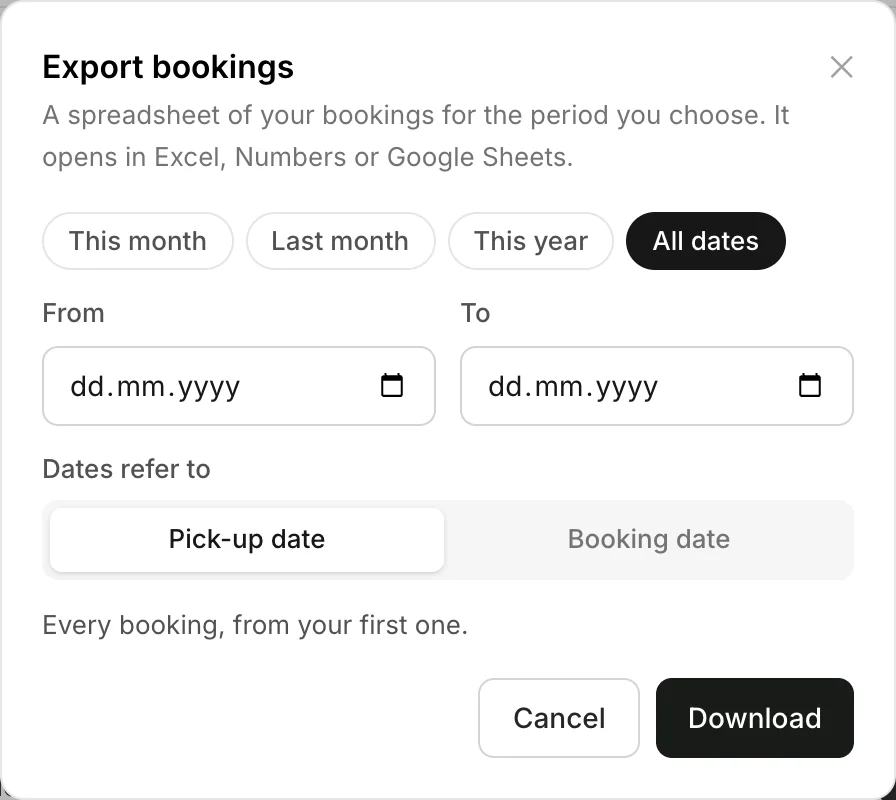
On the dashboard, open Bookings and click Export.
Choose the period
Pick This month, Last month, This year or All dates, or set From and To. Choose whether those dates mean the Pick-up date or the Booking date. Click Download.
Good to know
- The file opens in Excel, Numbers or Google Sheets.
- A big export is emailed to you when it's ready. You can carry on working meanwhile.
- Owners and managers can export bookings.
Still need help? Contact Rento support from your company dashboard.